
Your team’s everyday work, connected across stores.
Bring schedules, attendance, payroll records and permissions into one working system. Give each person a clearer part in running the store.
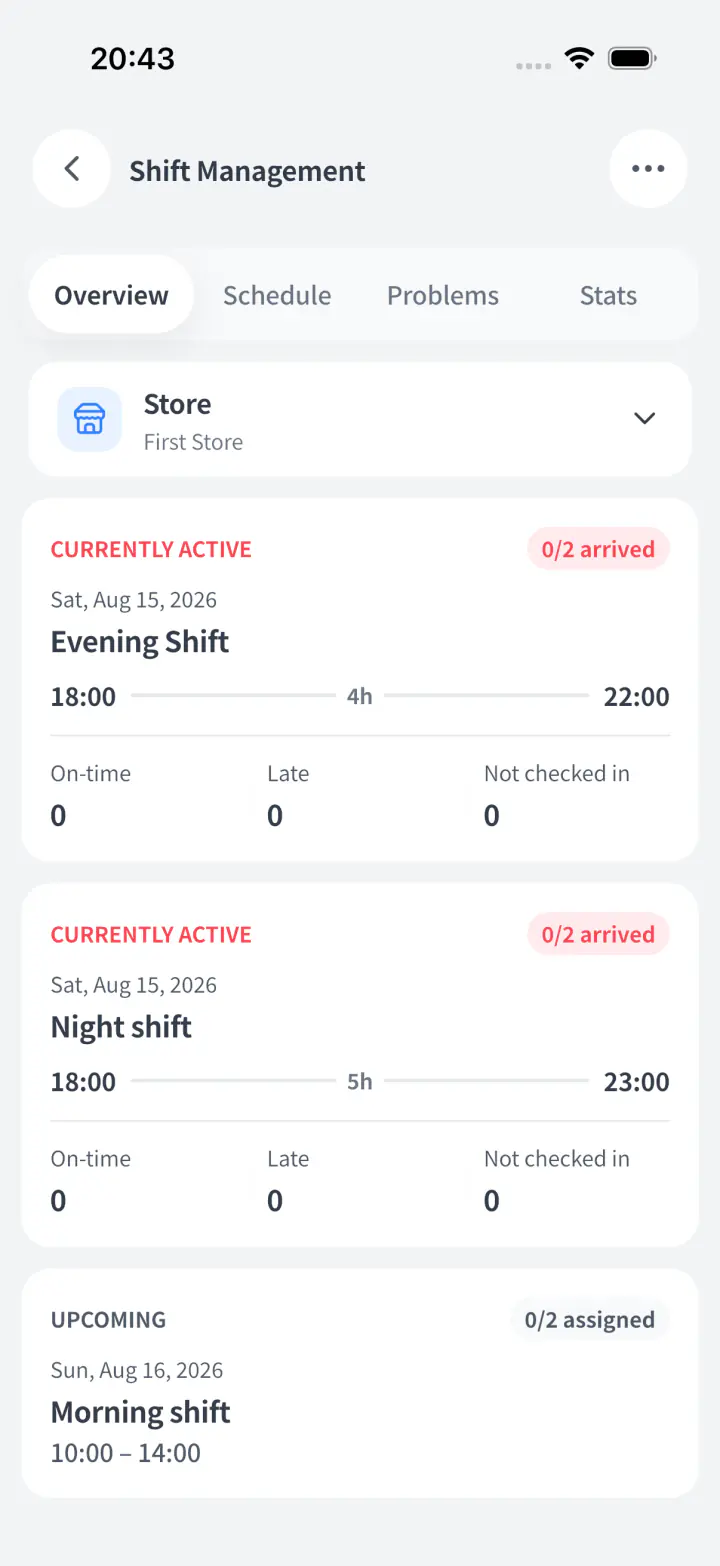
See your store floor in real time,
from anywhere.
Review recorded clock-ins, clock-outs and attendance issues in one place, then follow up with the person responsible.
Clear Overview Dashboard
Know who is on the floor right now without sending constant check-in messages.
Smart geofenced clock ins
Location checks support on-site attendance review. Device permissions and location accuracy affect the result.
Reliable Logging System
Keep clock-in and clock-out records available for attendance and payroll review.
Instant Problem Alerts
Get push alerts for no-shows, unapproved overtime, or forgotten clock-outs.
Staff availability and scheduling,
together.
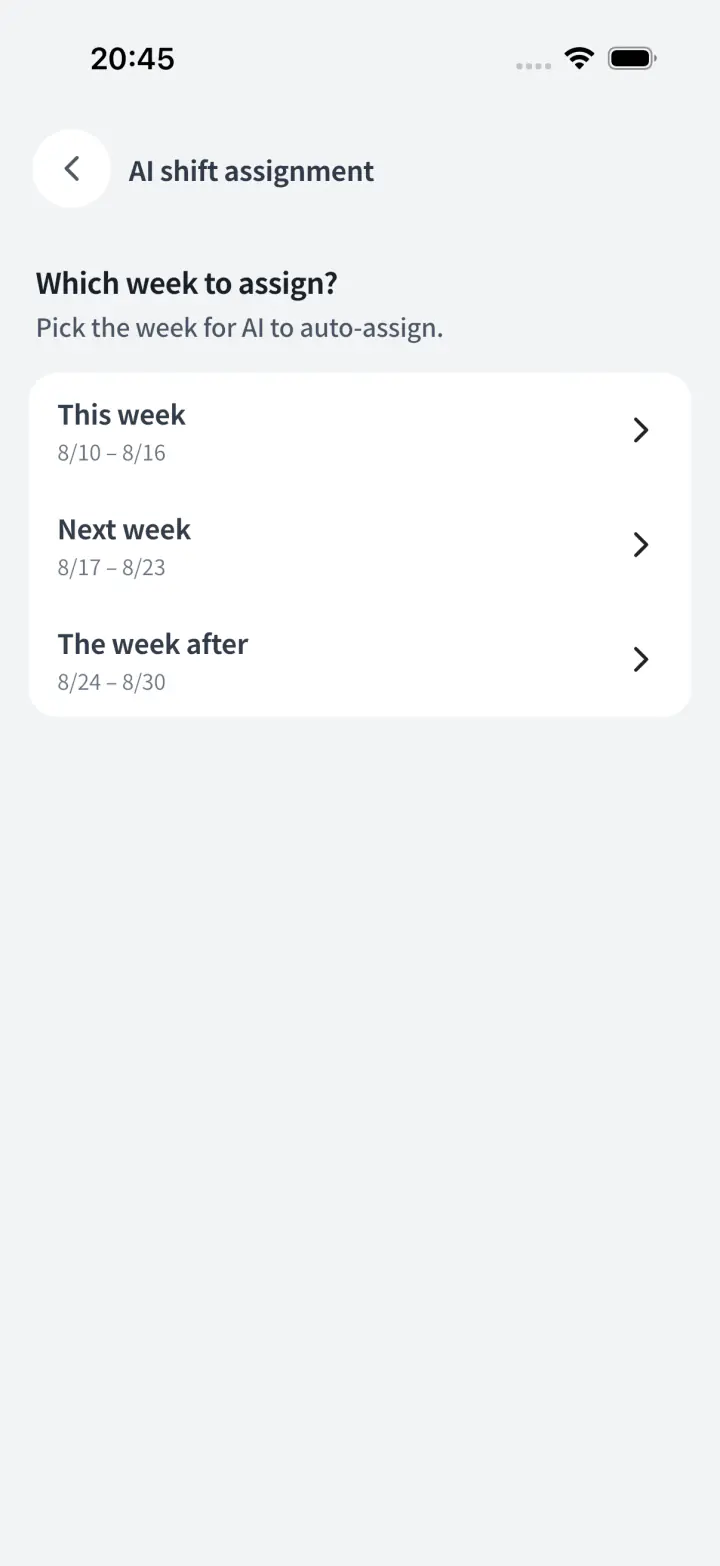
Collect availability and review assignments in the same schedule. Check coverage and staff constraints before confirming.
Review open shifts
Review available people alongside shifts that still need coverage.
Direct Availability Sync
Staff submit availability in the app and managers review the schedule in one place.
Fair shift ranking
Rank staff by punctuality and store rules, so reliable employees get priority shifts.
Connect attendance
to payroll review.
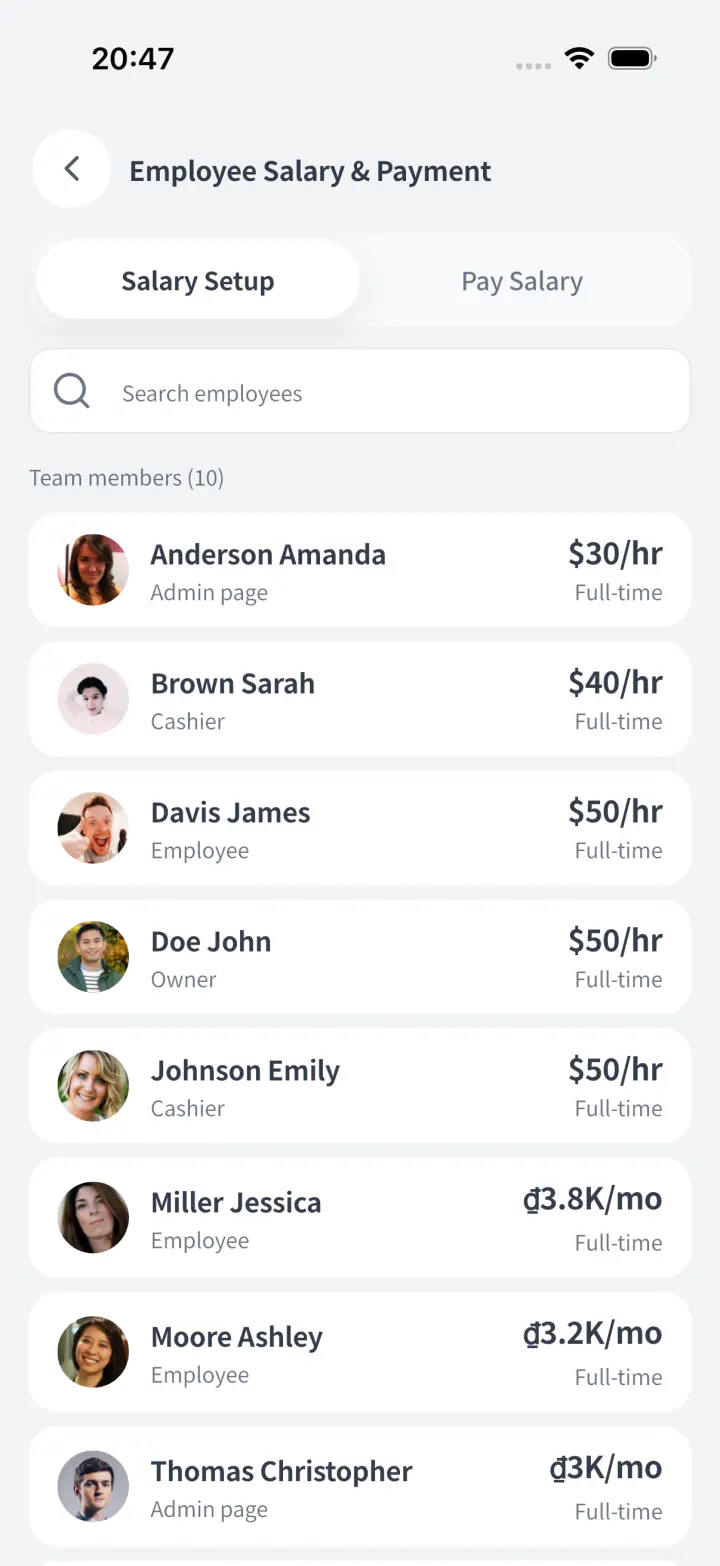
Use recorded attendance and configured pay rules as the basis for payroll. Review missing records, corrections and applicable local requirements before finalizing pay.
Automated Pay Calculation
Convert live clock-in data into precise pay totals automatically, without manual math.
Real time pay transparency
Managers and staff can view estimated pay anytime, cutting repetitive pay questions.
Records for pay discussions
Track overtime, lates, and shift edits clearly so pay conversations stay calm.
Seamless Finance Integration
Link payroll to Finance and understand labor costs beside total store costs.
Give each role
the access it needs.
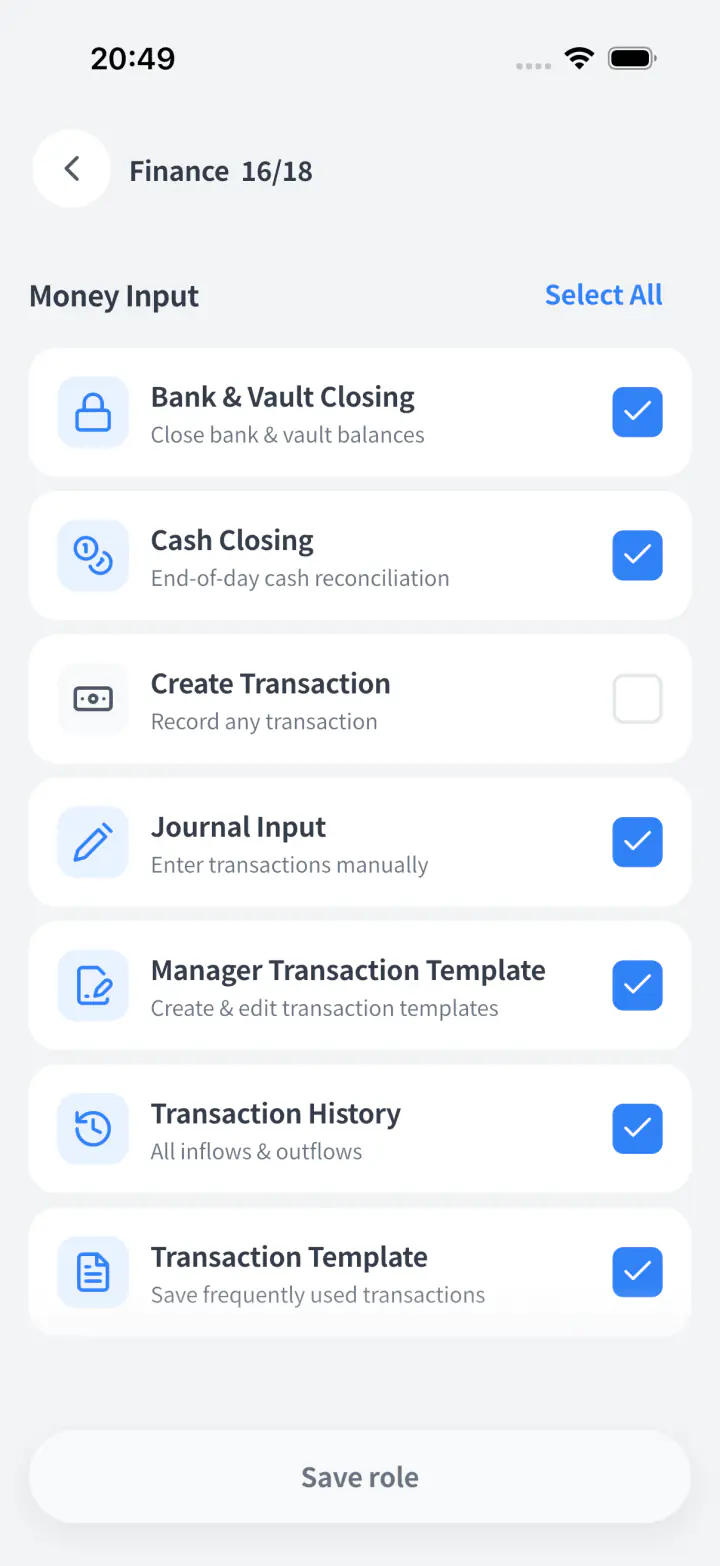
Review permissions by role and store so people can work with the information relevant to their responsibilities.
All in one data control
Stop making separate spreadsheets just to hide private info. Control access in one app.
Safeguards against mistakes
Review which actions a role can perform before granting access, and revisit permissions when responsibilities change.
Private Financial Data
Keep sales, vault balances, and hourly pay hidden from staff who do not need them.
One click role presets
Apply manager or floor-staff permissions instantly, or fine-tune toggles in seconds.
Give your team the daily work. Keep the right controls.
Answers about attendance issues, pay calculations, labour costs, schedules and access.
Can I calculate payroll from attendance without rebuilding timesheets every payday?
Storebase calculates pay from recorded attendance and configured pay rules, so you can review payroll without recreating timesheets. Clock-in and clock-out records form the basis of pay calculations. Managers and staff can review estimated pay, while late arrivals, overtime and shift edits remain available for pay discussions. Review missing records, corrections and applicable local requirements before finalizing pay.
See how attendance becomes payrollHow do I catch missed clock-outs and late arrivals before payday?
Storebase brings attendance issues into one review list, so managers can address missing or disputed records before they affect payroll review. Review the employee, shift and recorded times for a late arrival, absence or missed check-out. Staff can explain what happened and managers can respond in the app. Keep the correction and its context with the attendance record instead of reconstructing it from messages at month end.
See the attendance overview and issue reviewCan employees check how their pay was calculated instead of asking me to explain it every time?
Storebase lets employees review their own estimated pay and the attendance records behind it, so pay questions start from shared information. Recorded hours, overtime, late arrivals and shift changes provide the context for a discussion. Staff can raise a question and managers can review it before pay is finalized. Access follows the assigned role, and an estimate is not confirmation that wages have been paid.
See employee pay details and reviewWill payroll appear in store finances, or do I need another labour-cost spreadsheet?
Storebase links payroll with Finance so you can review labour costs alongside the other costs of running each store. Use recorded attendance and configured pay rules to calculate pay, resolve outstanding issues and record the relevant payroll payment. The employee view distinguishes unpaid, partly paid and paid amounts. Review the period and store when comparing costs; calculating pay and recording its payment are separate steps.
See payroll review and payment statusCan my managers handle staff availability and schedules without me collecting every request?
Staff submit availability in Storebase and managers review it alongside the schedule, so the owner does not have to assemble every request. Review open shifts, applicants and staffing needs across stores in one place. Managers check coverage and staff constraints before confirming assignments, with attendance and schedule changes available to the team. The shared workflow supports their decisions rather than making every scheduling decision for them.
Explore availability and shift planningCan staff do their jobs without seeing every store’s sales or other employees’ pay?
Storebase separates viewing and editing access by role and store, so you can delegate work without sharing owner-level access. Give managers and staff the permissions their work needs, while keeping sales, vault balances and hourly pay visible only to the appropriate people. Set access in one system instead of making separate spreadsheets to hide sensitive information. Review permissions when a person’s responsibilities change.
Review role and financial-data permissionsTry a connected team workflow.
Start your free trial today. No credit card required.