
Show contents
Debts › Fix balances
Fix a debt balance
- Who
- Owner · Finance staff
- When
- When a balance differs from the real one, or a debt can't be collected
- Where
- App · Web
What you get
- Fix a partner's balance with a reason: a mistake, a debt you can't collect (bad debt), or a debt you let go.
- On the website, when partners have small leftover amounts, set them all to 0 at once from Debt Management › «More».
What it solves
- Leftovers of a few hundred dong, or debts you can no longer collect, sit in the list for months.
Why this way
- Each reason goes to a different place in the books, so later you know why it was fixed.
- What if a bad debt gets paid later? In the app, record it with «Got paid on a write-off».
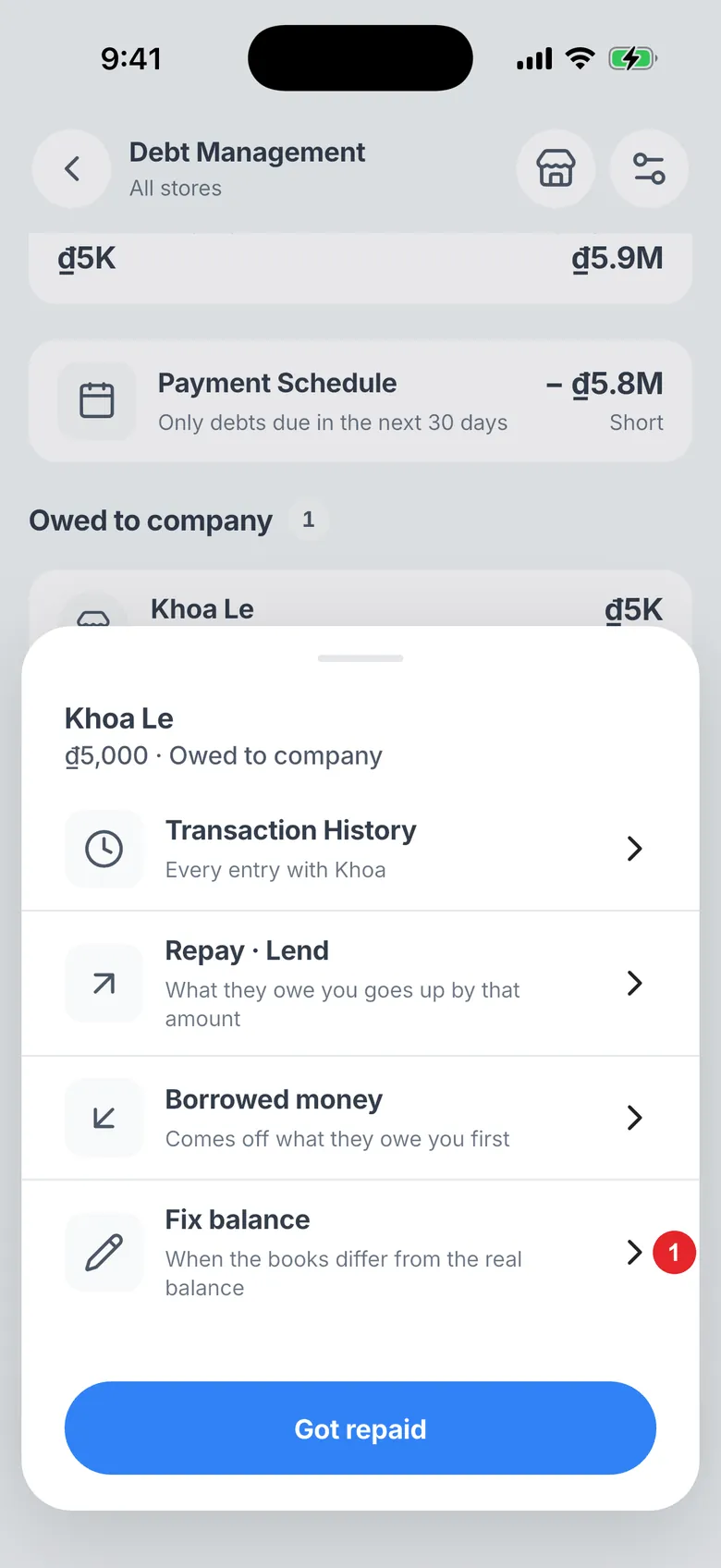
- Tap «Money» at the bottom of the app, open «Debt Management», tap the partner and tap «Fix balance». Here it is Khoa Le, who owes you ₫5,000.
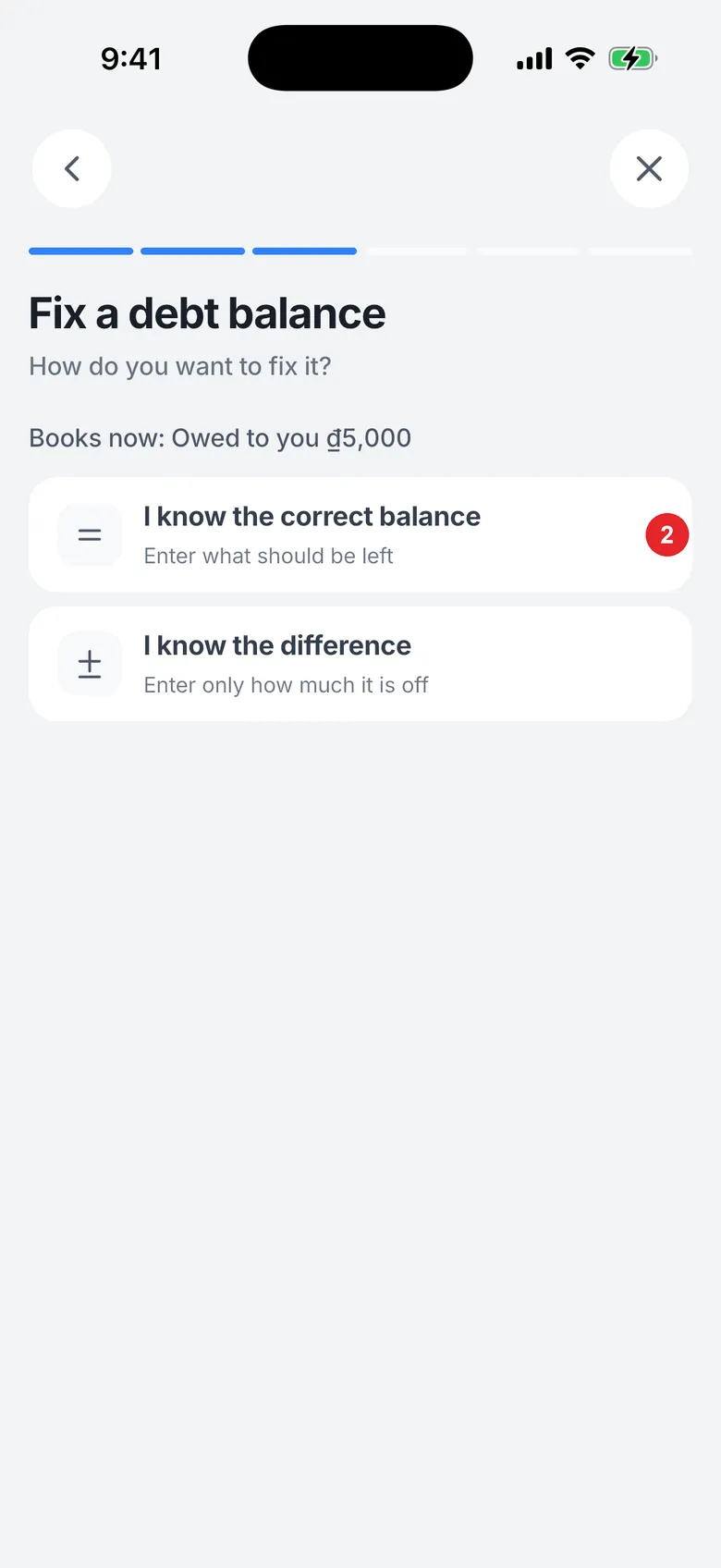
- Tap «I know the correct balance». This is the way to enter the amount that should be left.
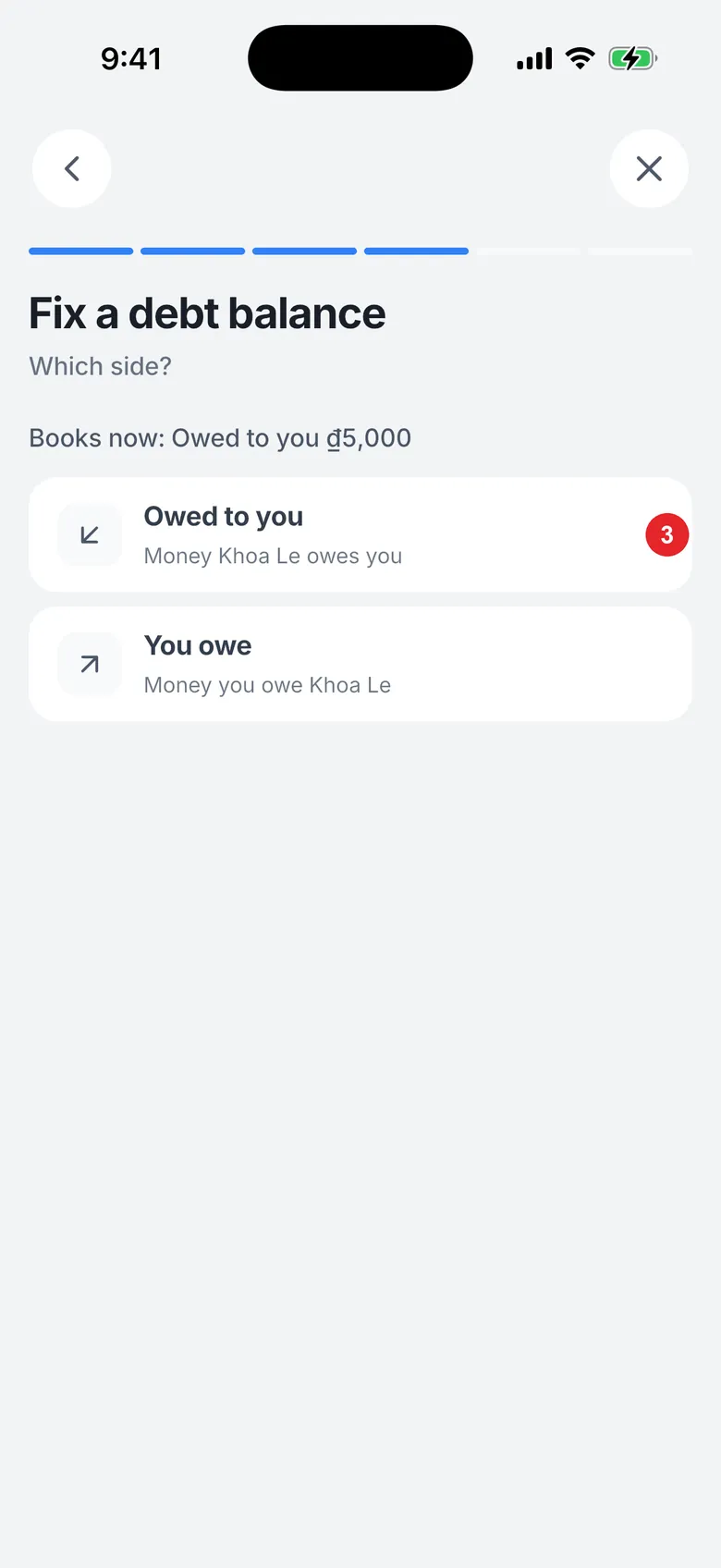
- Tap «Owed to you».
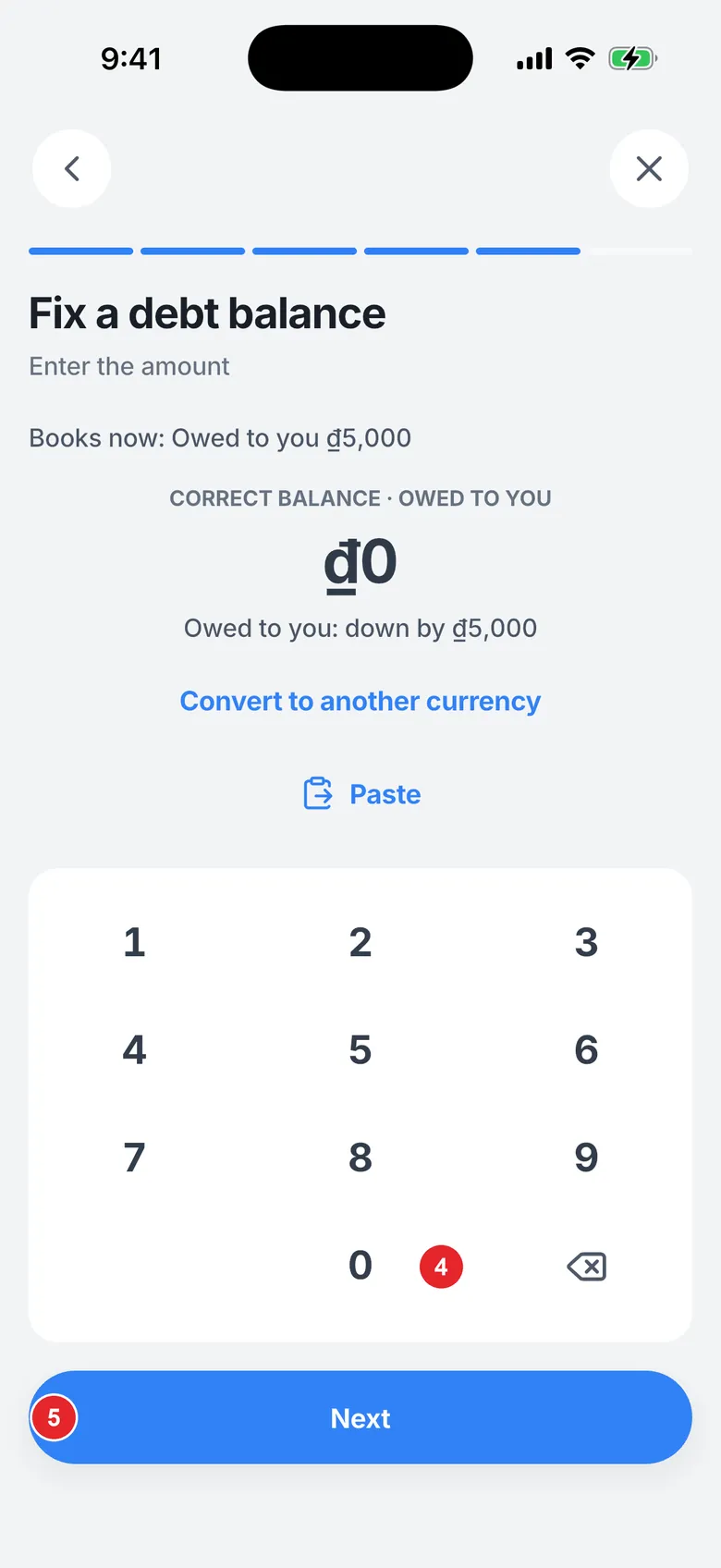
- Enter the correct balance. If you won't collect it, tap «0». Even if ₫0 already shows, you have to tap «0» once for «Next» to turn on.
- Tap «Next».
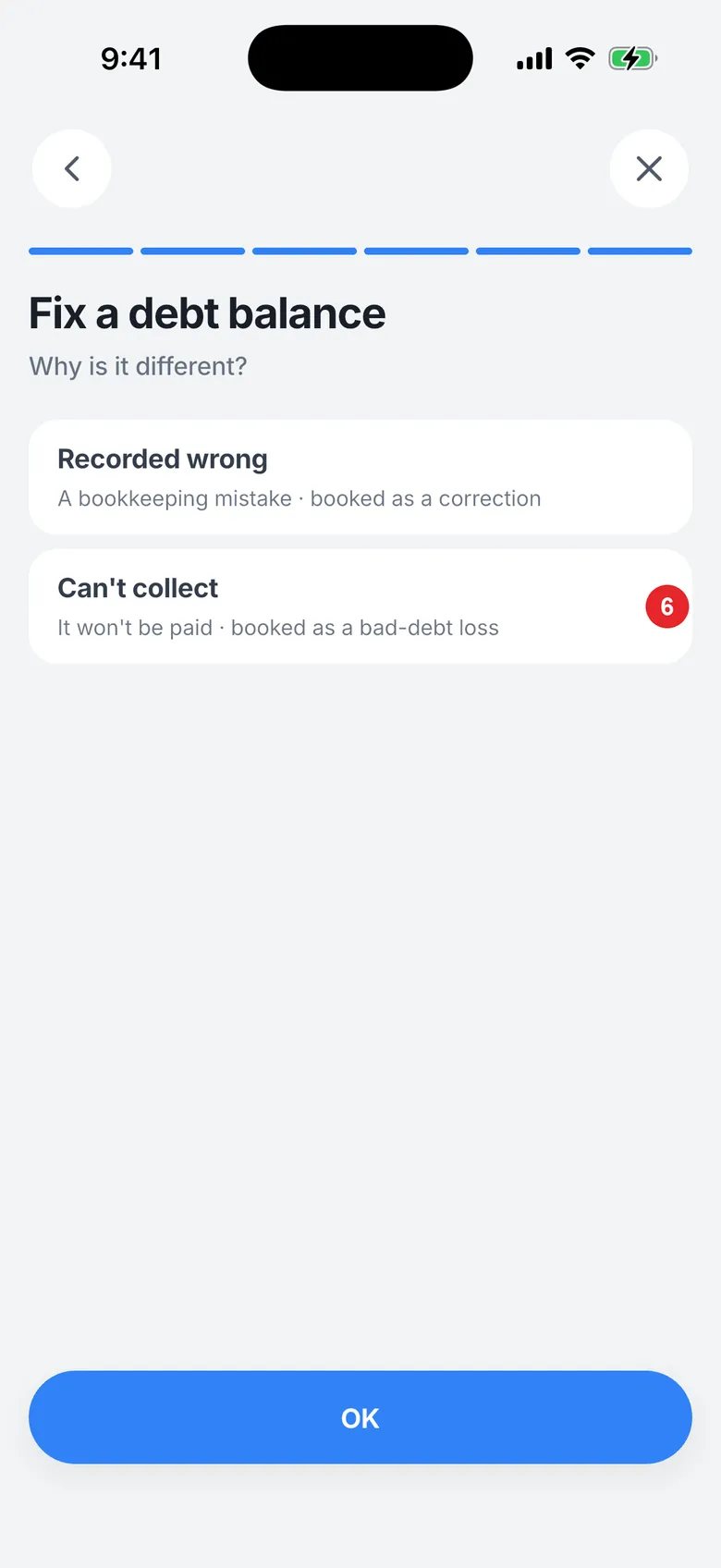
- If you won't collect it, tap «Can't collect» and tap «OK». It is recorded as a loss (bad debt). For a bookkeeping mistake it is «Recorded wrong».
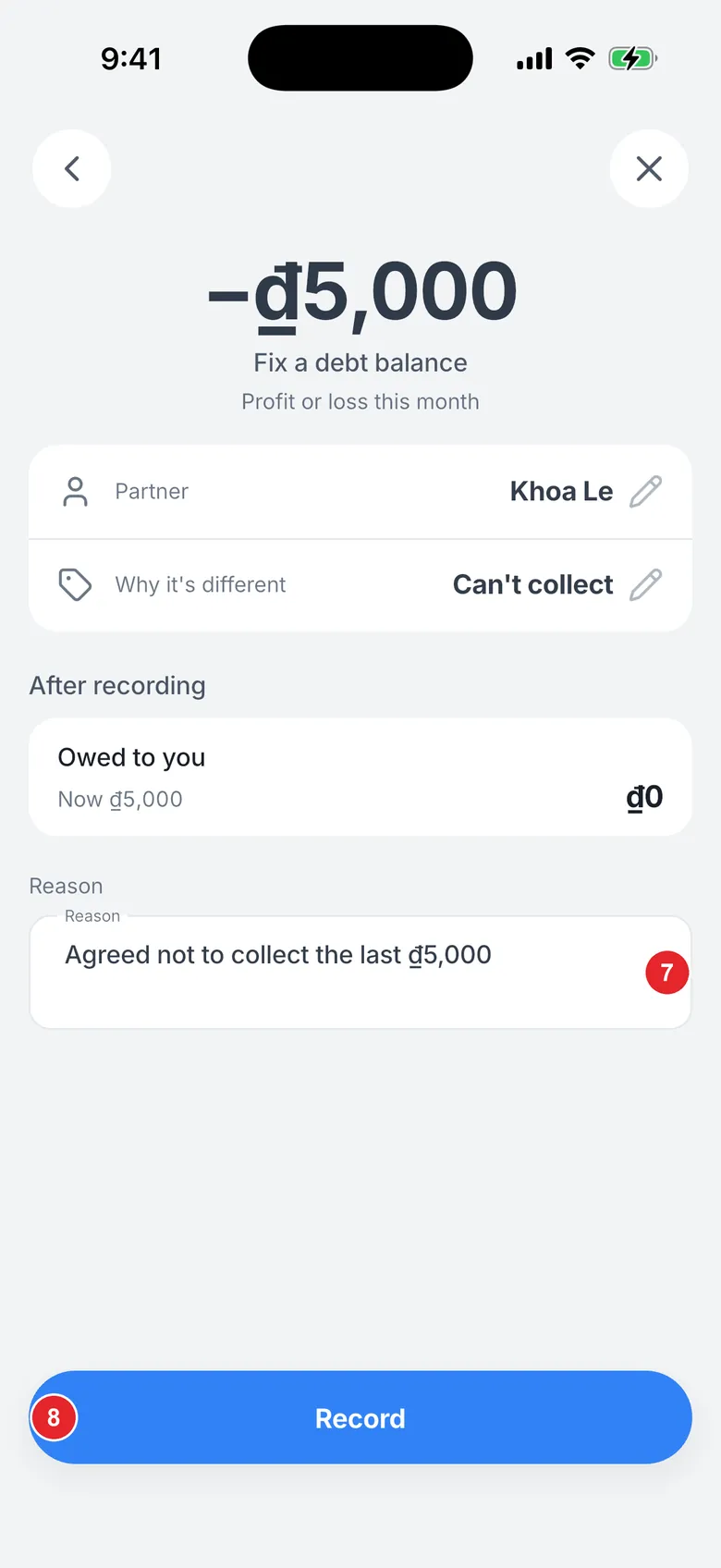
- Write the cause in «Reason». Here it is “Agreed not to collect the last ₫5,000”.
- Tap «Record».
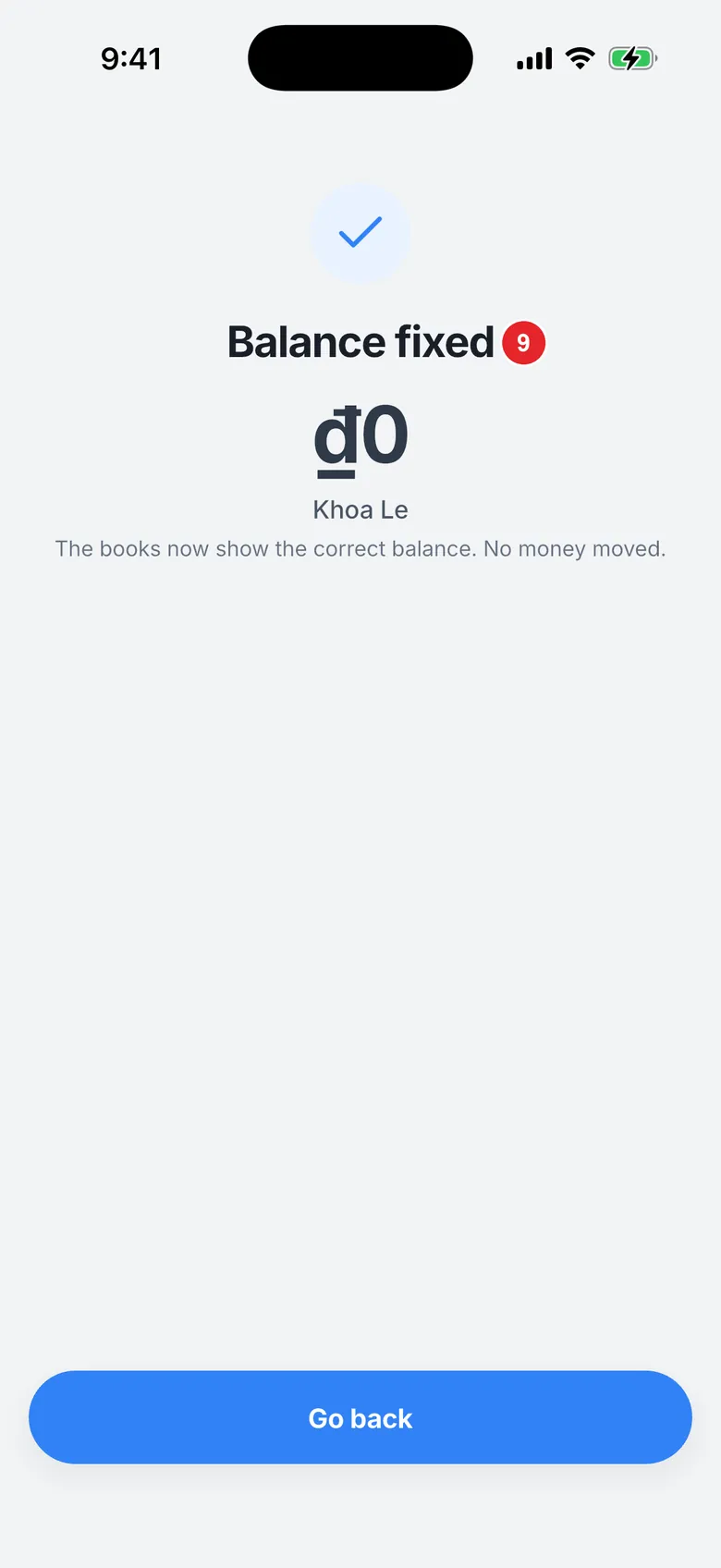
- «Balance fixed» appears and Khoa Le's balance becomes ₫0. No money moves; only the books change.
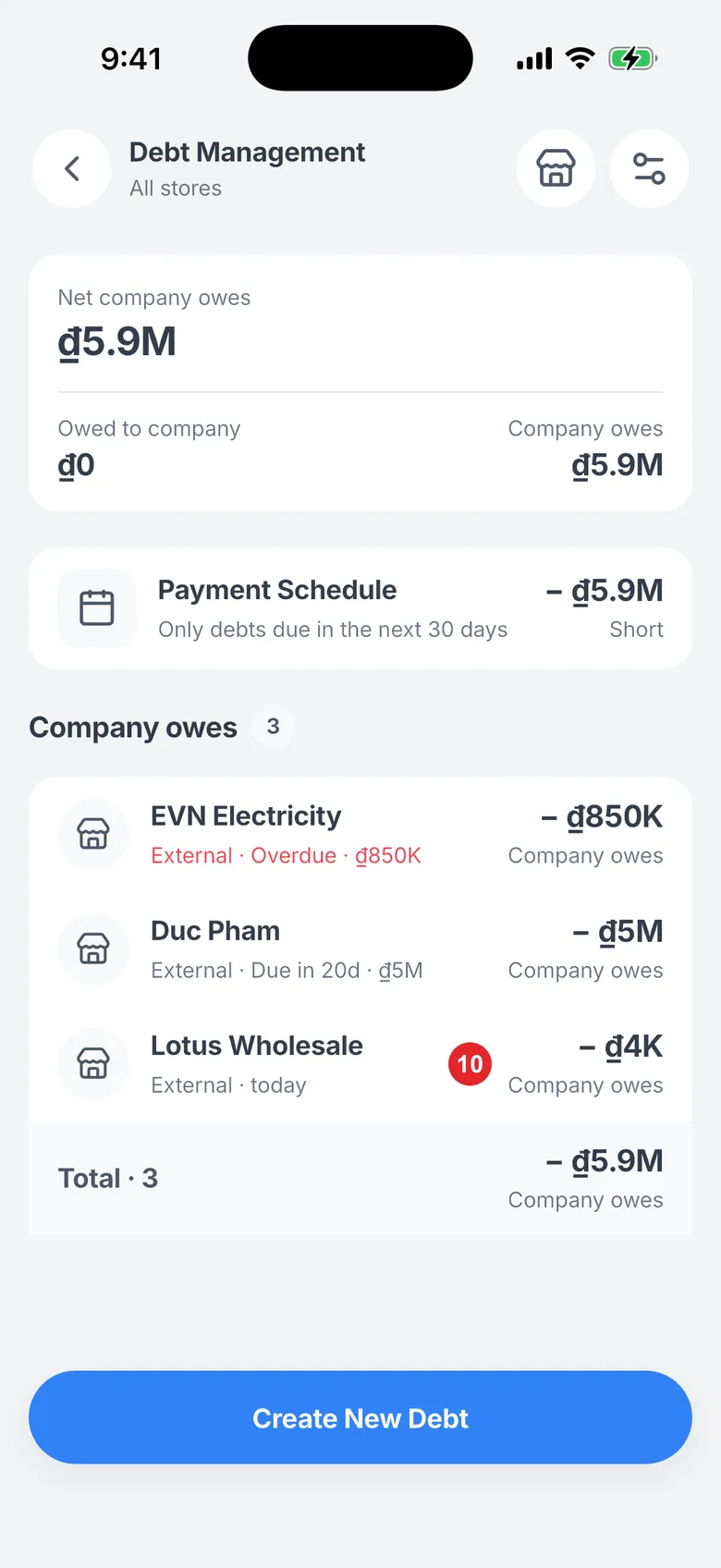
- Khoa Le is off the list. «Lotus Wholesale» still has ₫4,000 left. Small balances like this can be set to 0 all at once with the website's «Set small balances to 0».