
Show contents
Grow stores & business › More business
Move money with your other company
- Who
- Owner
- When
- When you move money between companies
- Where
- App · Web
What you get
- Record it once and it goes into both companies' books. The sending company gets money to receive; the receiving company gets money to pay.
- Between companies with the same owner, the partners are already made, so there's nothing to set up.
What it solves
- Writing money moved between companies on each side separately, you miss one side and the two books don't match.
Why this way
- The other company's books get the same amount in the opposite direction.
- When doesn't it work? If the two companies have different base currencies, you can't move money.
- How does it show in the books? The sending company keeps it as «Lend money» (money to receive), the receiving company as «Borrow money» (money to pay). In Debt Management, the row for your other company is marked «Internal · settled together».
- To get it back or repay it? Tap that company's row in Debt Management and collect or repay («Lend, borrow, get paid back»).
In the sending company
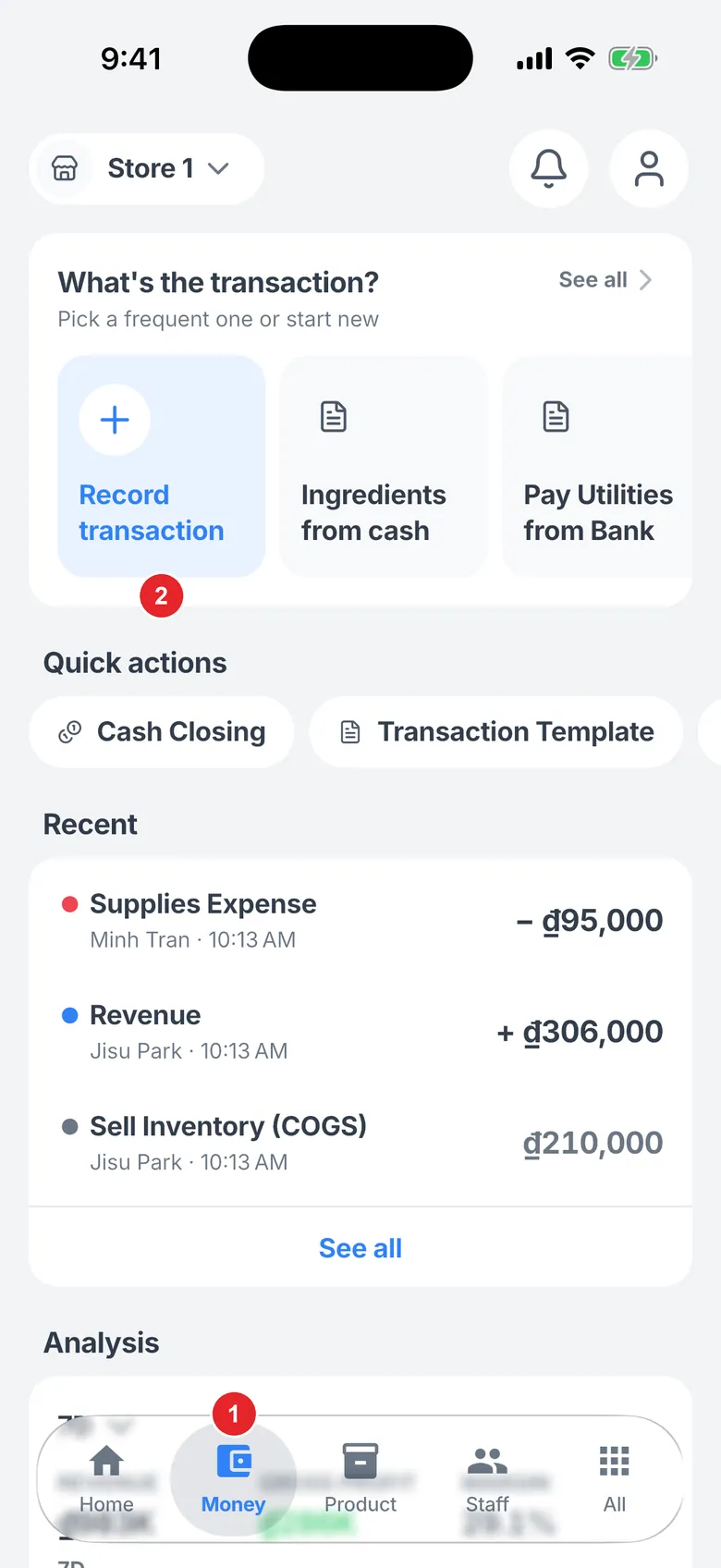
- Tap «Money» at the bottom of the app.
- Tap «Record transaction».
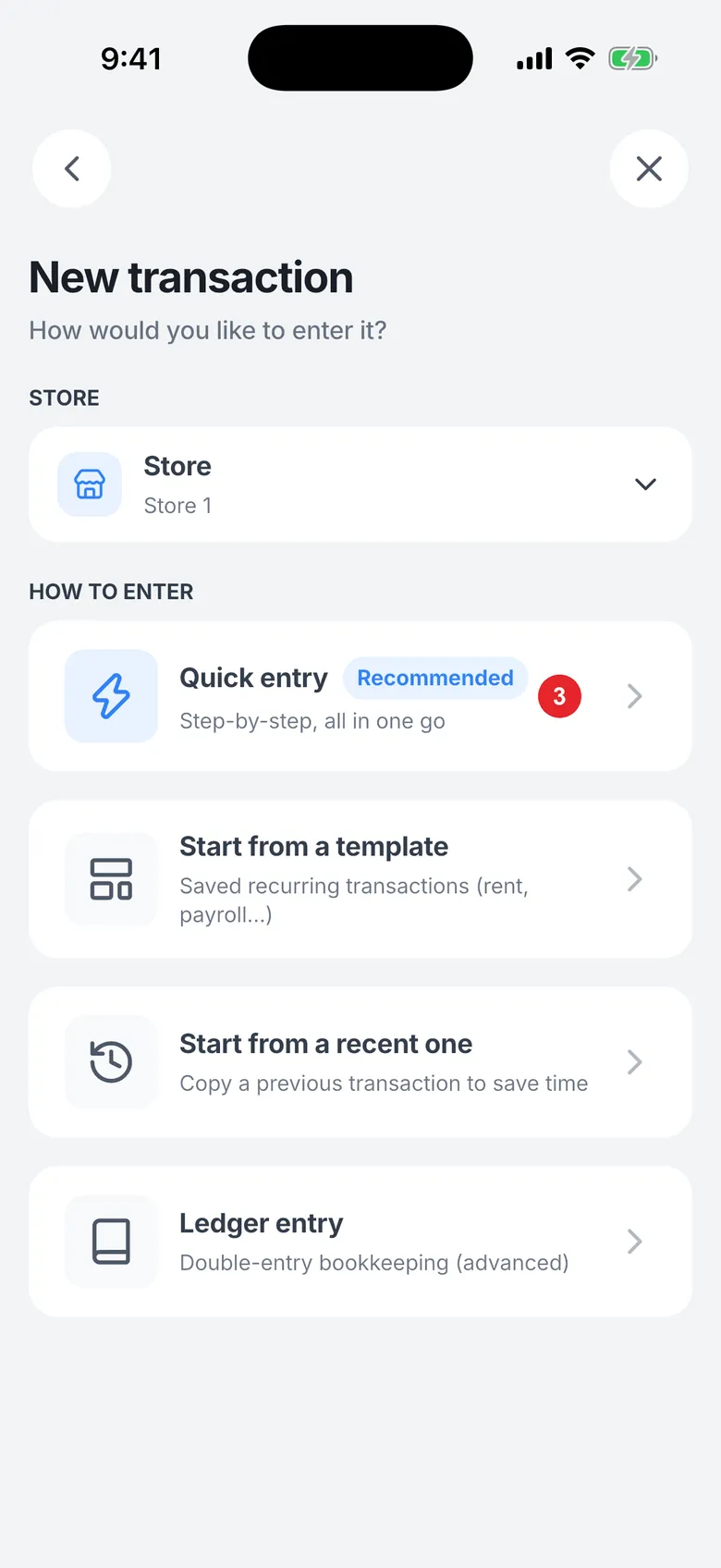
- Tap «Quick entry».
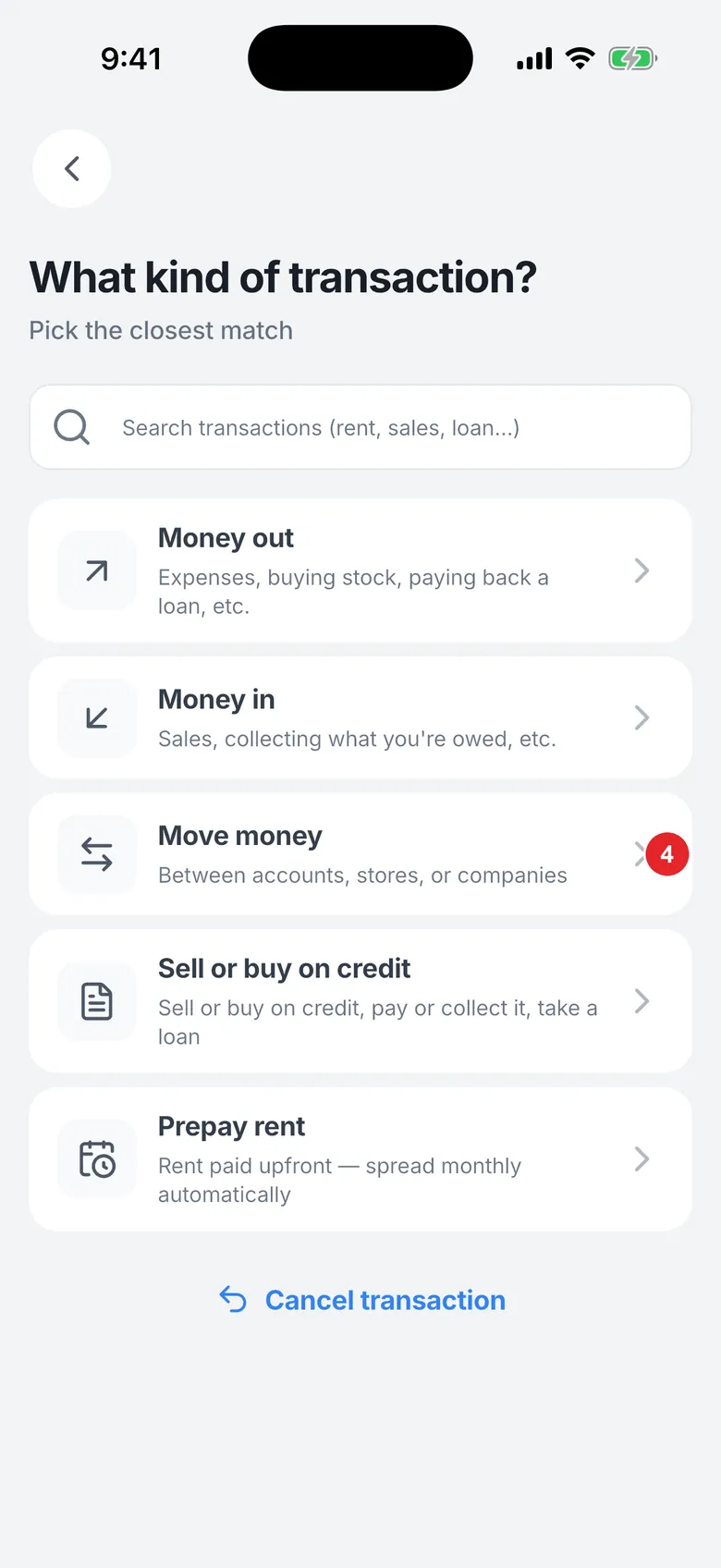
- Tap «Move money».
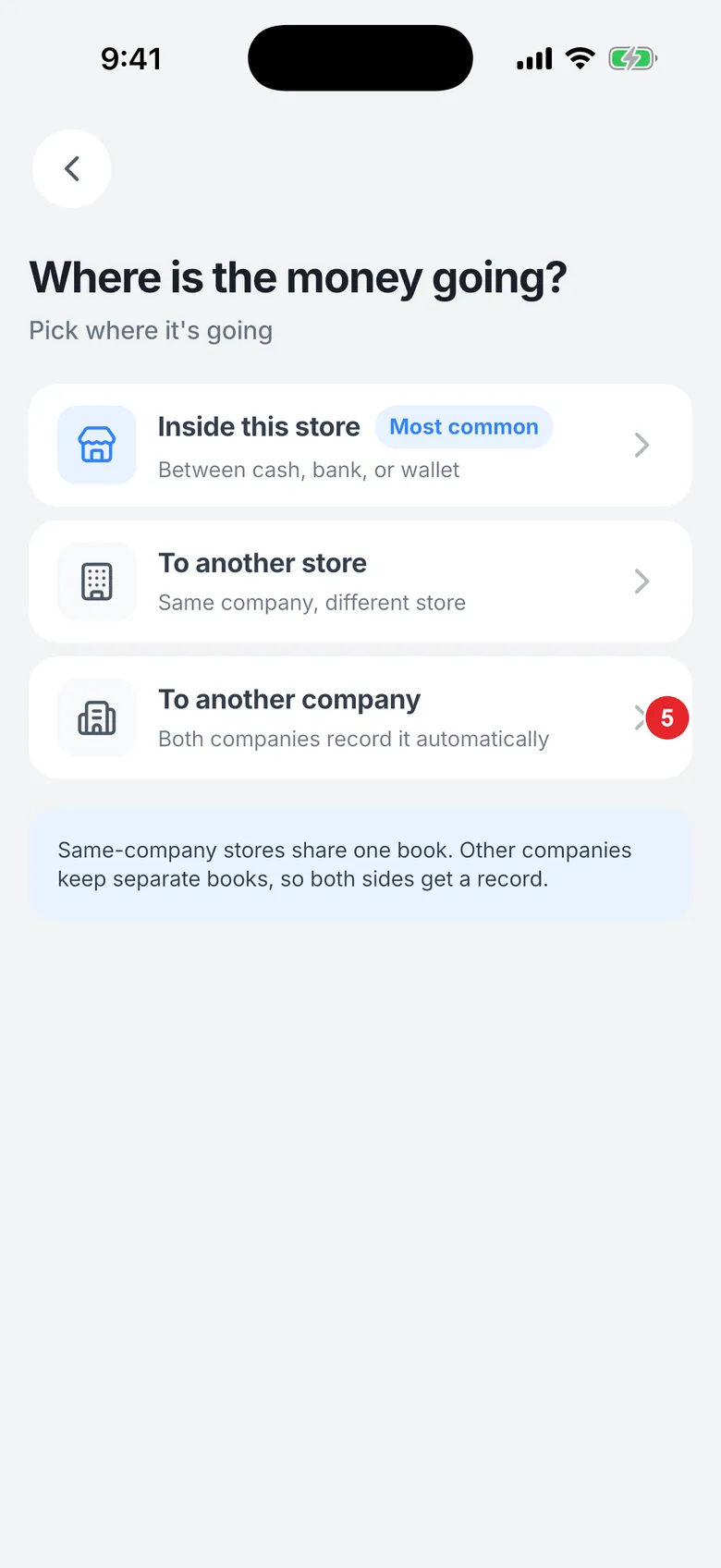
- Tap «To another company». Both companies record it automatically.
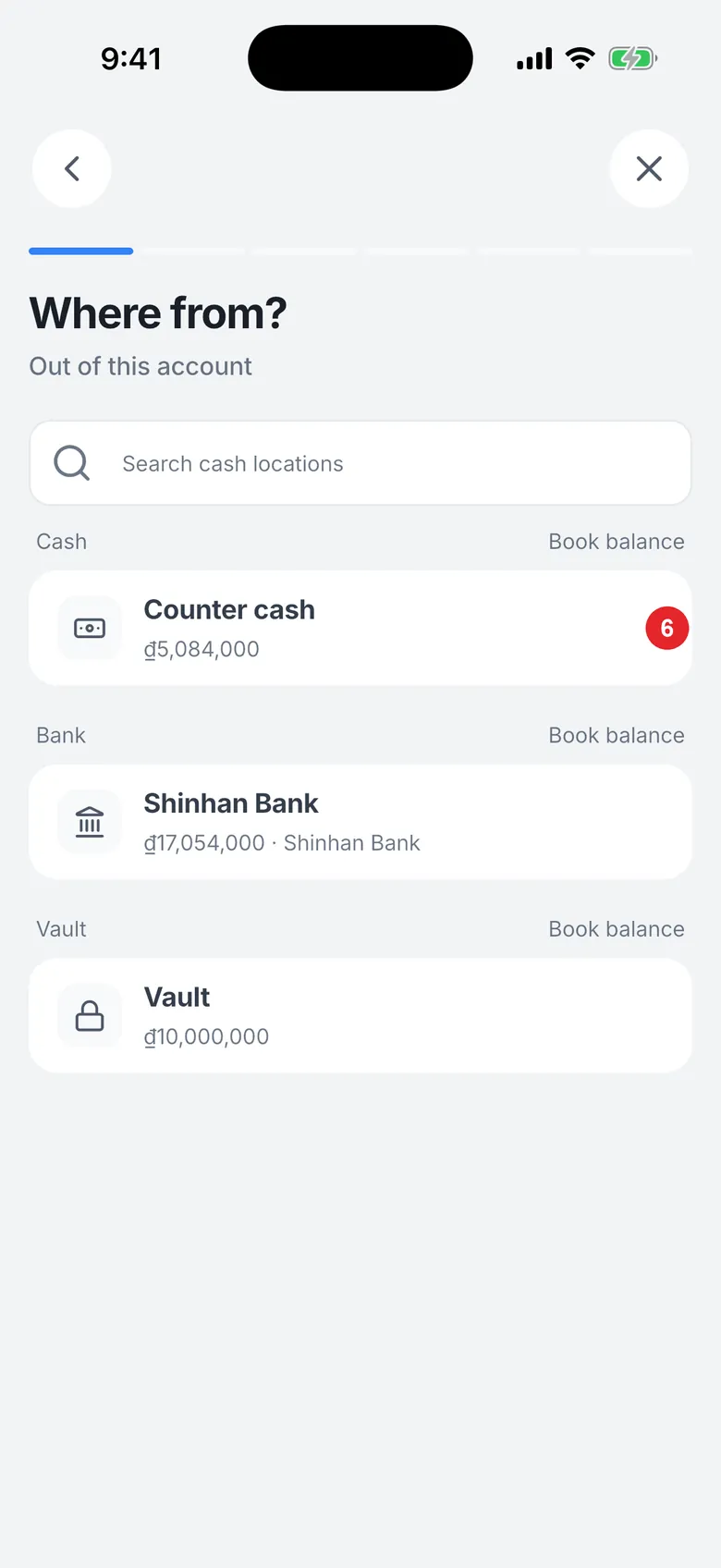
- Tap where the money goes out from. Here it is «Counter cash».
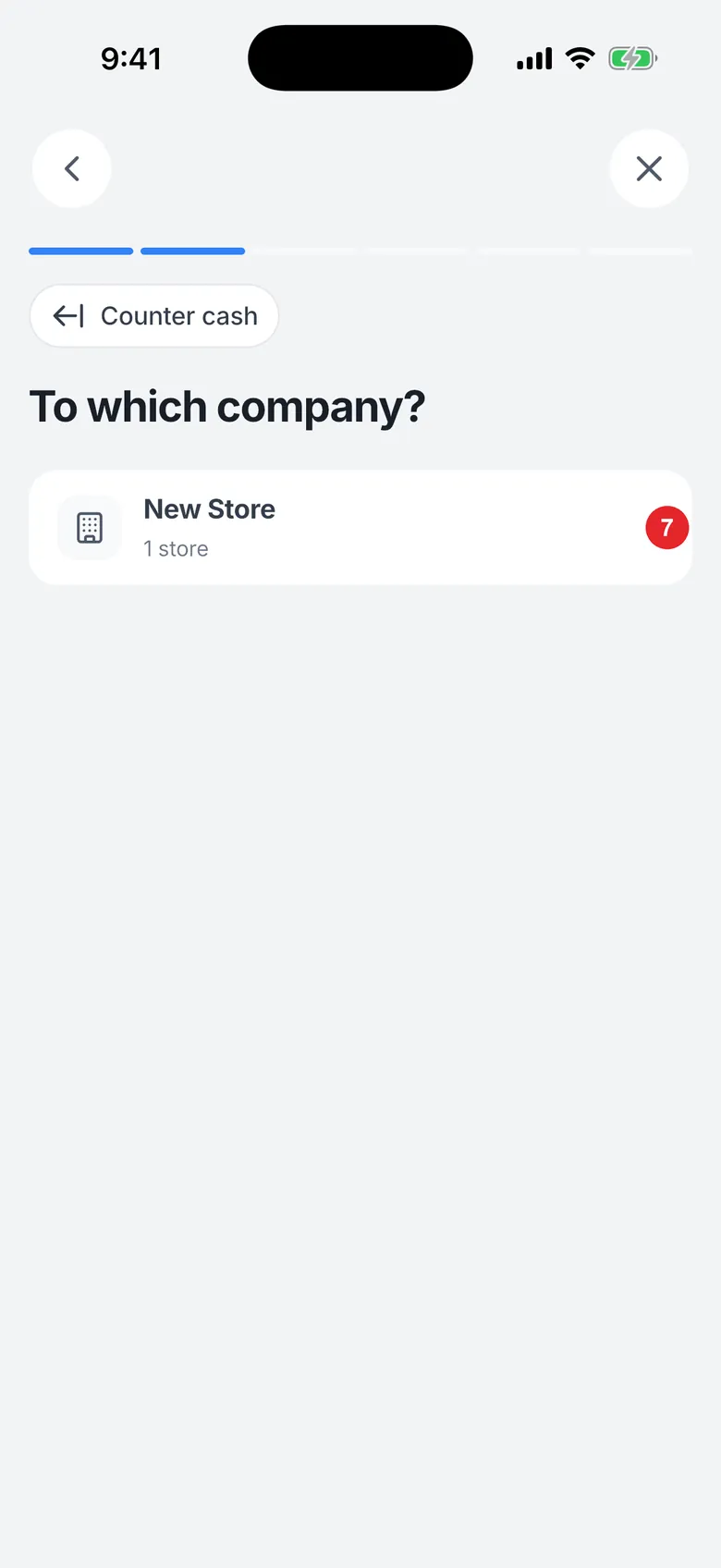
- Tap the receiving company. Here it is «New Store».
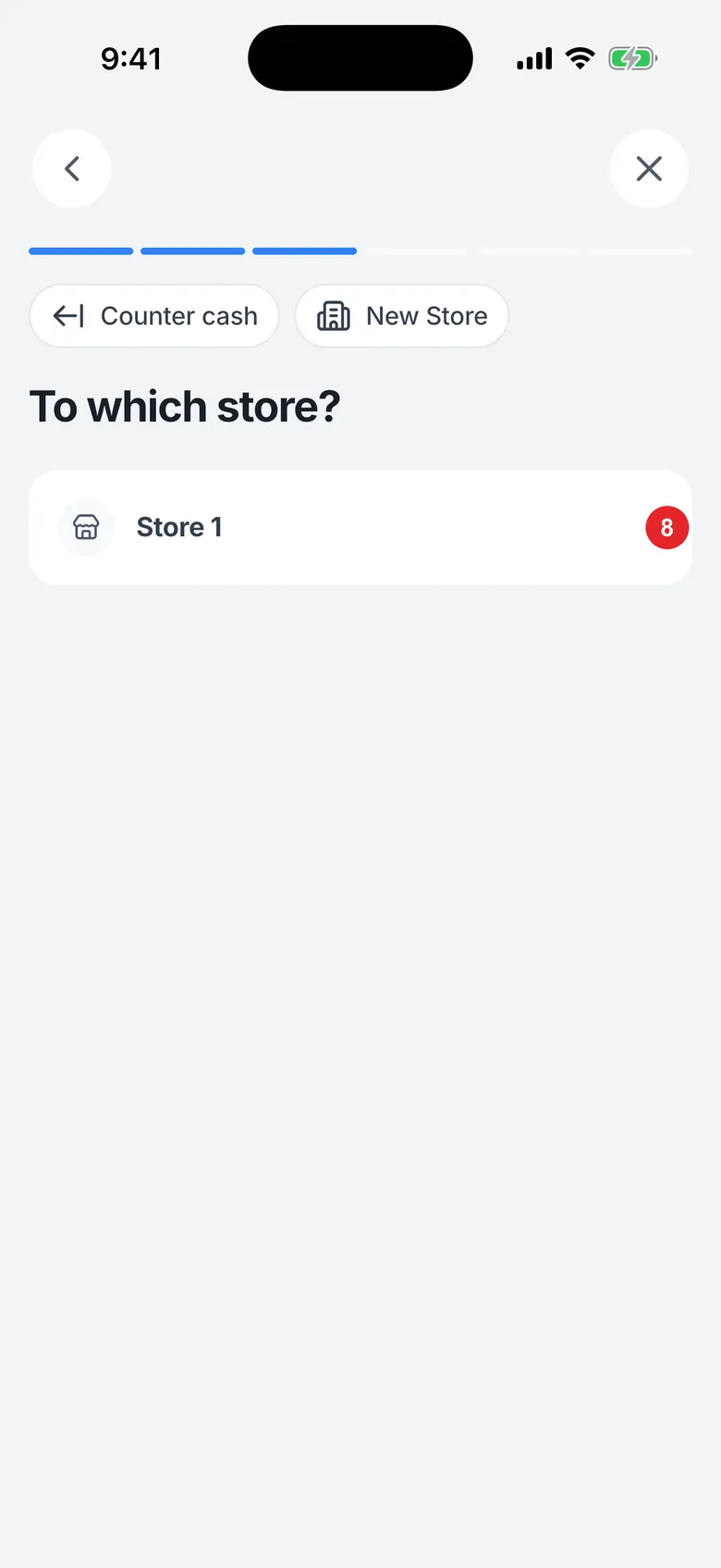
- Tap the receiving store. Here it is «Store 1».
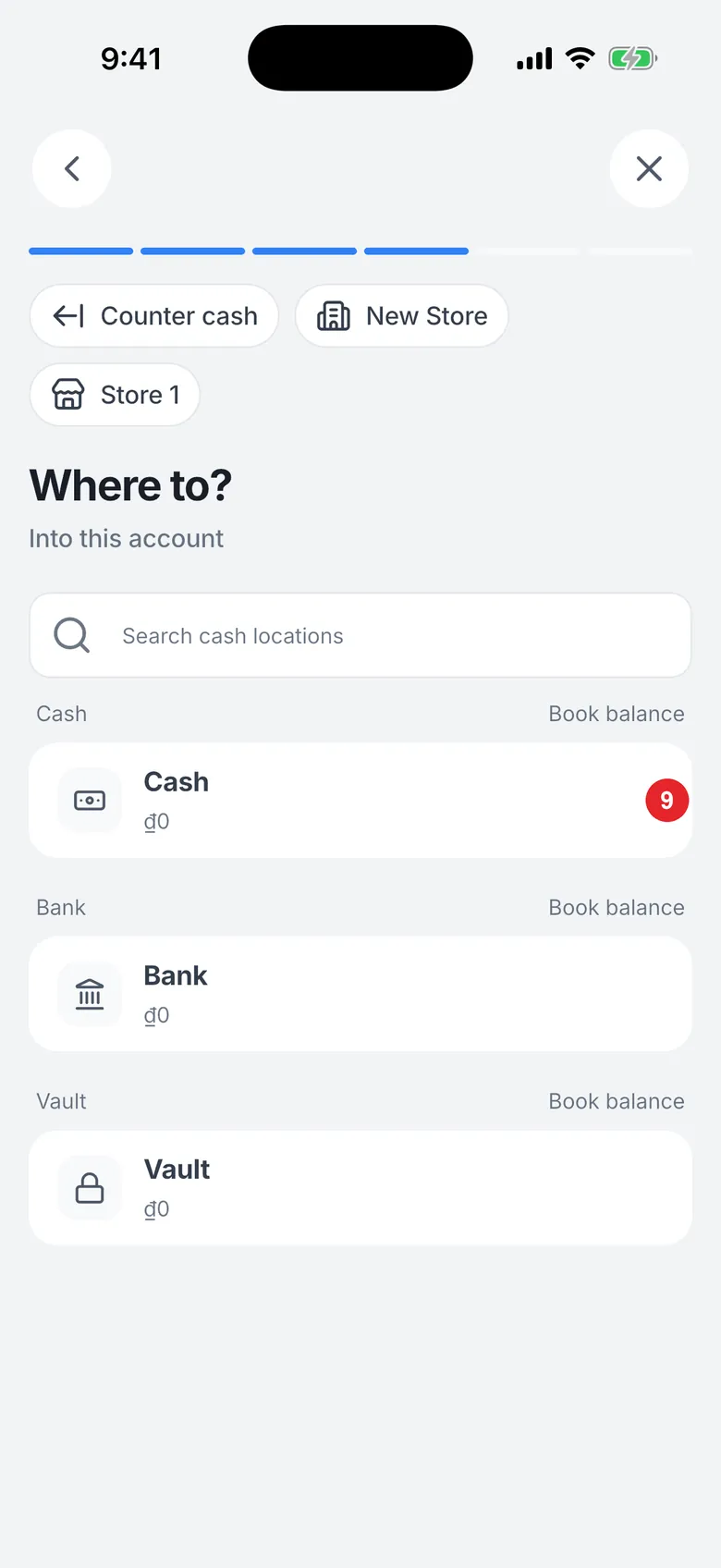
- Tap where the money goes. Here it is New Store's default cash location, «Cash».
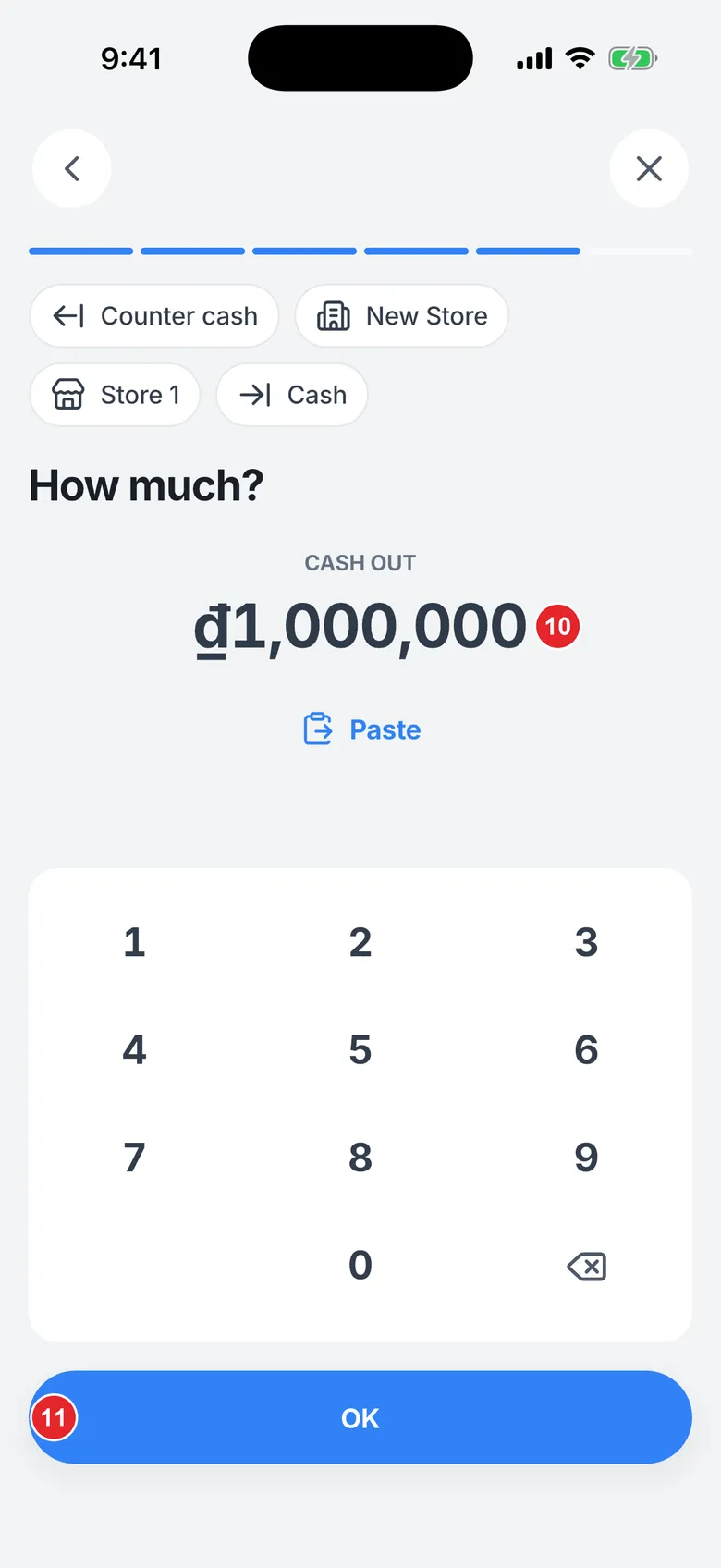
- Enter the amount to move. Here it is ₫1,000,000.
- Tap «OK».
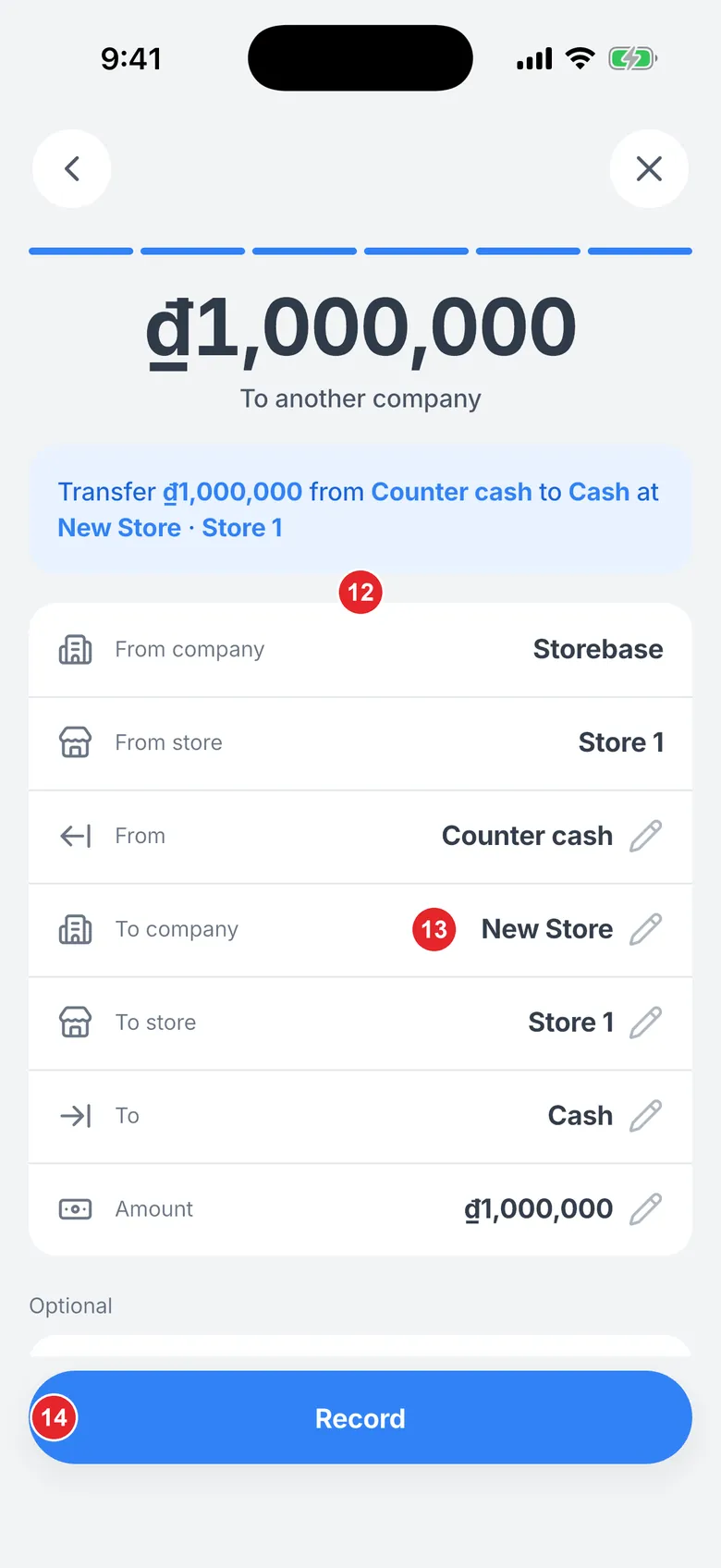
- In the blue sentence at the top, see where it moves from, where to and how much.
- Check that «To company» is «New Store».
- Tap «Record».
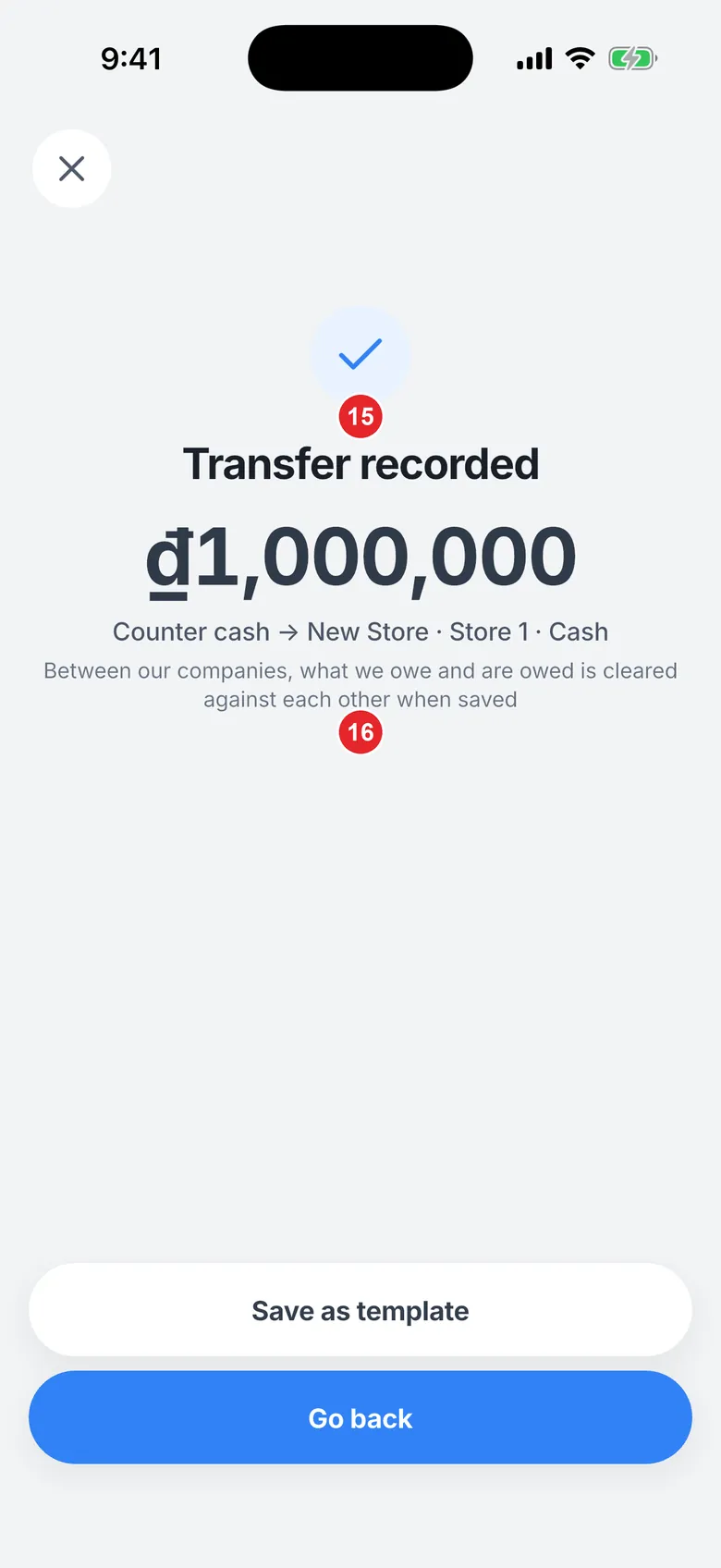
- «Transfer recorded» appears.
- «Between our companies, what we owe and are owed is cleared against each other when saved» means that when the two companies both owe and are owed, only what is left after subtracting stays. The money you moved doesn't disappear (step 21). Tap «Go back».
Look in the receiving company
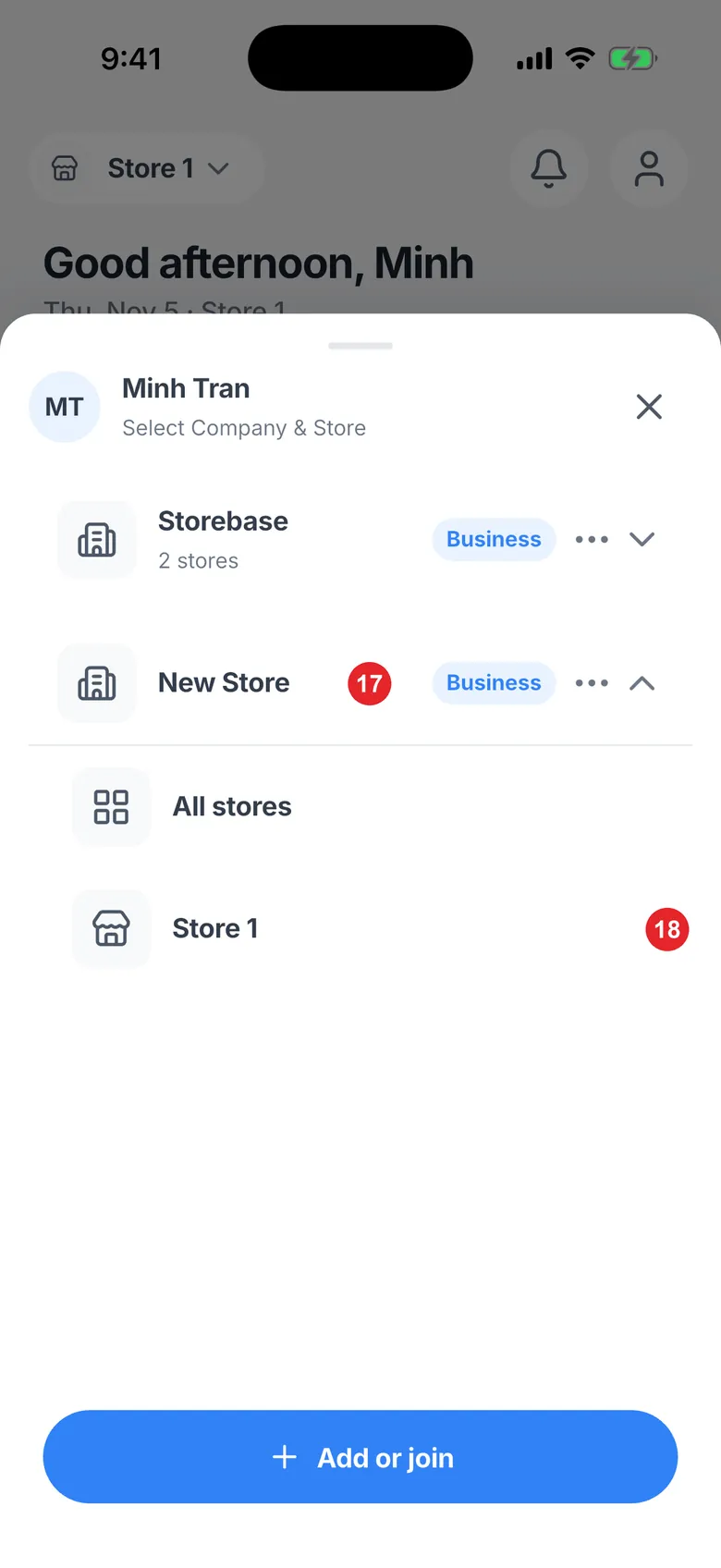
- Tap the store button at the top left of Home and, in «Select Company & Store», tap «New Store».
- Tap «Store 1».
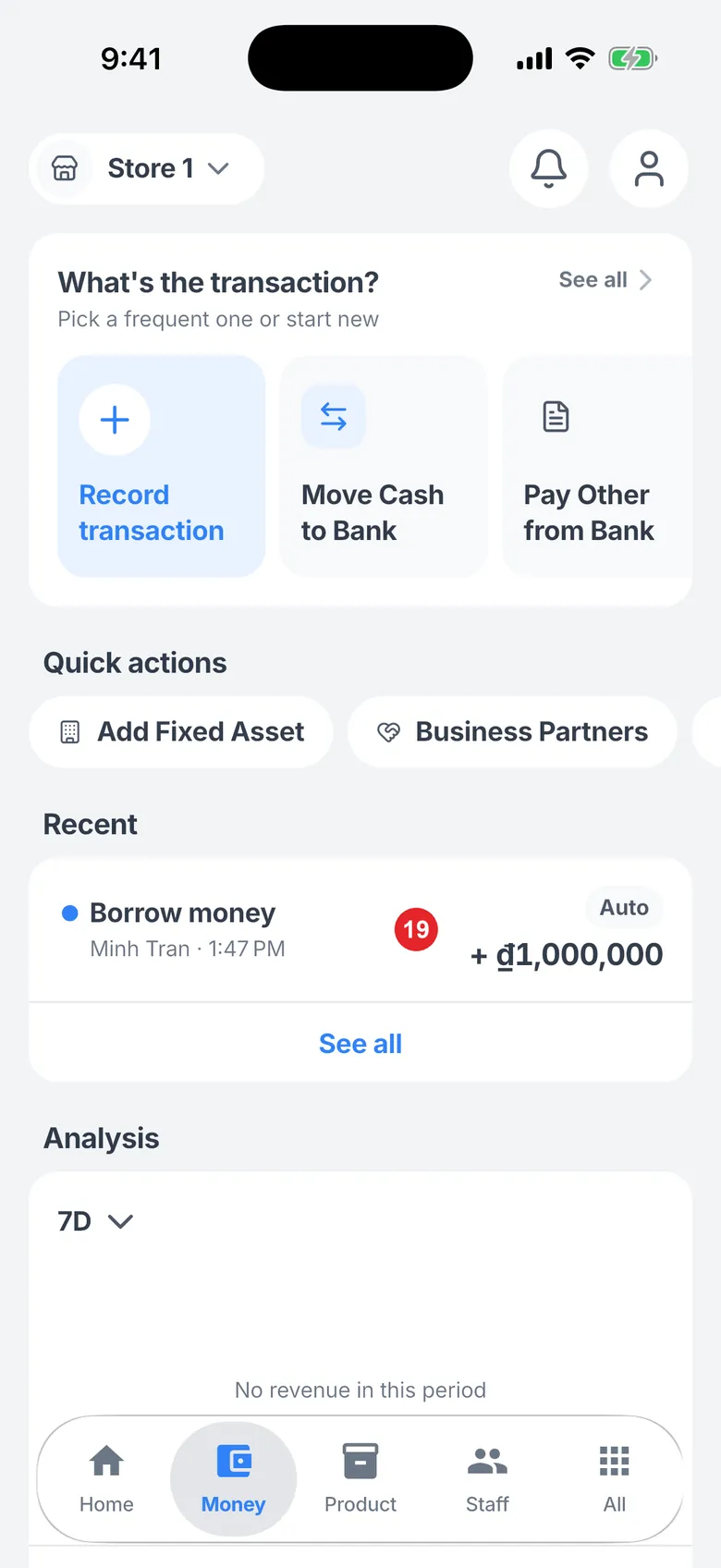
- Under «Recent» in «Money», «Borrow money» + ₫1,000,000 has appeared by itself. Tap this row.
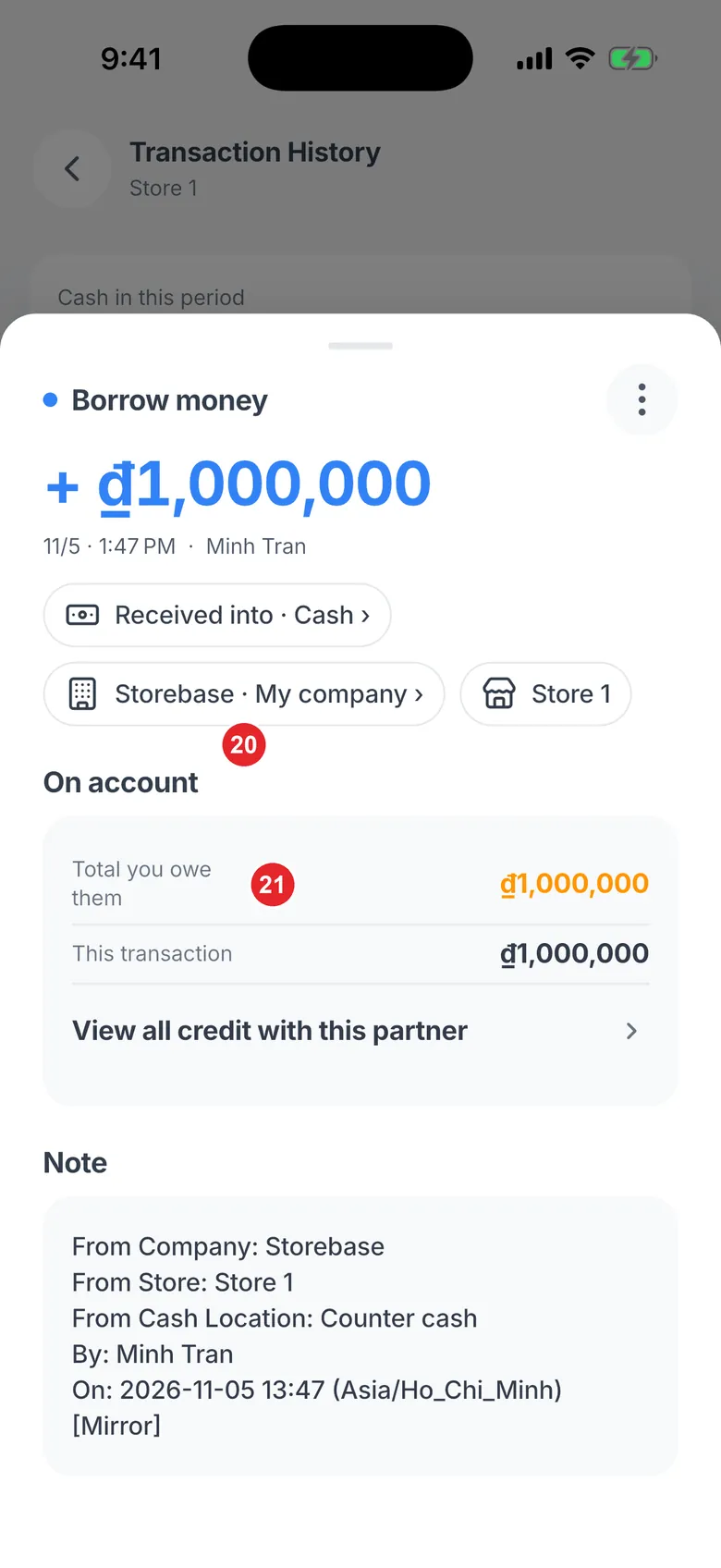
- In the row that reads «Storebase» and «My company», see the sending company. It is your other company, so it shows as «My company».
- Under «On account», see «Total you owe them», ₫1,000,000. New Store owes this to Storebase, and Storebase has it to receive.