
Show contents
Profit & loss › Put past costs in their month
Spread prepaid rent over the months
- Who
- Owner
- When
- When you paid several months' rent at once
- Where
- App · Web
What you get
- Rent paid in one go is split month by month into each month's cost. Last month's share goes in by itself on the 1st of the next month.
What it solves
- Only the month you paid a year's rent looks like a big loss, and the other months look like they have no rent.
Why this way
- Rent is the price of using that month, so it has to be split by month for each month's net profit to be right.
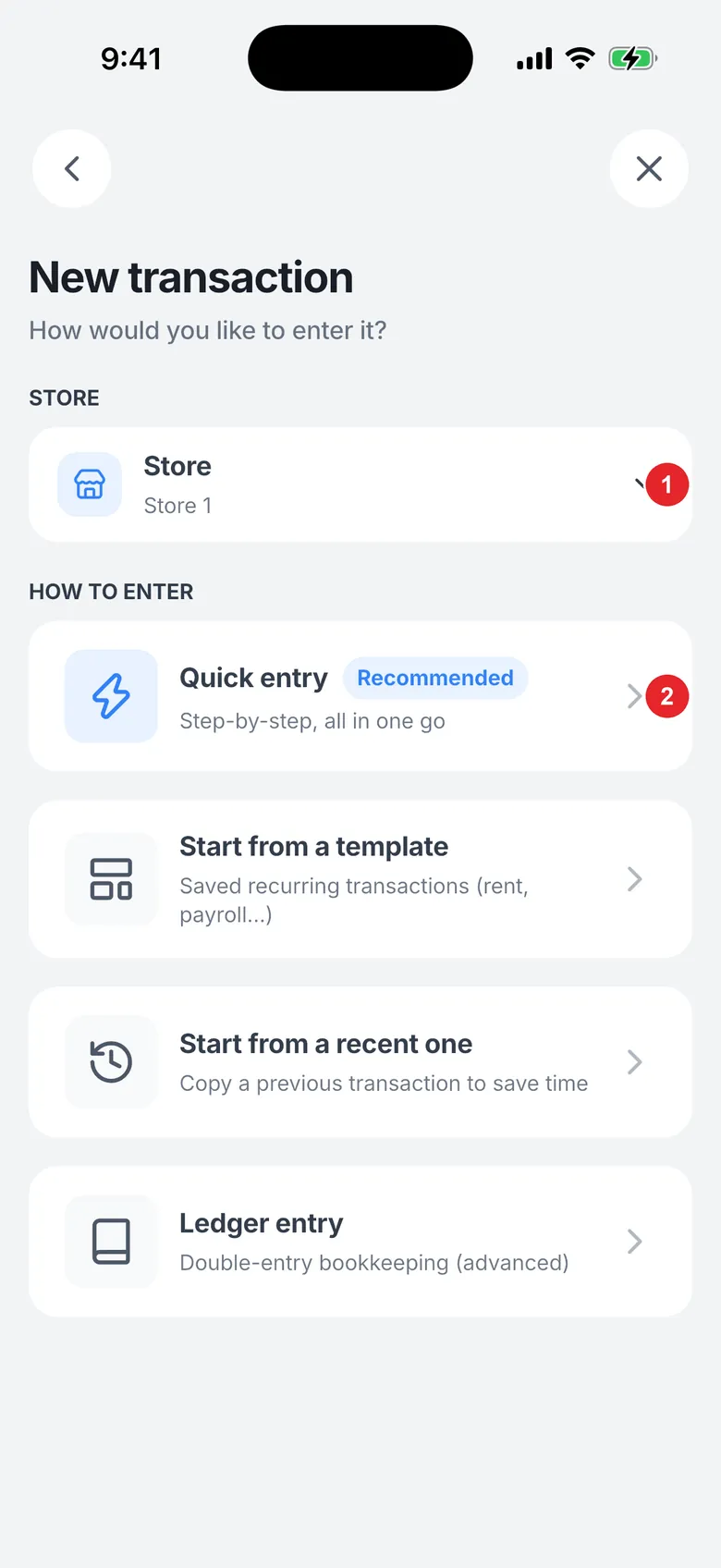
- In «Money» at the bottom of the app, tap «Record transaction» and «New transaction» opens. Under «Store», choose the store that paid the rent. Here it is «Store 1».
- Tap «Quick entry».
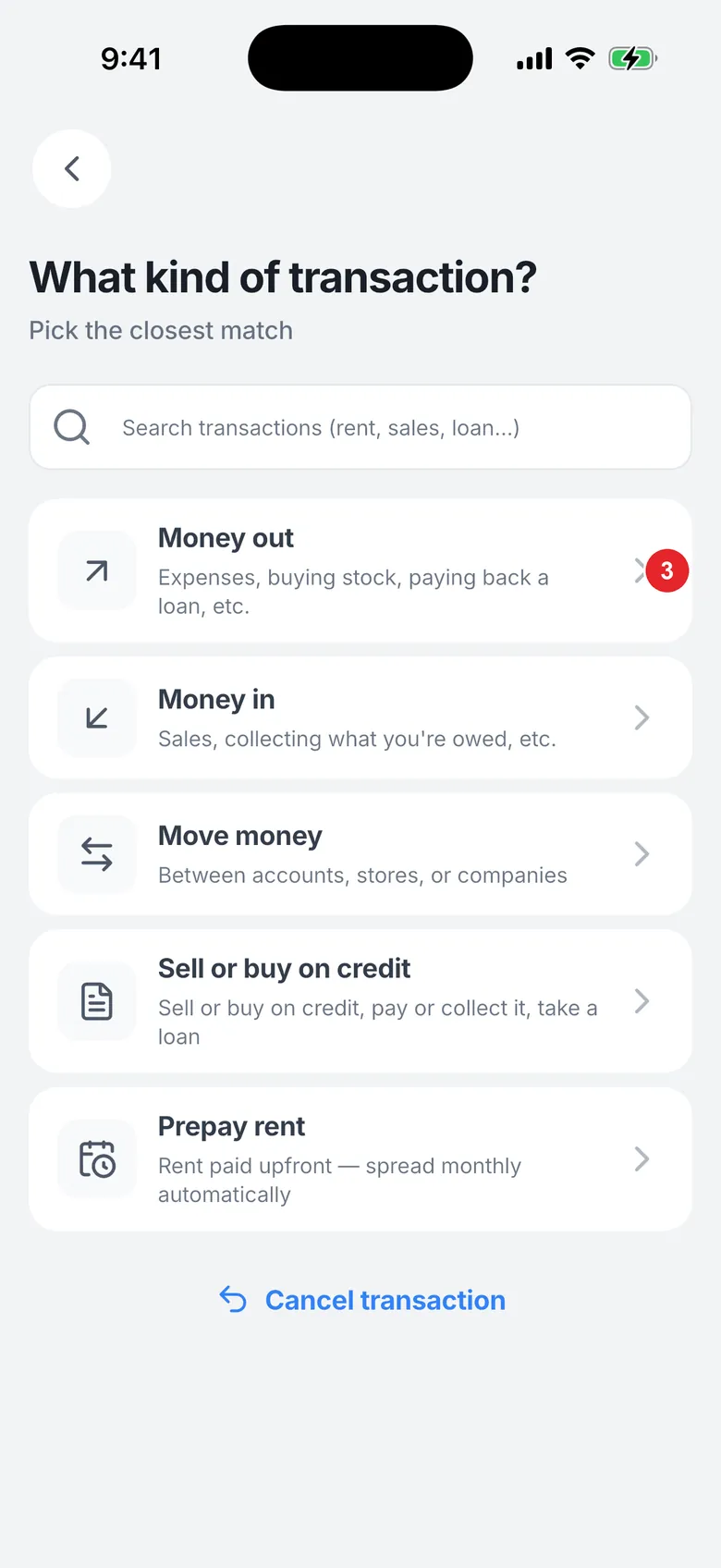
- Tap «Money out».
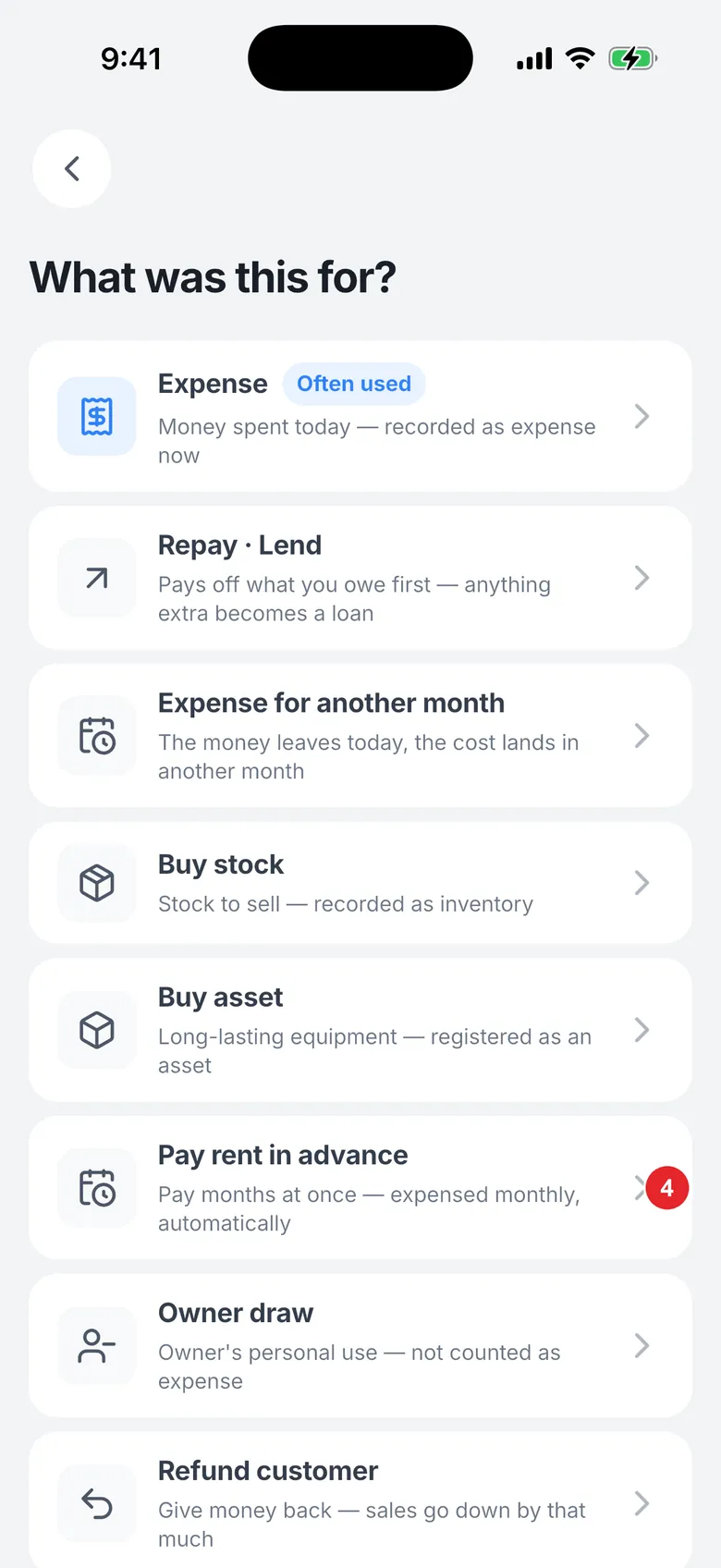
- Tap «Pay rent in advance».
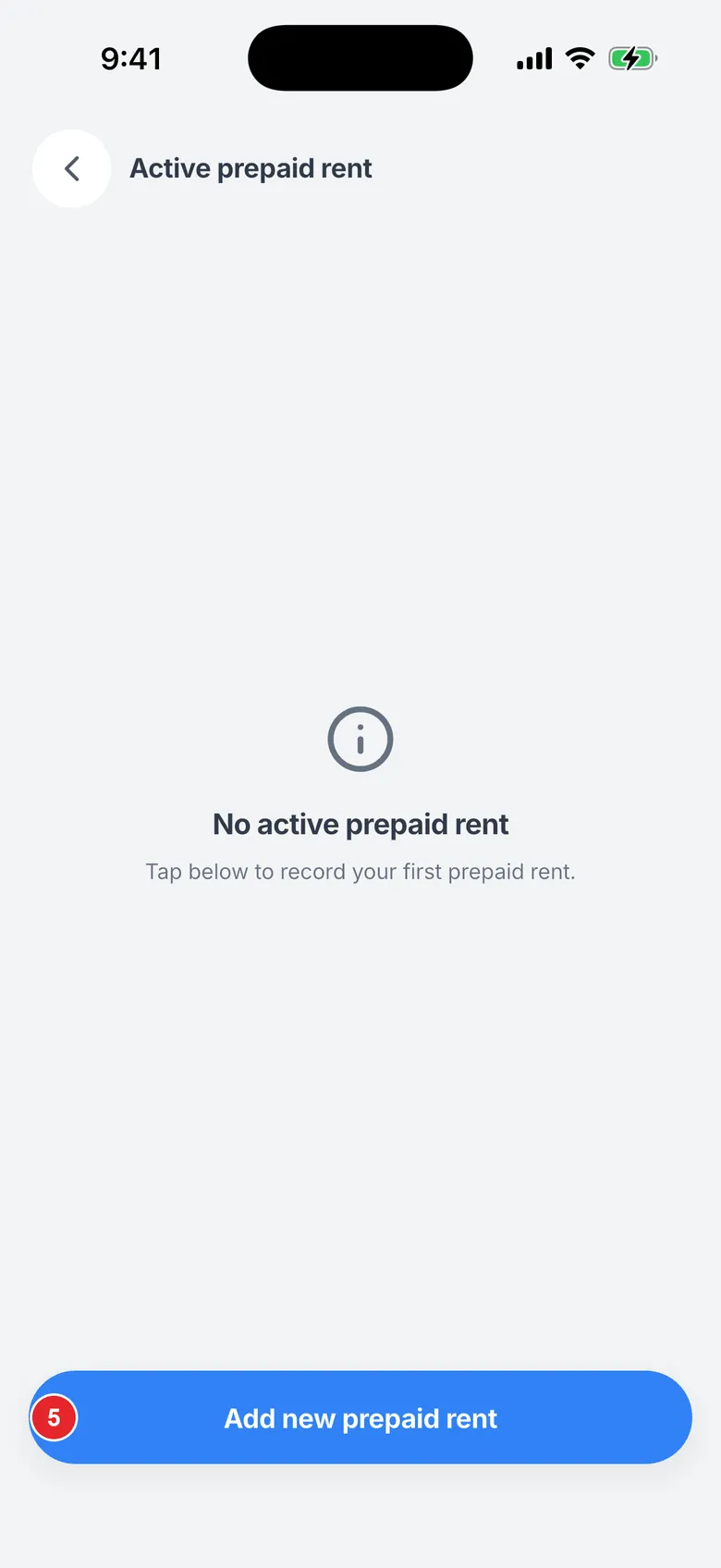
- Tap «Add new prepaid rent». Prepaid rent is rent you paid ahead.
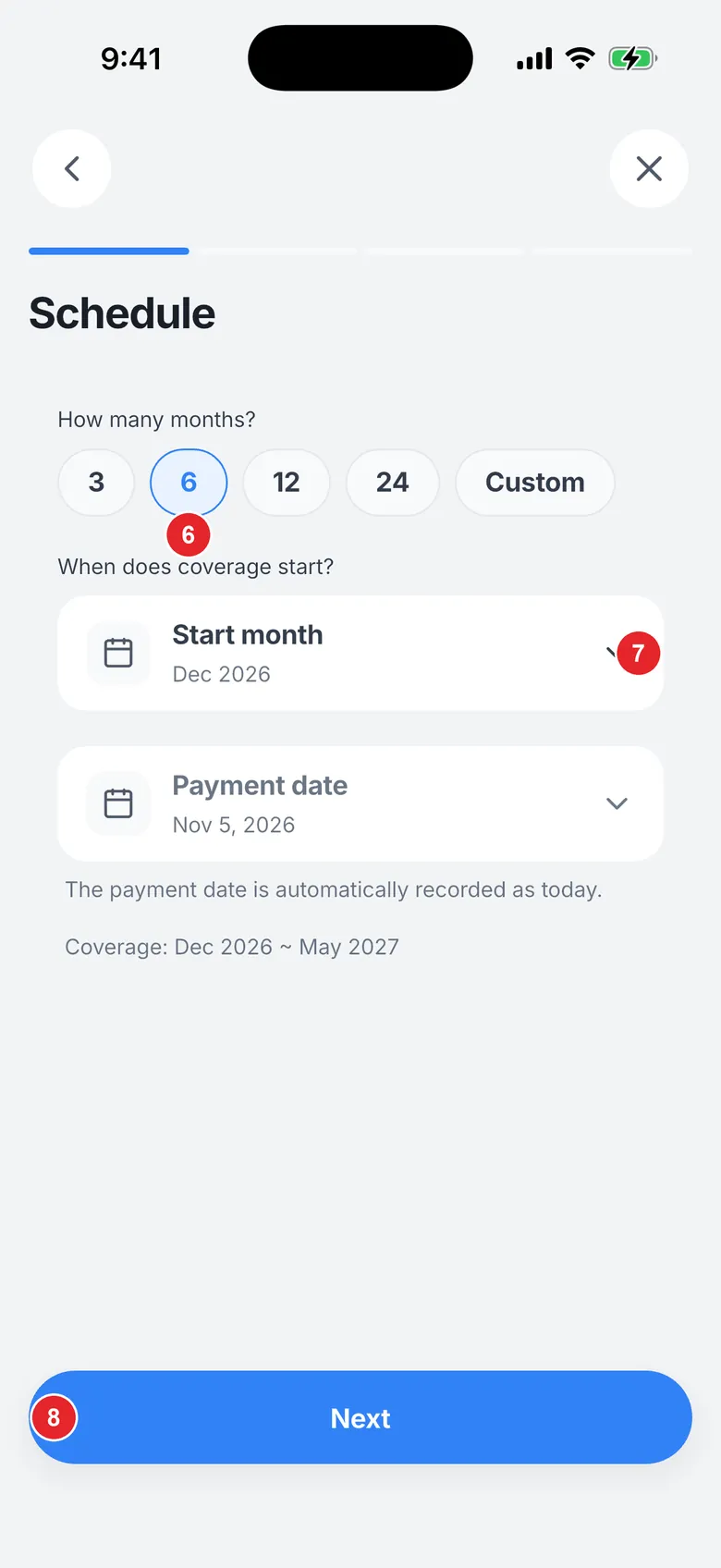
- Under «How many months?», tap the number of months. Here it is «6».
- In «Start month», choose the month the rent starts. Here it is Dec 2026. The payment date fills in as today by itself.
- Tap «Next».
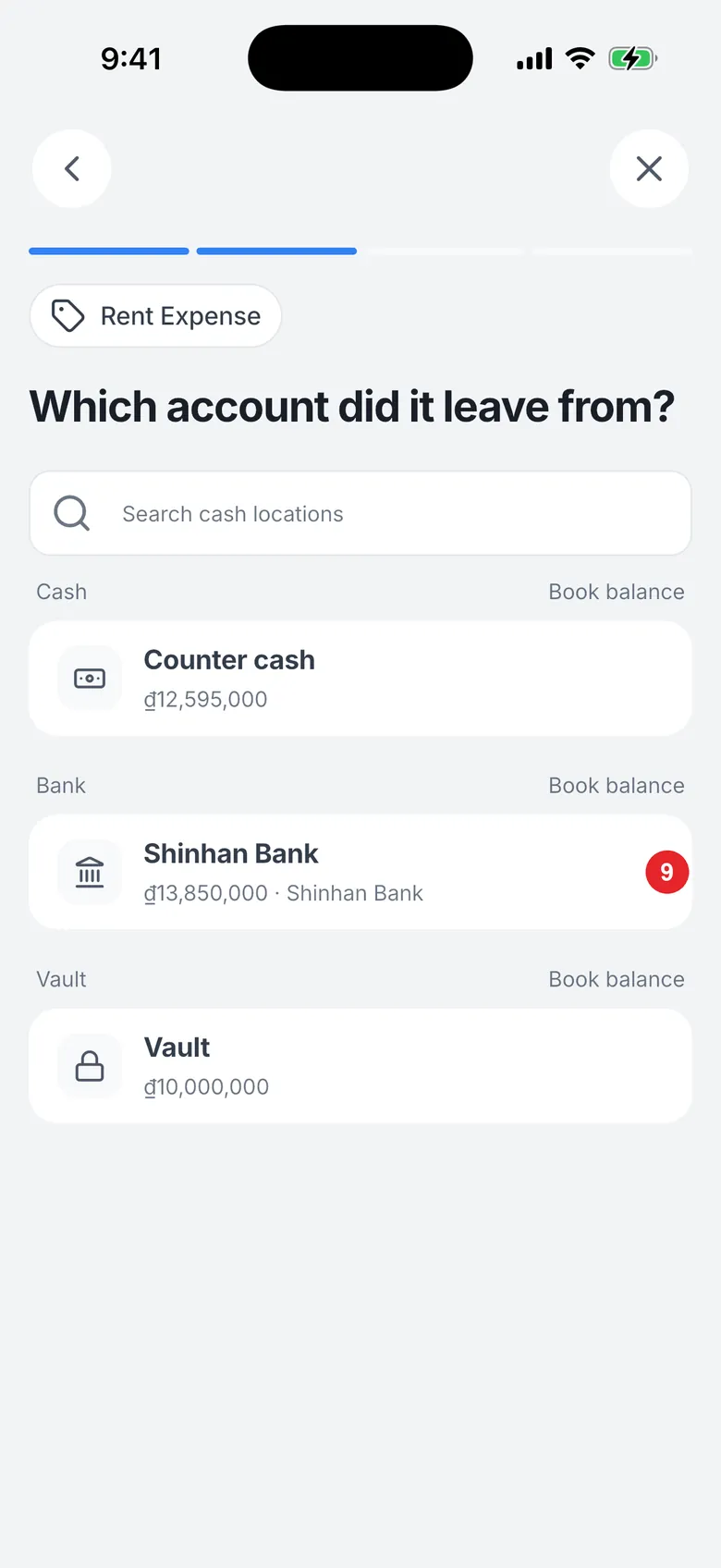
- Tap where the money went out from. Here it is «Shinhan Bank».
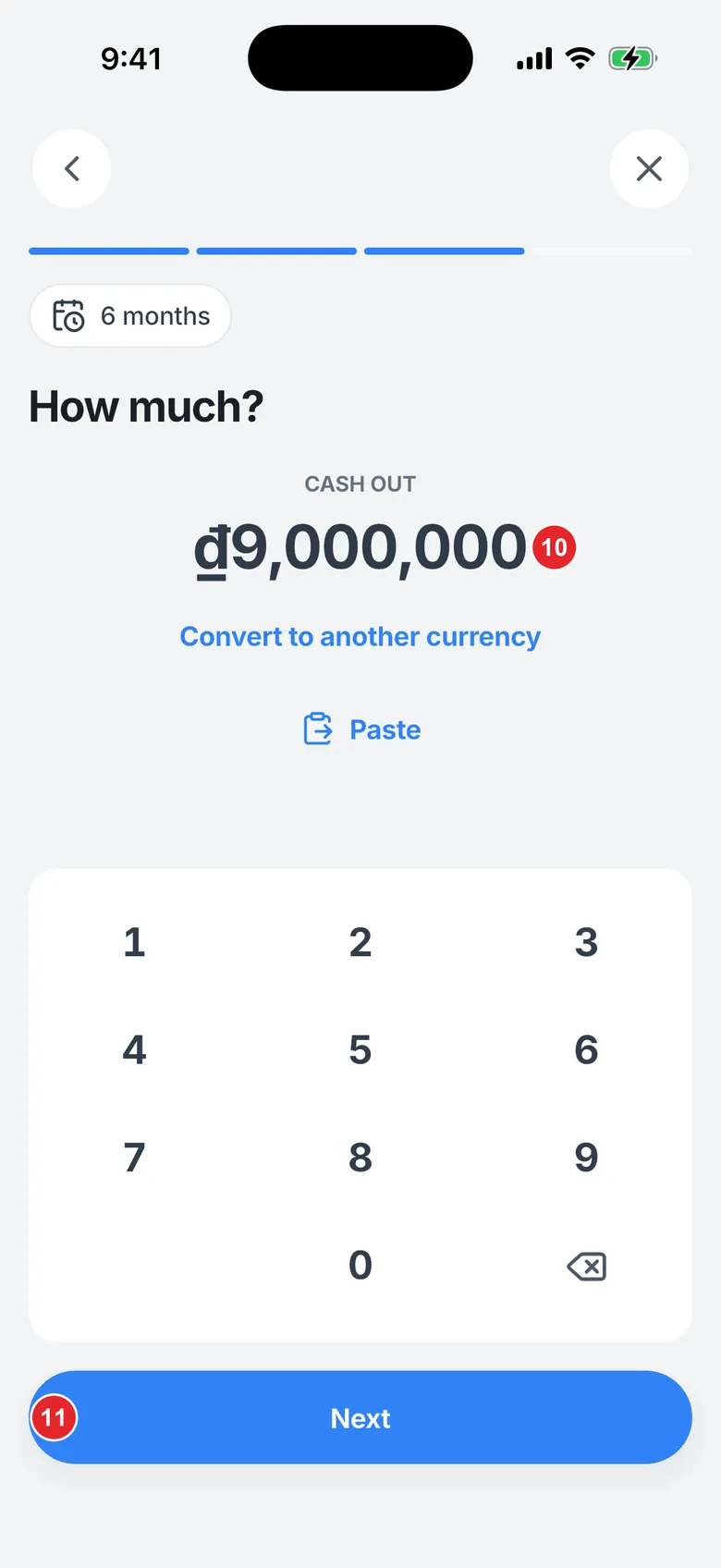
- Enter what you paid. Here it is ₫9,000,000.
- Tap «Next».
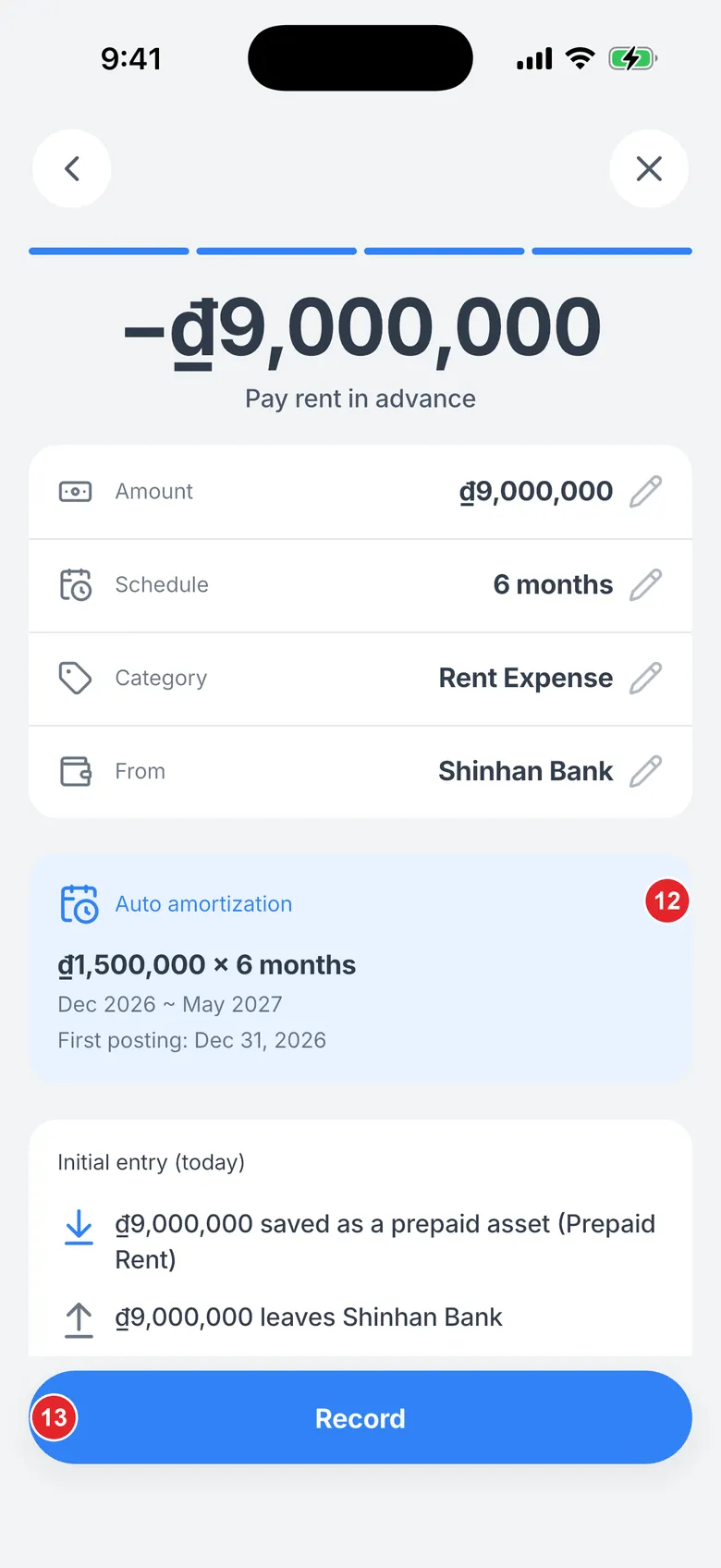
- In «Auto amortization», see the amount that becomes a cost each month, like «₫1,500,000 × 6 months».
- Tap «Record».
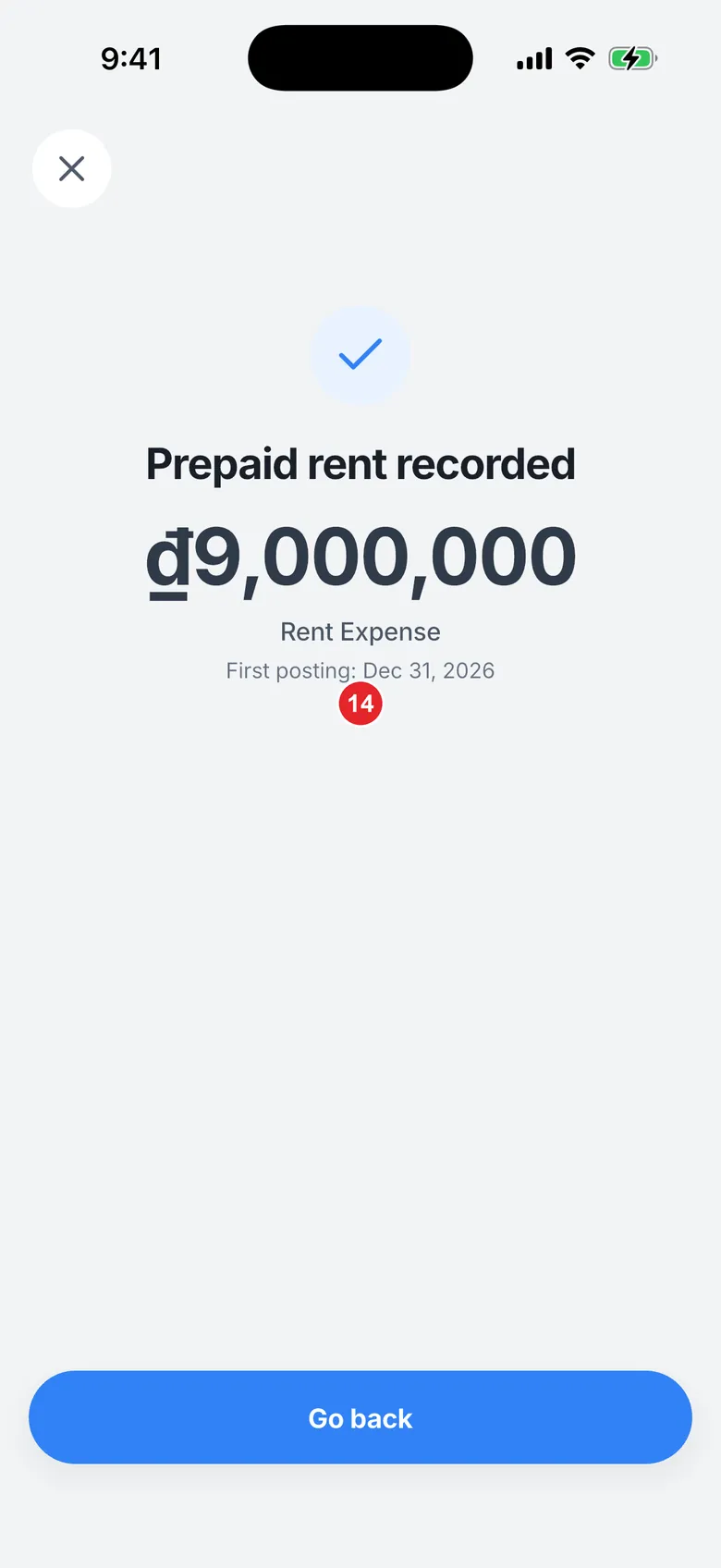
- «First posting: Dec 31, 2026» is the date the first month's share counts as a cost. December's share becomes a cost on the 1st of the next month, dated December 31. When you are done, tap «Go back».
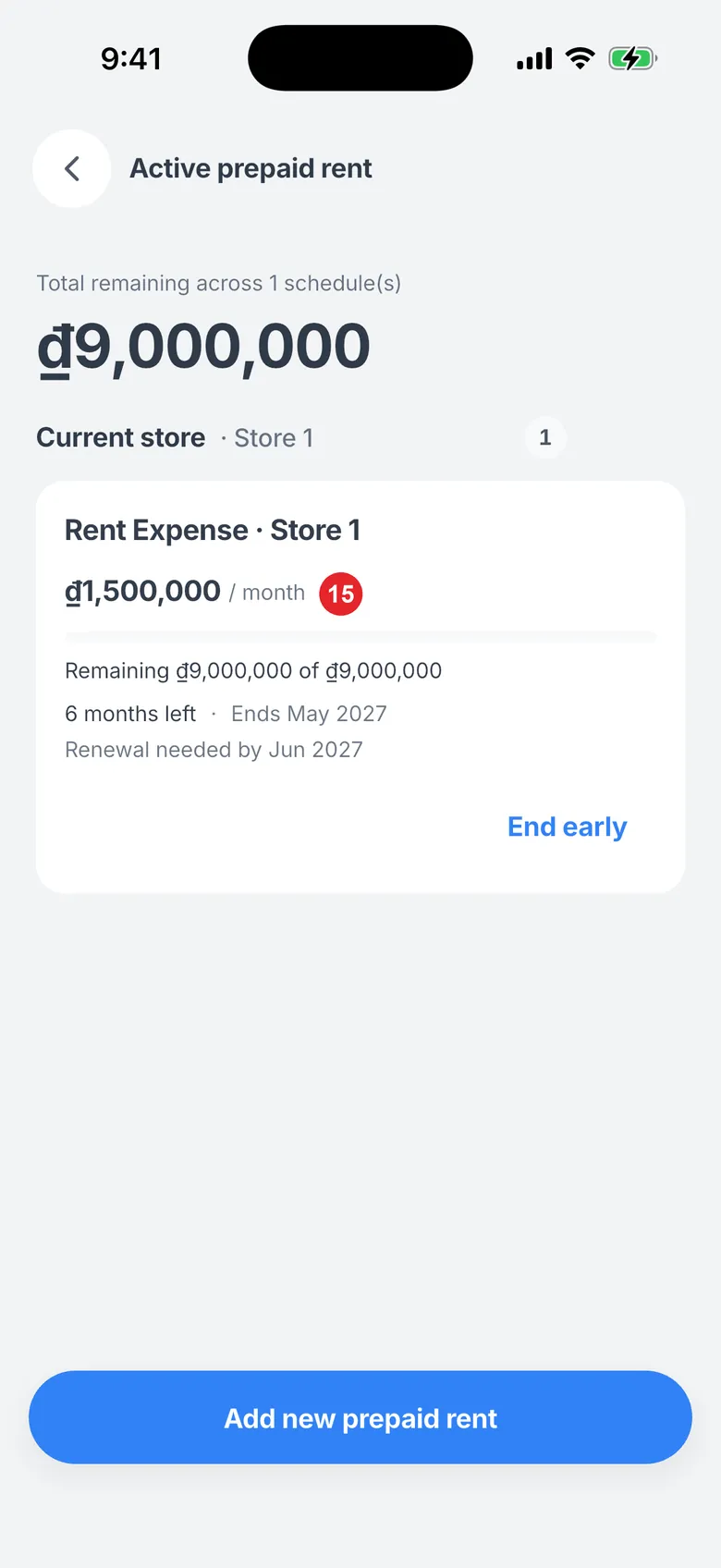
- In «Active prepaid rent», it stays as a row of ₫1,500,000 a month with 6 months left.