
Show contents
F&B menu & sales › Table setup
Set up guest QR ordering
- Who
- Owner
- When
- When you let guests order by themselves
- Where
- App · Web
What you get
- Even at busy times, guests order by themselves from their seats on their phones. Staff walk back and forth to take orders less.
- Each table has a different code, so the order goes to the seat that was scanned. No asking for or writing down table numbers.
What it solves
- When it's busy, guests get tired of calling staff and waiting, and orders taken by word are easily written down wrong.
Why this way
- QR ordering is off at first. Turn it on after all the QRs are up and staff are ready.
- What if a guest scans before it's on? Instead of the order screen, the message «Please order with a staff member.» shows.
- What if a guest says “I didn't order that”? In the app, tap the clock button («History») at the top right of that table's screen, and orders the guest put in by QR show separately as «Guest QR order».
- If I delete a table, what about the QR stuck on it? That QR can't be used anymore.
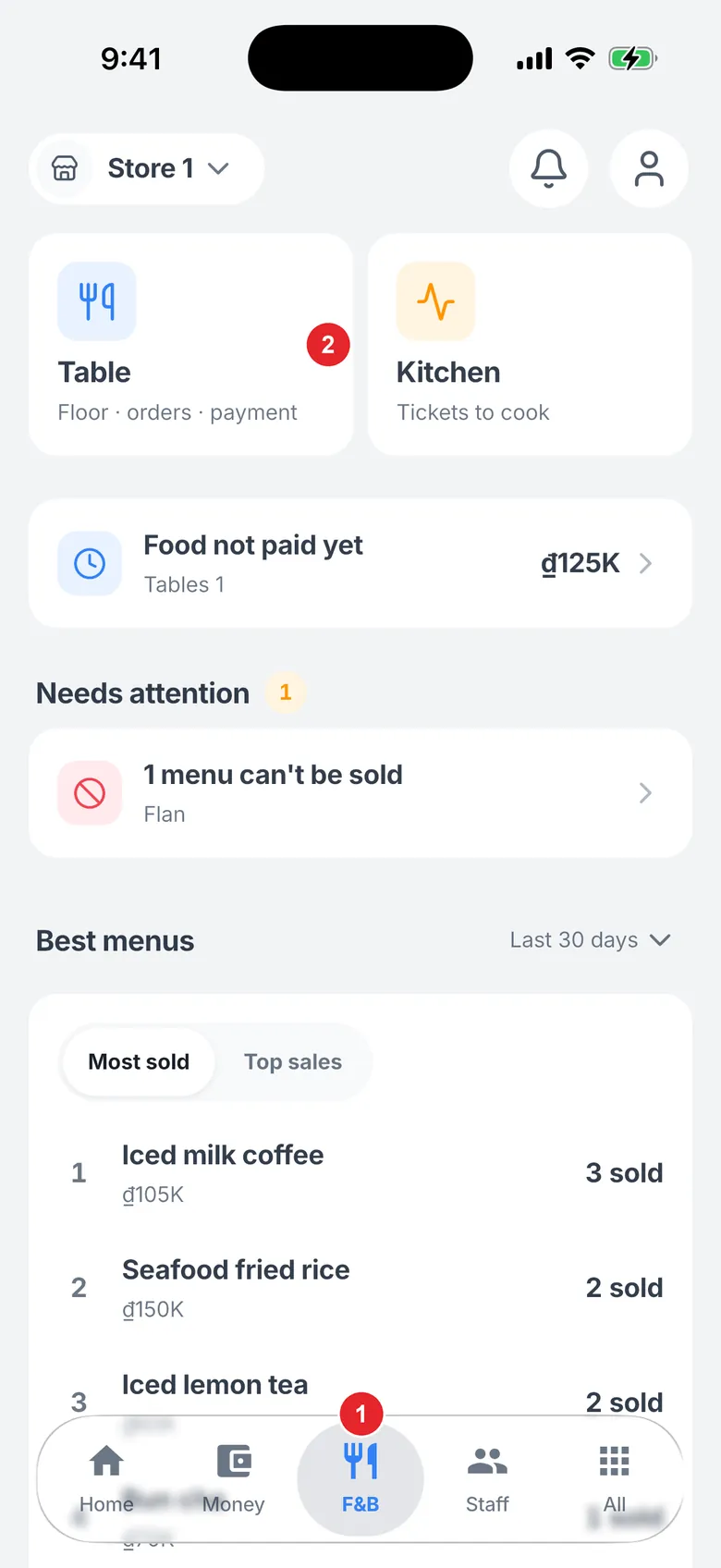
- Tap «F&B» at the bottom of the app.
- Tap «Table».
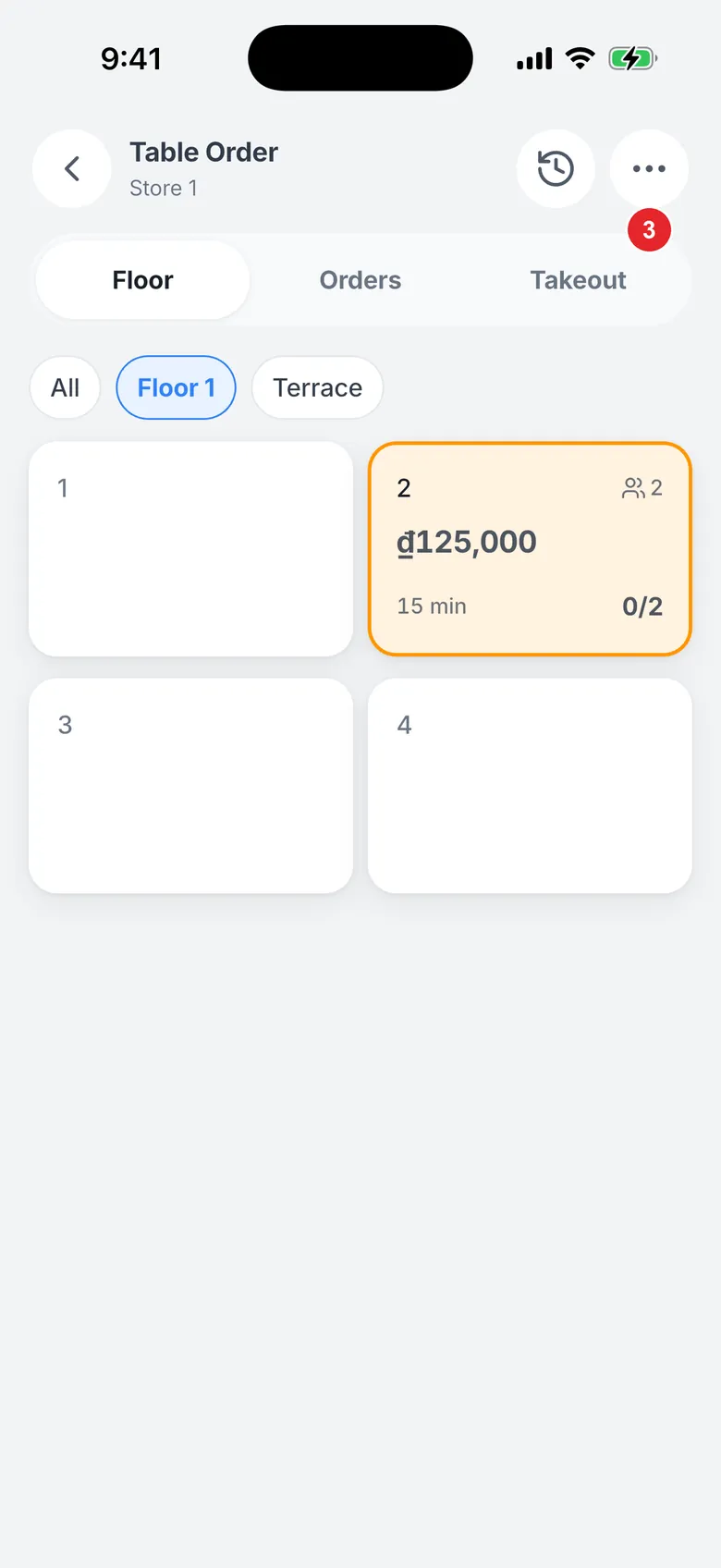
- Tap «More» (the three dots) at the top right.
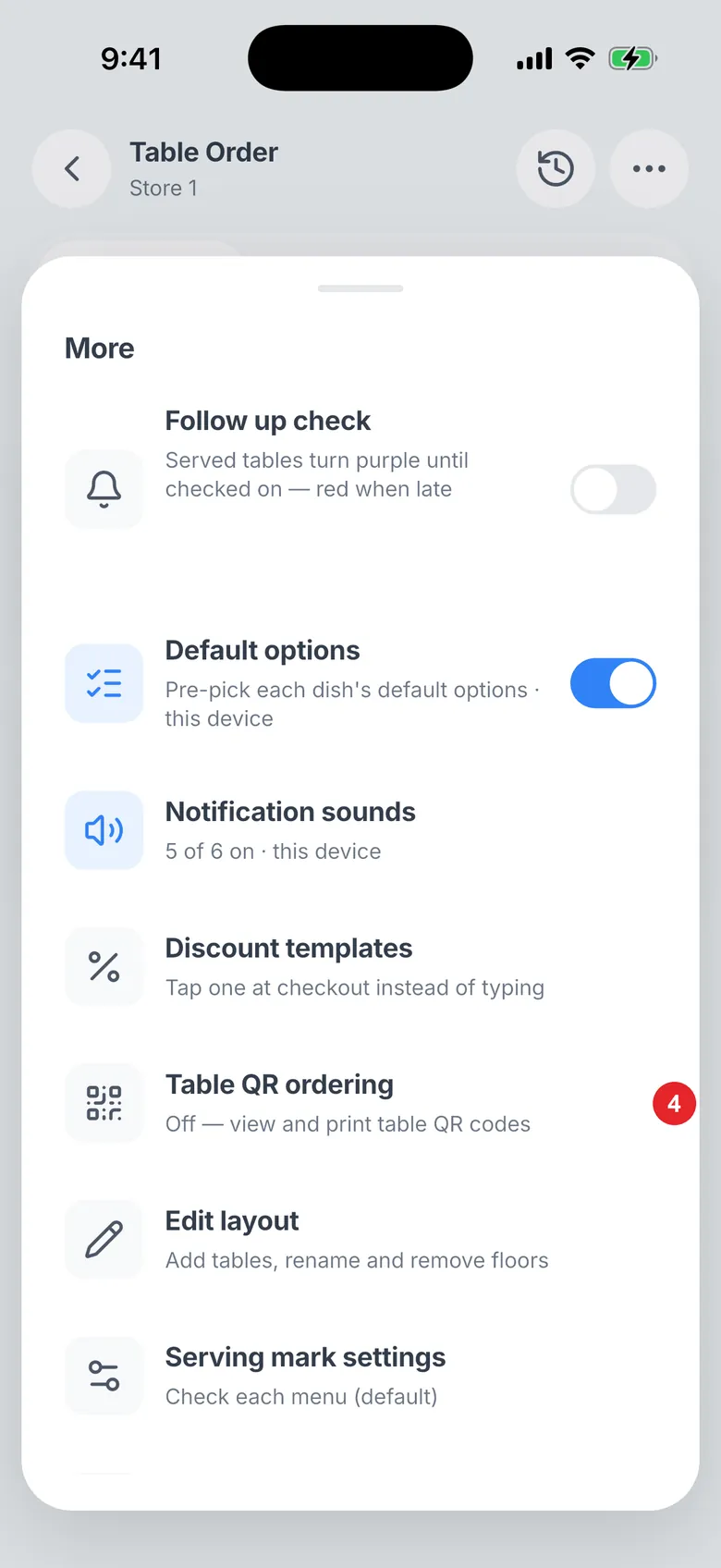
- Tap «Table QR ordering».
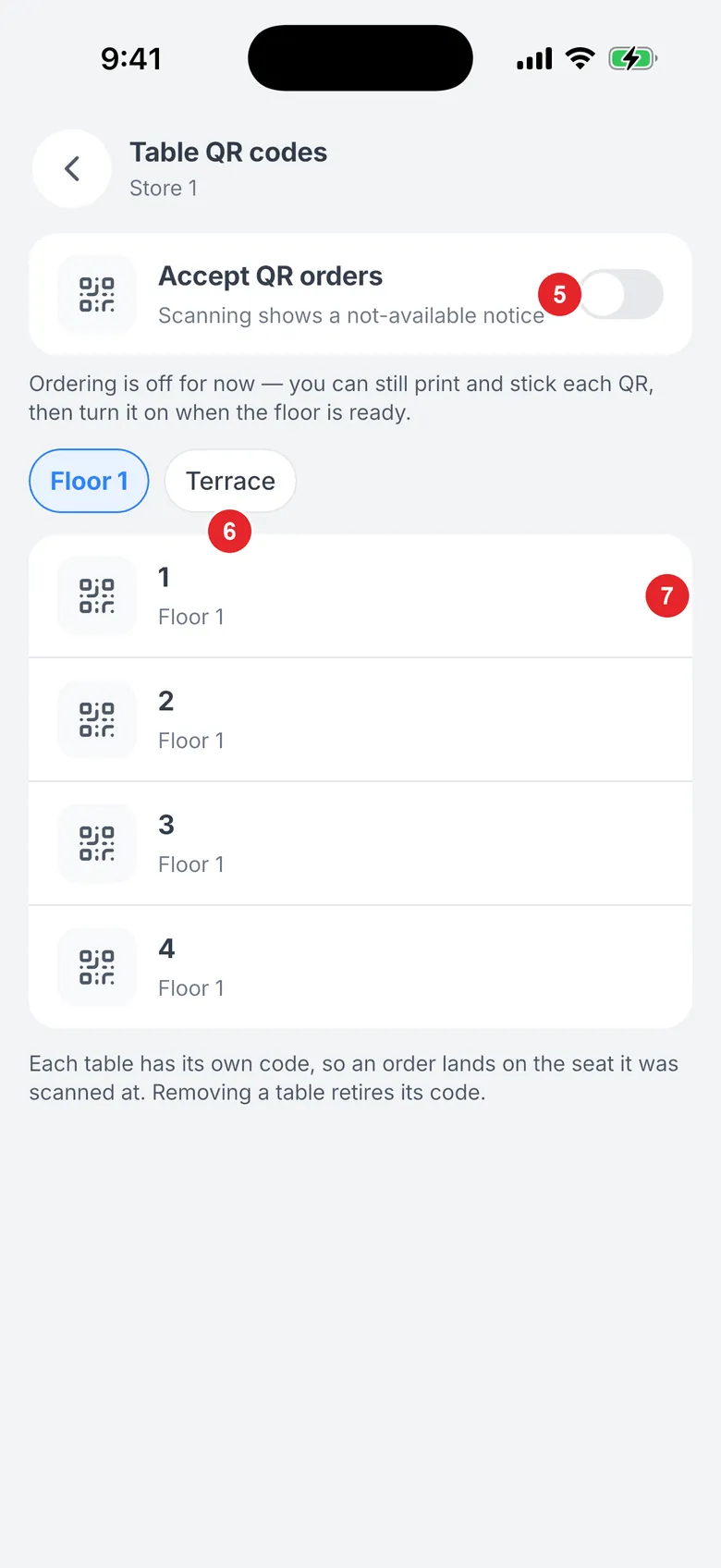
- Turn on «Accept QR orders», and guests can scan the QR at their table and order. While it is off, scanning only shows a not-available notice.
- Choose the floor at the top.
- Tap the table whose QR you want to print.
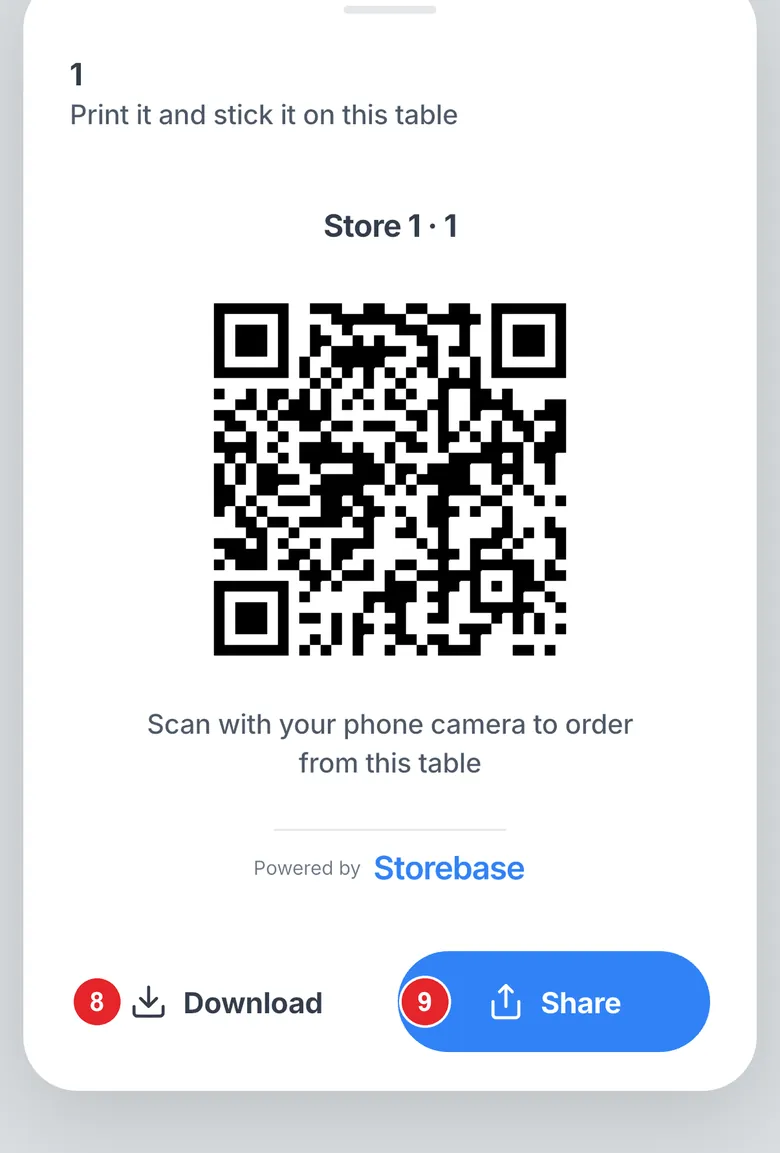
- Save the QR picture with «Download», print it, and put it on that table.
- You can also send the QR picture with «Share».
Each table has a QR code. When a guest scans it with their phone camera, they can order right from that table. QR ordering is off at first.
Remember
- Print the QRs and put them up first, and when you are ready, turn on «Accept QR orders».
- Each table has a different code, so the order goes to the seat that was scanned.
- If you delete a table, that table's QR can't be used anymore.