
Show contents
Profit & loss › Net profit
See what changed from last month
- Who
- Owner
- When
- When profit suddenly goes up or down
- Where
- App · Web
What you get
- Next to what's left, the difference from the month before shows, like «+ ₫2.4M». In the app, «See the trend» lines up what's left month by month.
- Tap an expense account and its flow over several months shows.
- On the website, «Trend» › «Period Summary» lines up revenue, expenses and net profit, one row per month.
What it solves
- “Profit went down and I don't know why” — it's hard to find which expense went up.
Why this way
- Two months are lined up on the same basis (the books' dates), so the line that changed shows right away.
Compare what you kept month by month
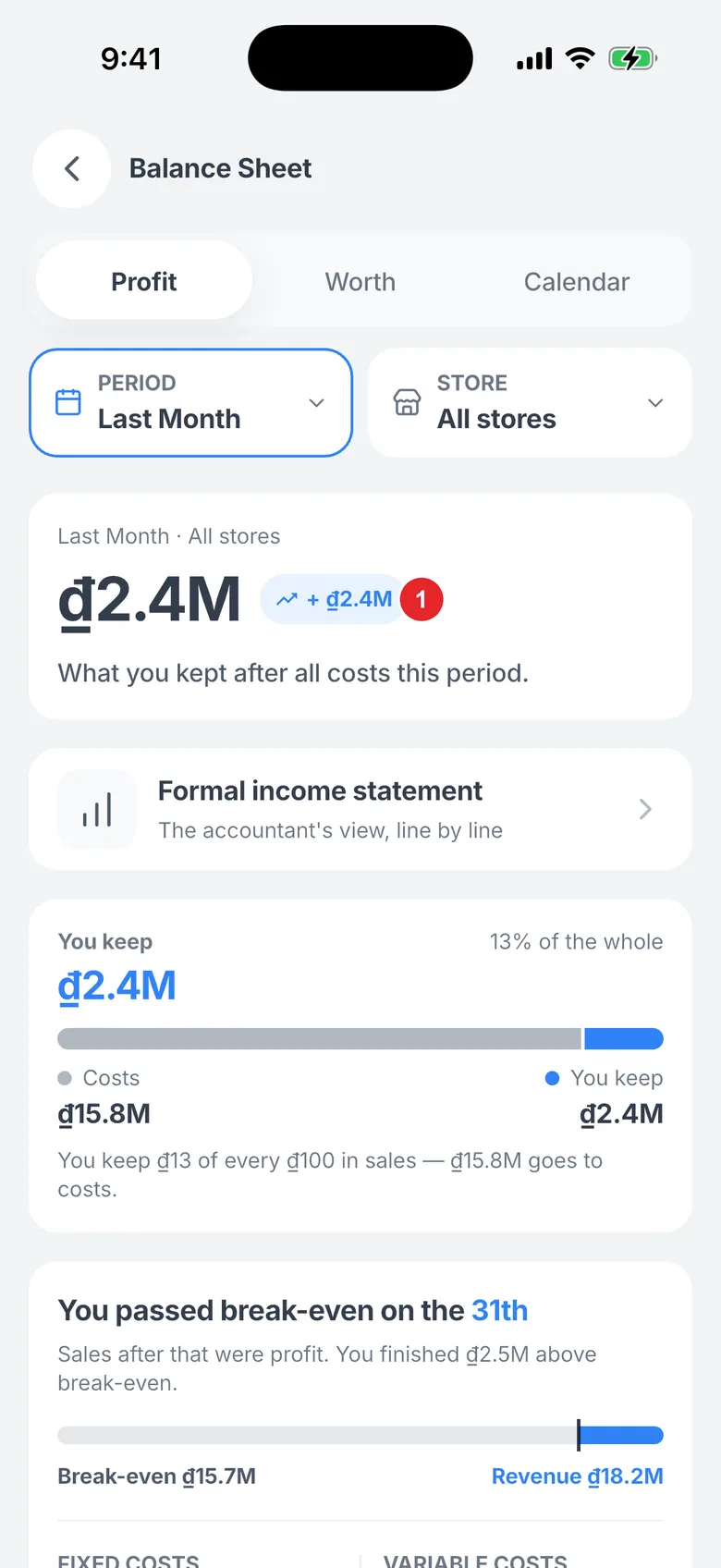
- In «Money», open «Balance Sheet» and, under «Profit», set «PERIOD» to «Last Month». «+ ₫2.4M» next to what you kept shows how much it went up from the month before.
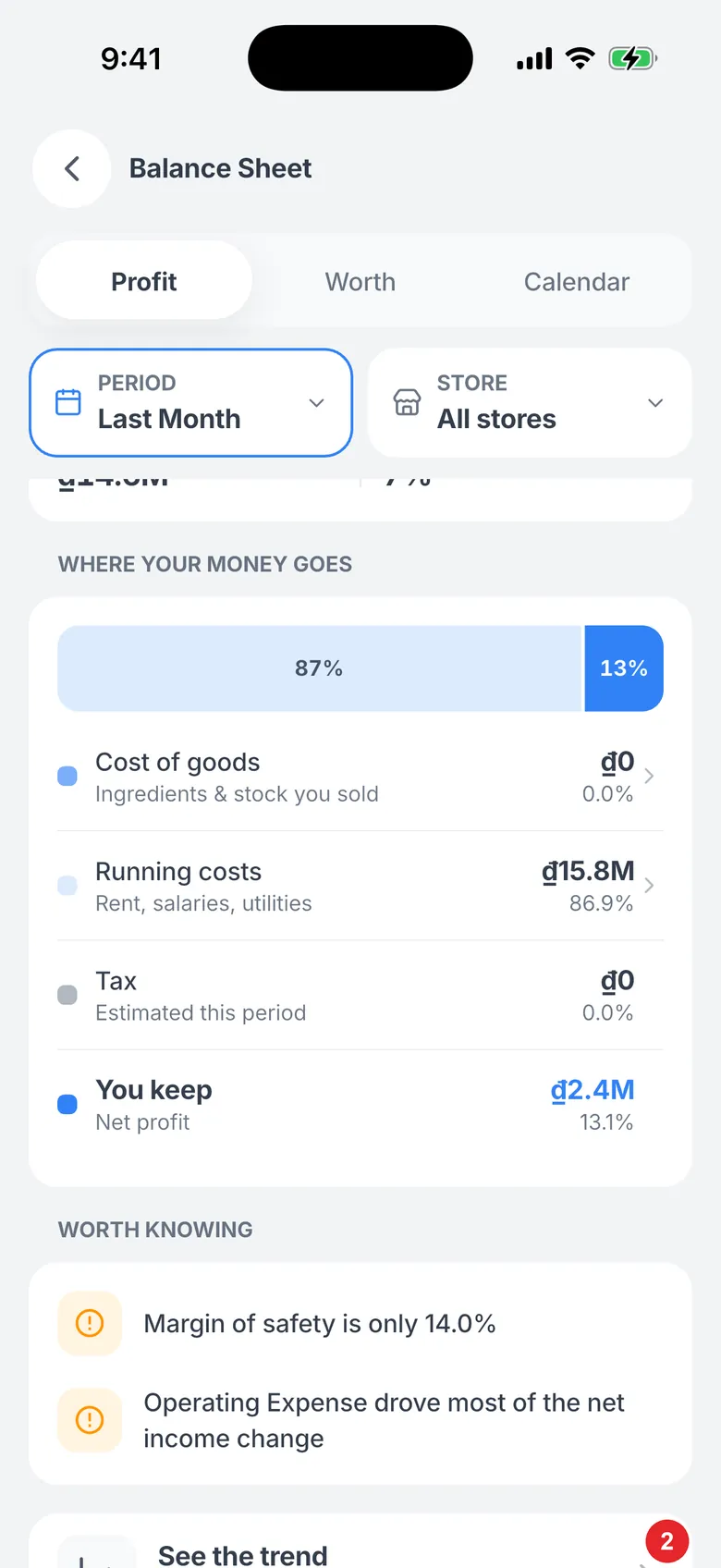
- Scroll down and tap «See the trend».
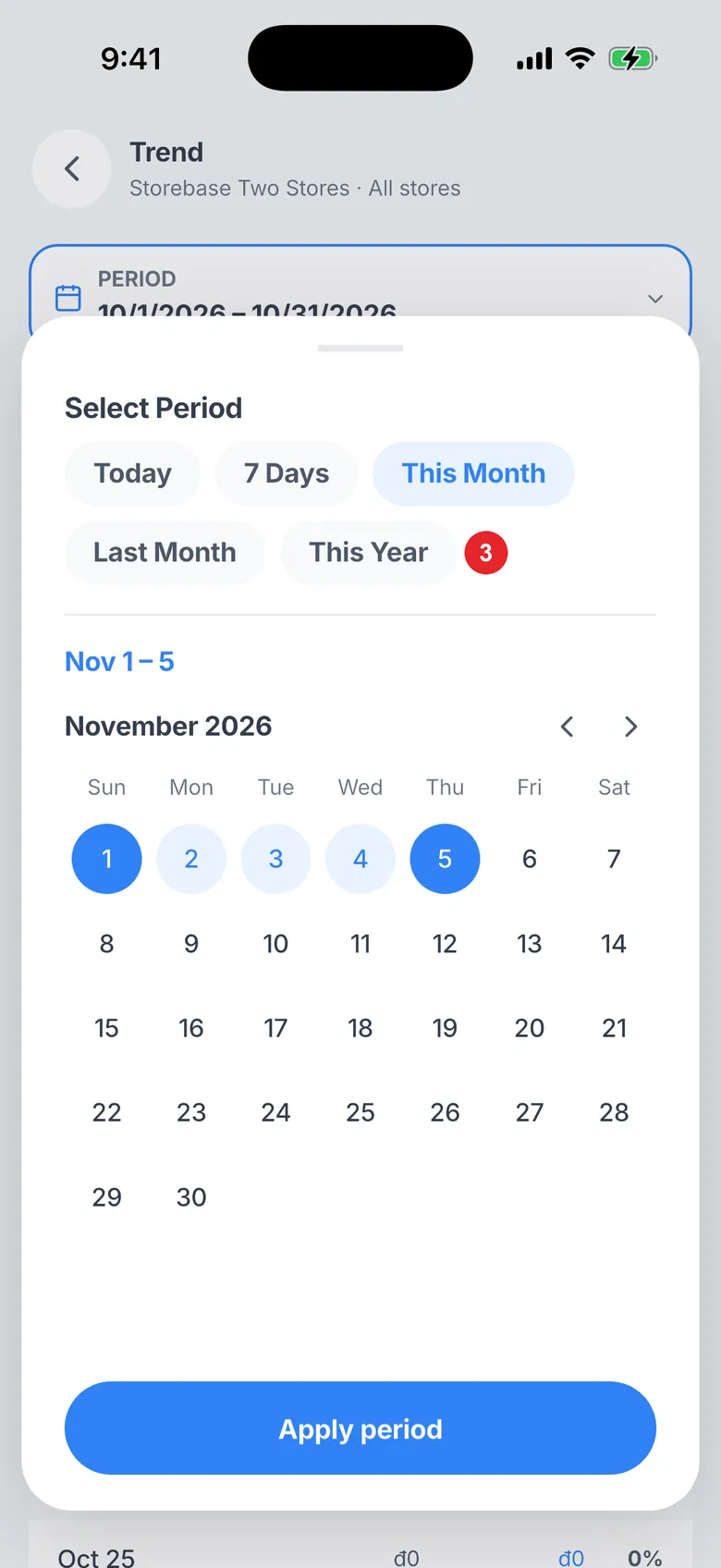
- Tap the period box at the top and, in «Select Period», tap «This Year».
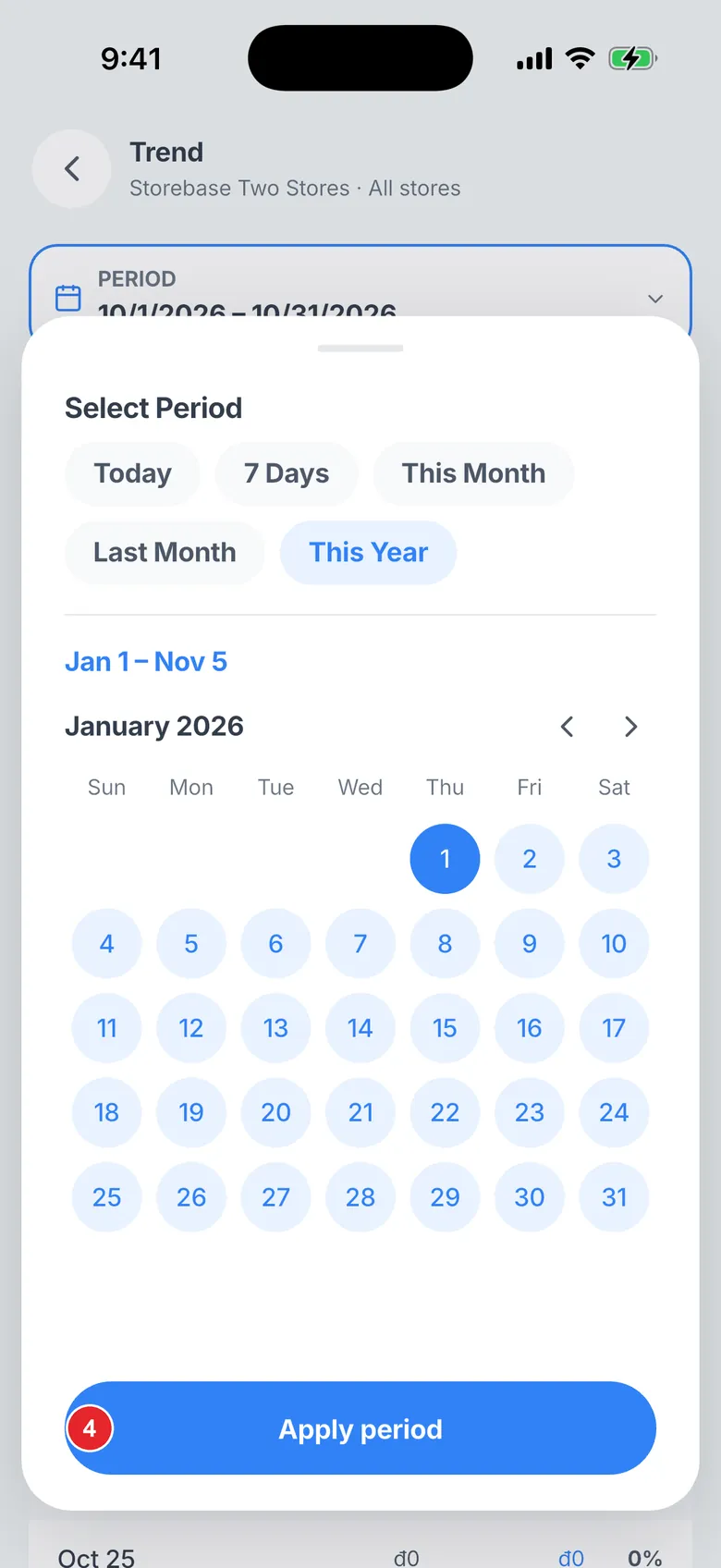
- Tap «Apply period».
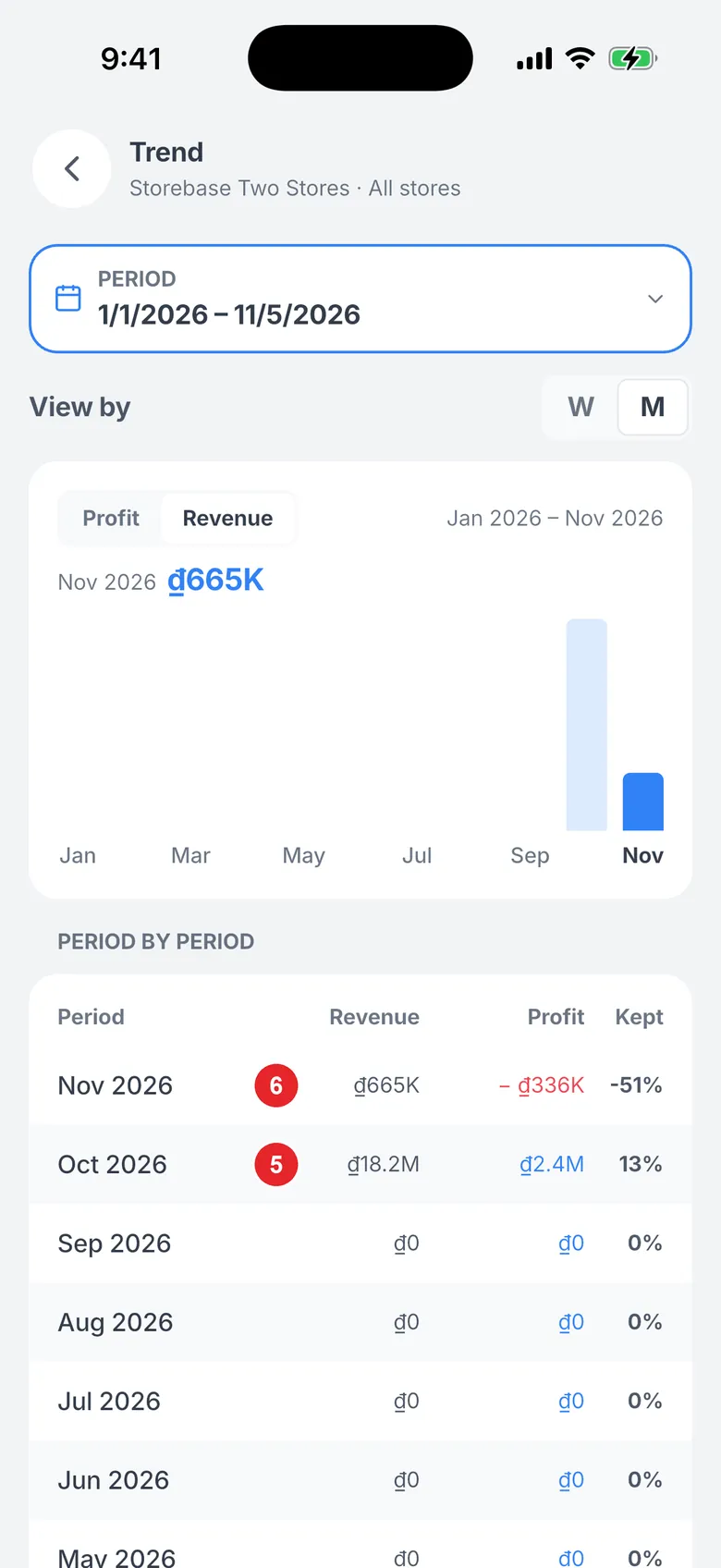
- Under «PERIOD BY PERIOD», each month has one row with «Revenue», «Profit» and «Kept» (the share of revenue you kept). «Oct 2026» shows ₫2.4M under «Profit», 13% kept.
- «Nov 2026» is still in progress, at − ₫336K.
See which cost went up
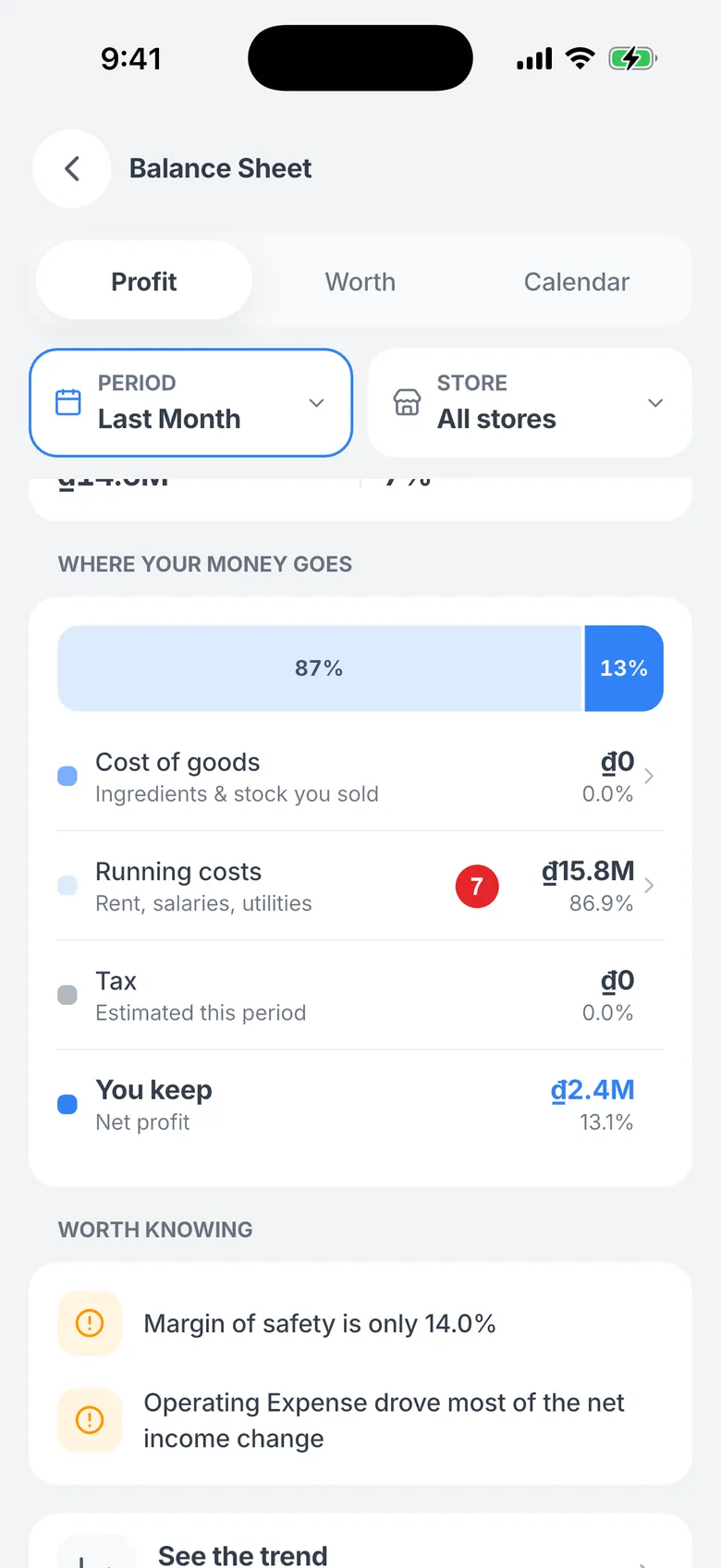
- Go back to «Balance Sheet» and tap «Running costs».
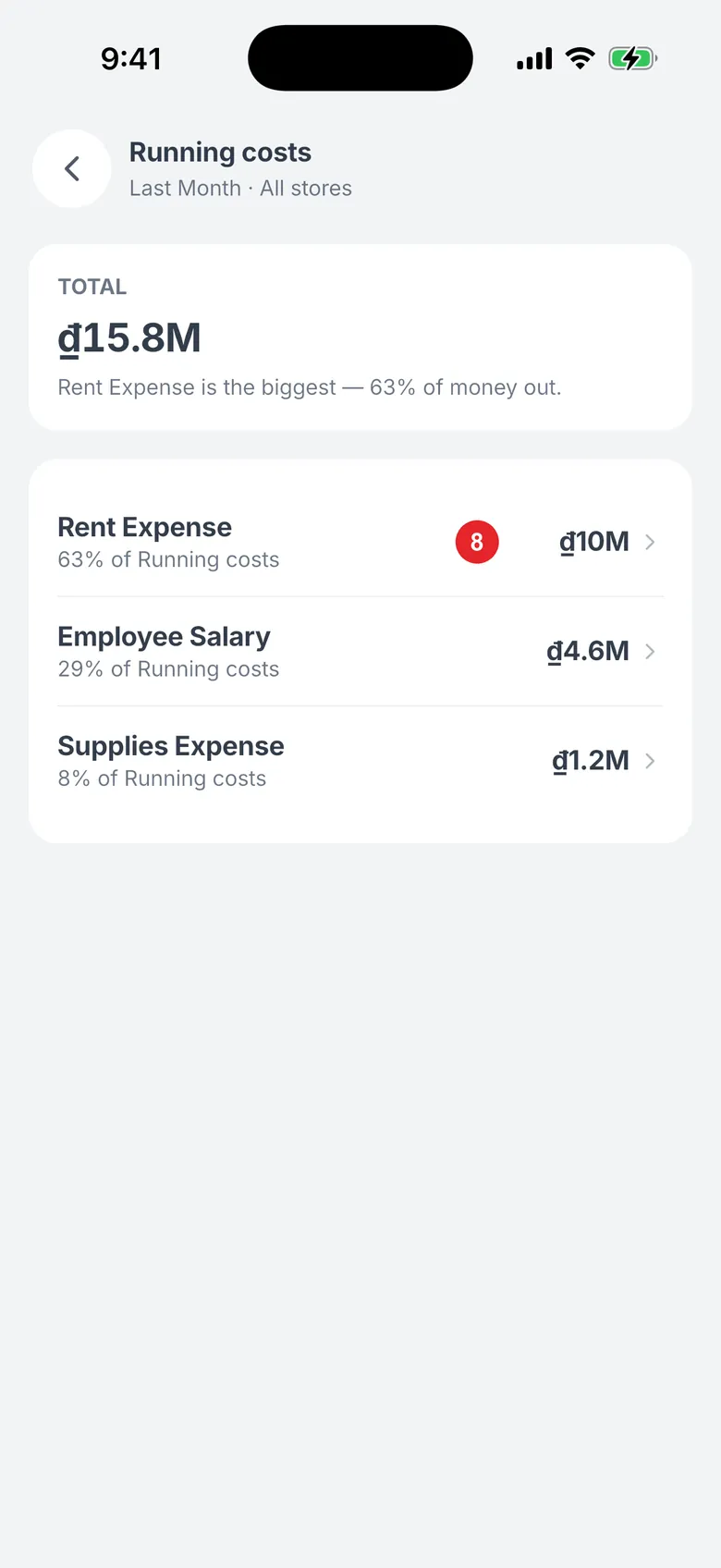
- Tap the biggest cost. Here it is «Rent Expense», 63% of running costs.
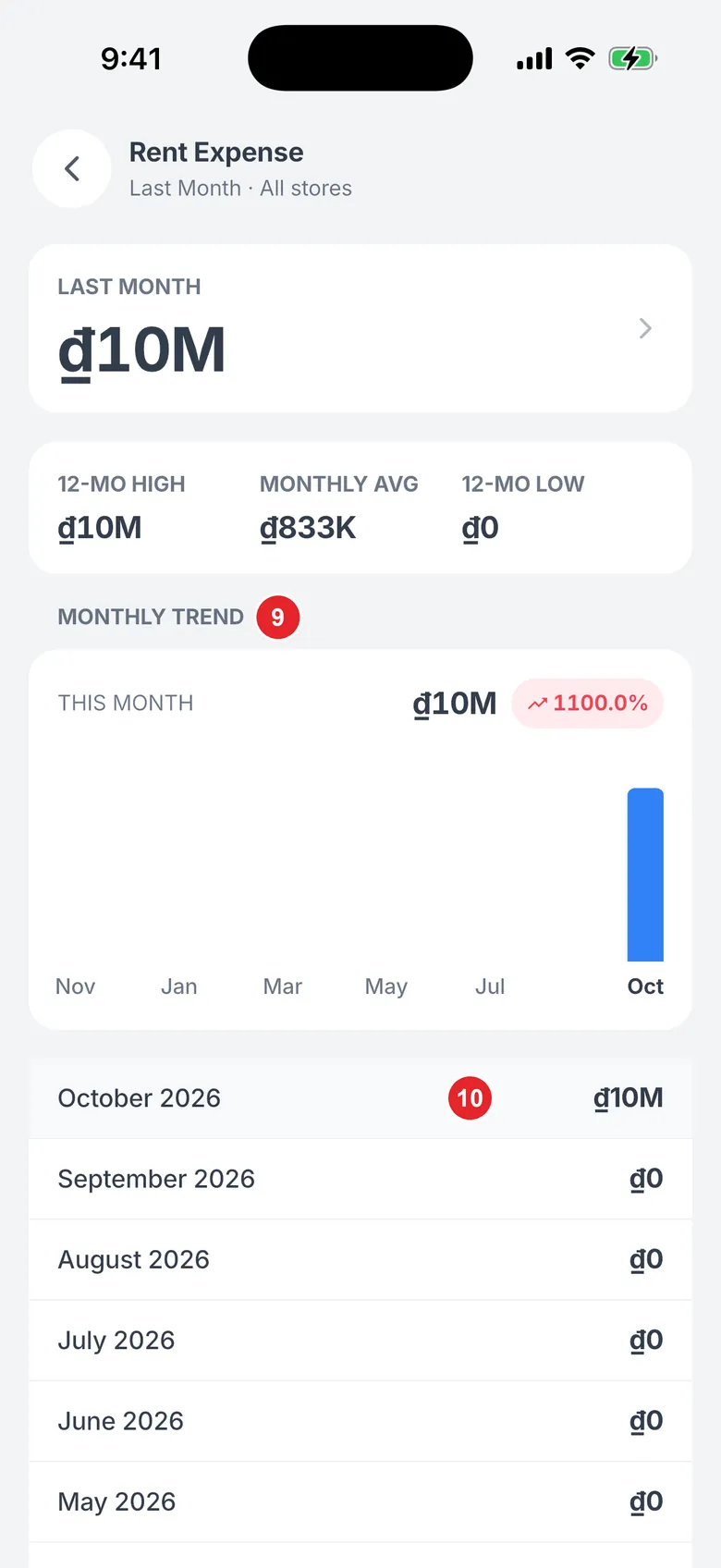
- In «MONTHLY TREND», see what this cost was each month.
- «October 2026» is ₫10M, and the months before it are ₫0.