
Show contents
F&B menu & sales › Menu setup
Change prices
- Who
- Owner
- When
- When you raise or lower a price
- Where
- App · Web
What you get
- The new price goes in automatically from orders added after the change. Staff don't have to memorize the new price.
- Prices are set separately for each store. The new price goes only into the store chosen now.
- A record of the change stays in «History» on the app's menu item details, with the date and time.
What it solves
- If you change only the printed menu price and charge the old price, each staff member charges something different.
Why this way
- Do the bills of guests already seated change too? No. Menu items already added are charged at the price when they were added.
- What if I press it by mistake? In the app, «Change to this price» saves right away, with no confirm window. Change it back to the right price («I entered the wrong price»).
- On the website, the difference from the current price shows before «Save price», so you check the number once more and save.
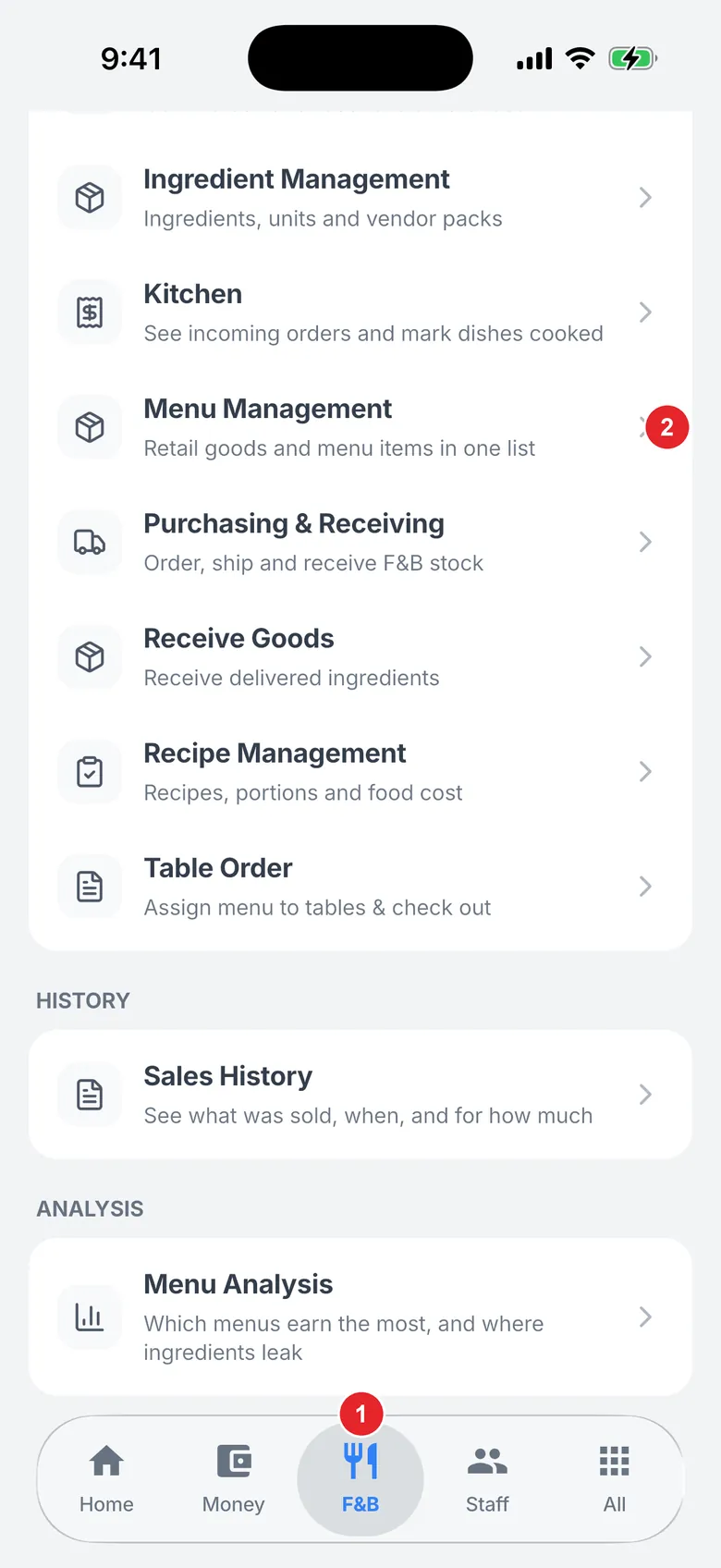
- Tap «F&B» at the bottom of the app.
- Scroll down and tap «Menu Management».
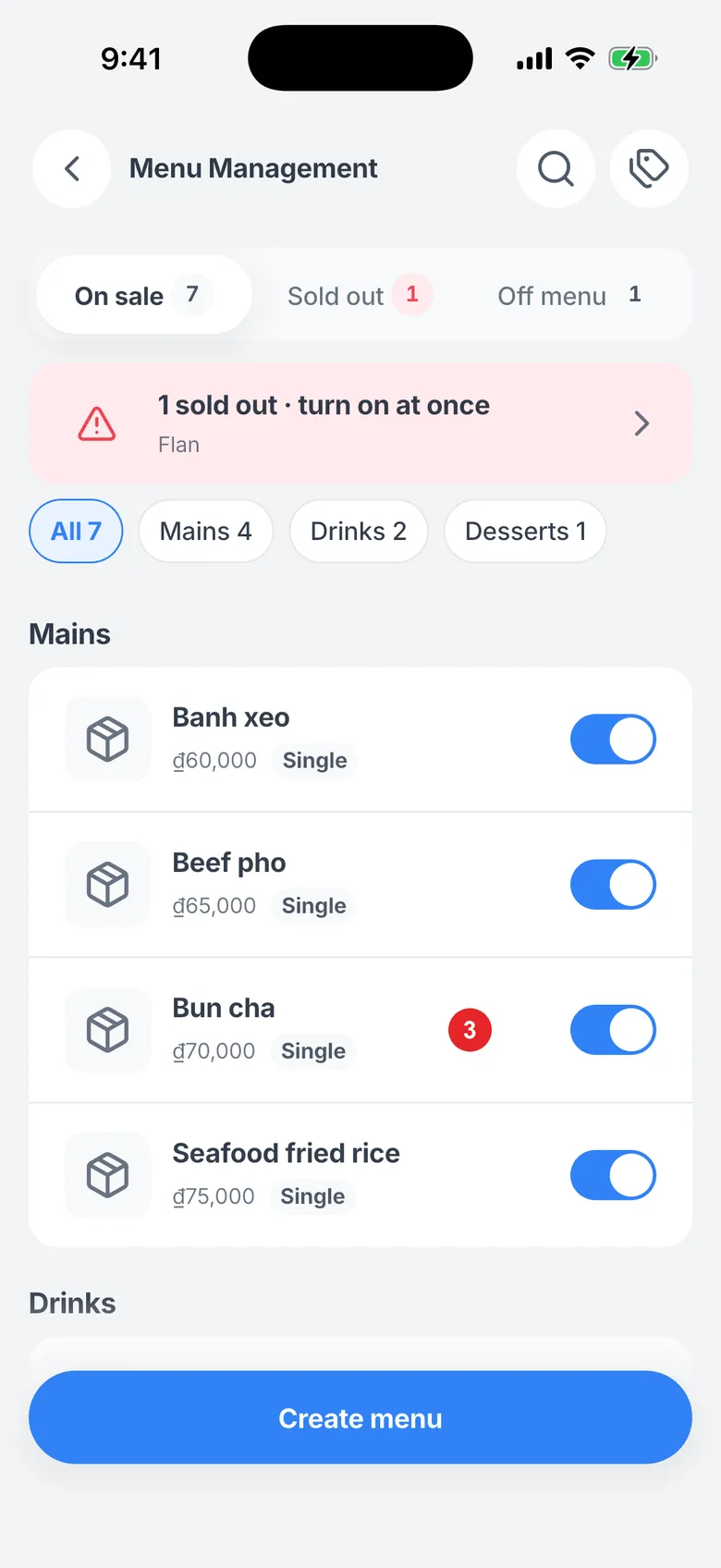
- Tap the menu item whose price you want to change. Here it is «Bun cha».
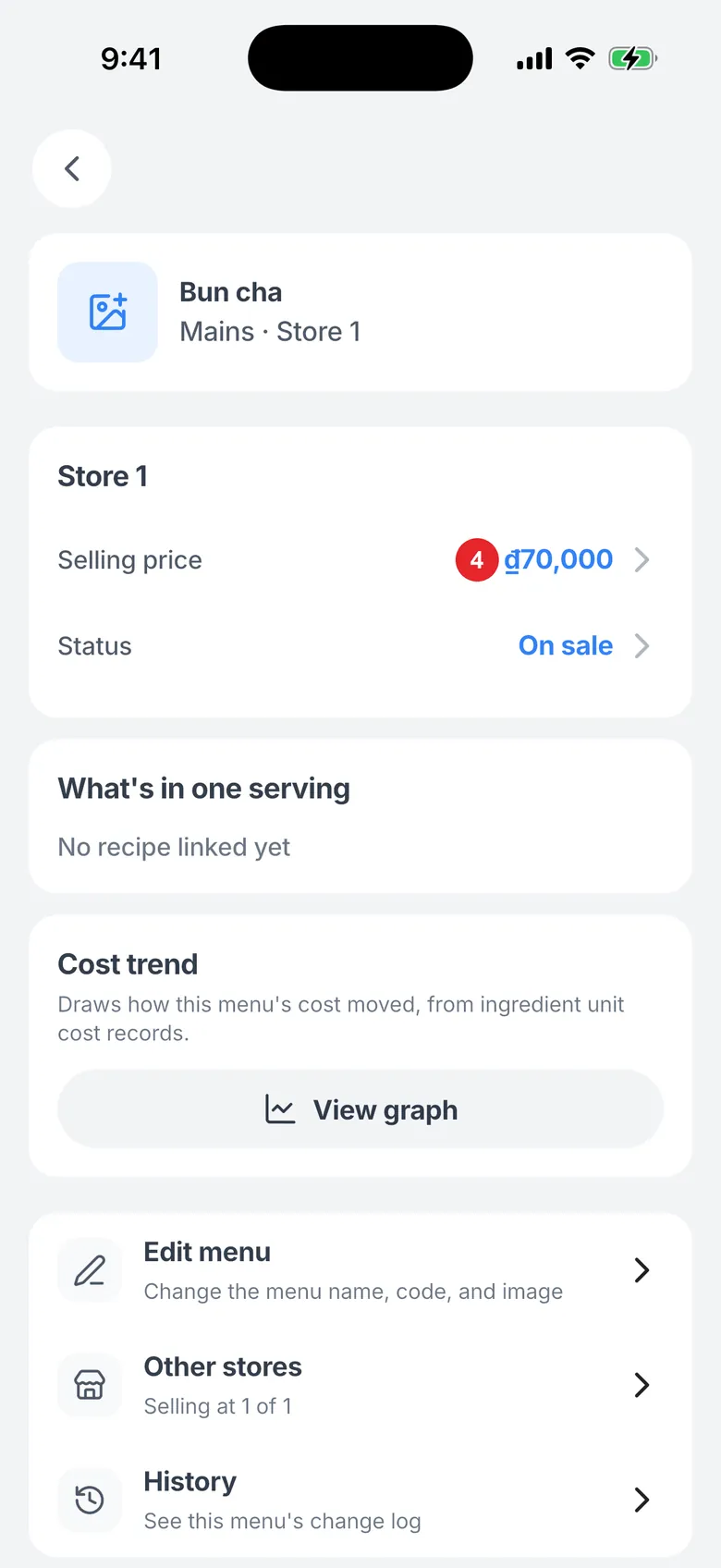
- Tap «Selling price».
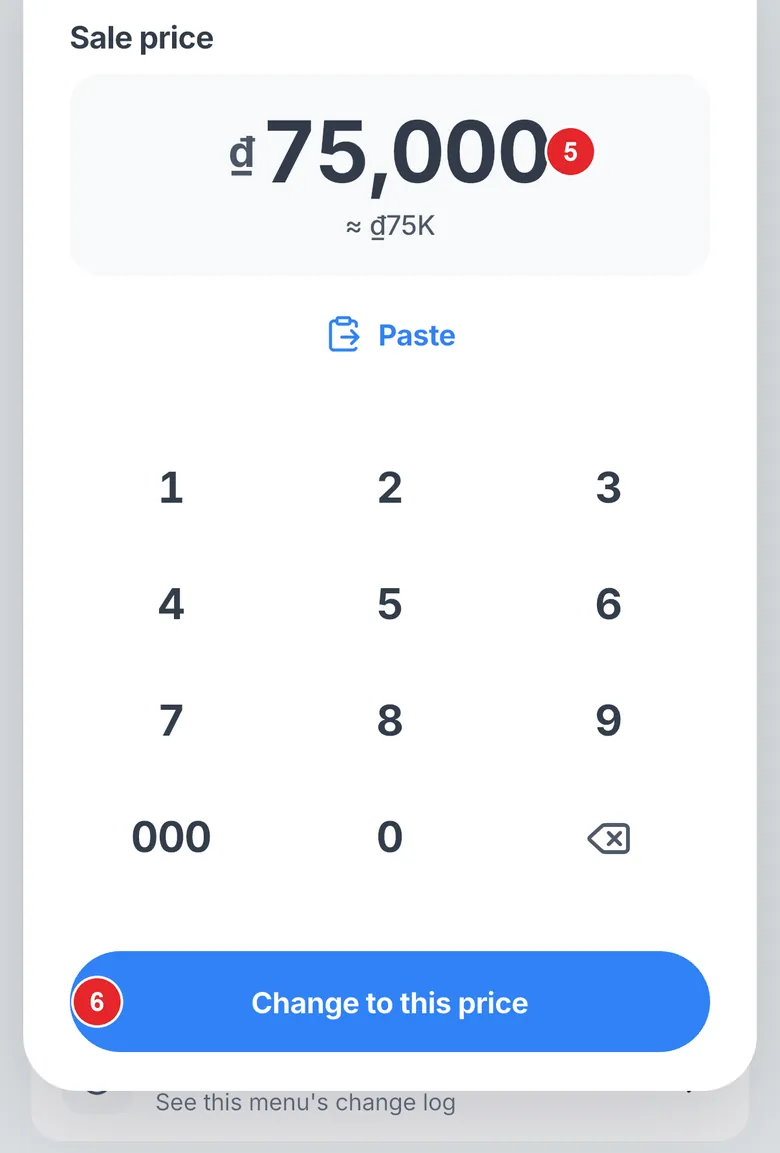
- Clear the current price with the delete button at the bottom right and enter the new price.
- Tap «Change to this price». It changes right away, with no confirm window.
Selling prices are separate for each store. The new price goes only into the store chosen now (here, Store 1).
Orders already taken
- Menu items already added to an order are charged at the price when they were added.
- The new price goes in from orders added after the change.
Remember
- In the app, «Change to this price» saves as soon as you press it. Check the number again before you press.
- Change an option's extra price in «Set up options».
- The change record stays at the very bottom of the app's menu item details, in «History», like «1 store price or sale changes».