
Show contents
F&B menu & sales › Menu setup
I entered the wrong price
- Who
- Owner
- When
- When you find out you entered it wrong
- Where
- App · Web
What you get
- Change it back to the right price in the same place, and orders added after that get the right price.
- Other stores' prices stay the same, so you fix only the store that is wrong.
What it solves
- If you save with one extra digit pressed, it sells at that price. If nobody notices, every guest is charged the wrong price.
Why this way
- Fix only the price; don't make the menu item again. Menu items can't be deleted, so a new one would leave you with two of the same.
- Can I see since when it was wrong? The date and time of the change stay at the very bottom of the app's menu item details, in «History».
- What about orders already added at the wrong price? The price of those orders doesn't change. The fixed price goes in from orders added after that.
- What if the wrong one is an option's extra price? Fix it in «Set up options».
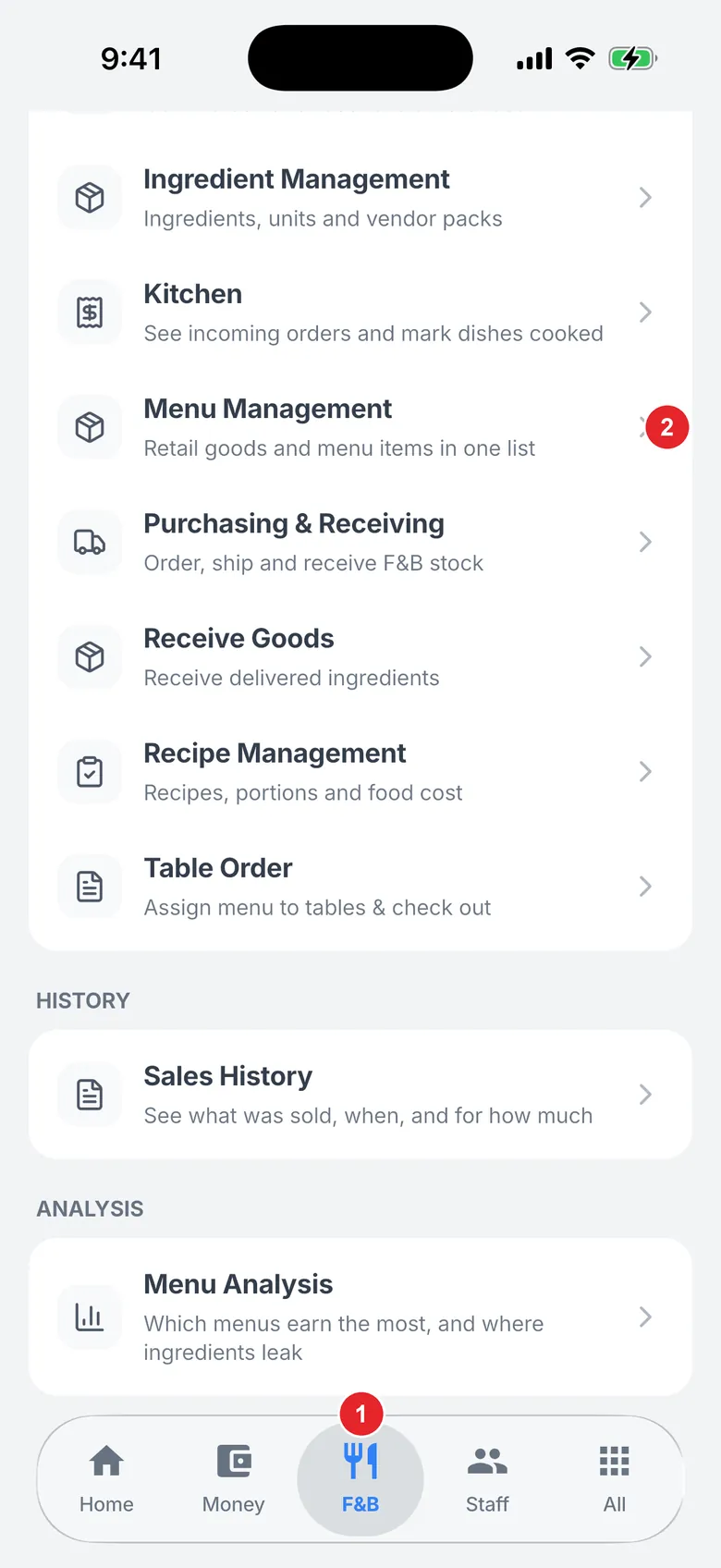
- Tap «F&B» at the bottom of the app.
- Scroll down and tap «Menu Management».
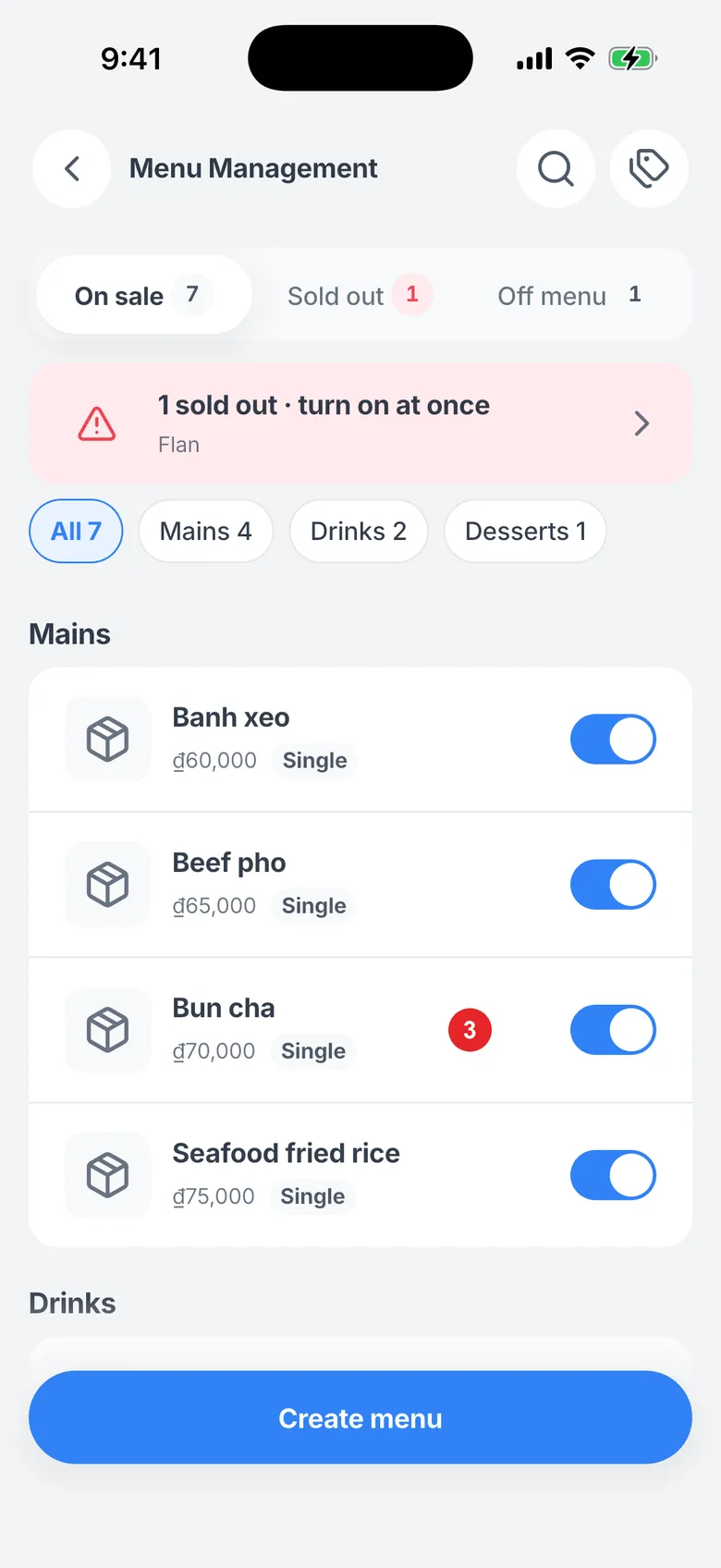
- Tap the menu item with the wrong price.
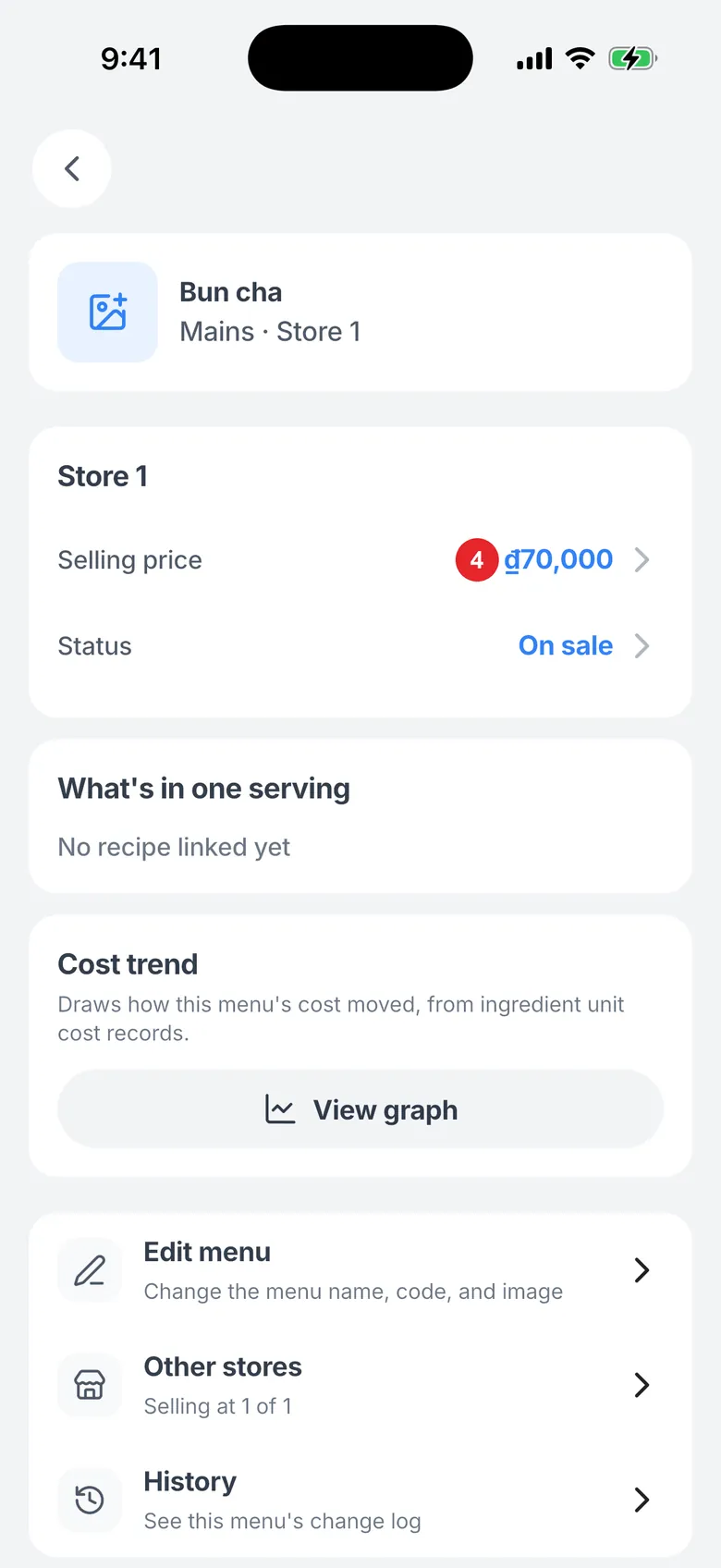
- Tap «Selling price».
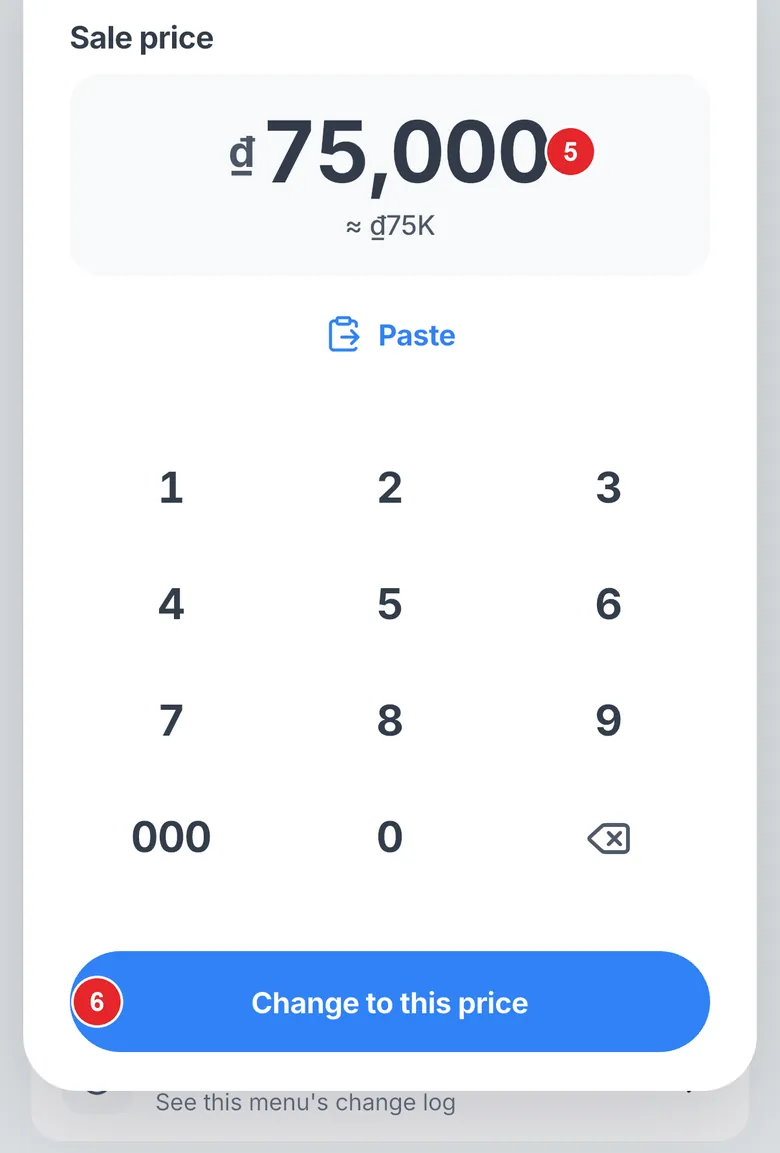
- Clear the wrong digits with the delete button and enter the right price.
- Tap «Change to this price». It changes right away.
Why it works this way
On the app's number pad, «Change to this price» saves as soon as you press it. If you press it with one extra digit, it sells at that price. Just change it back to the right price.
Remember
- The price you change it back to goes in from orders added after that.
- Orders already added at the wrong price keep that price.
- If an option's extra price is wrong, fix it in «Set up options».