
Show contents
Daily cash & closing › Cash & bank setup
Set up dollars and other currencies
- Who
- Owner
- When
- Only when needed
- Where
- App · Web
What you get
- Even with dollars mixed into the drawer, you open a dollar table in «Cash Closing» and count the dollar notes as they are («Count dollars you received»).
- The counted dollars are changed into dong at the exchange rate above the table and added to the counted money. You don't convert by hand.
What it solves
- If the company has no dollars, no dollar table appears under «Add currency» in «Cash Closing», so you can't count the dollars in the drawer.
- If you change dollars into dong in your head while counting, when there is a difference you can't tell whether the math was wrong or money is missing.
Why this way
- Dong notes go in the dong table and dollar notes in the dollar table, so the two currencies never get mixed in one count.
- What if the exchange rate changes? Fix it with «Edit exchange rate» for that currency in «Currency Setting» on the website.
- Can I change the base currency too? No. The base currency can't be changed later, and its notes and coins were already added when the company was created.
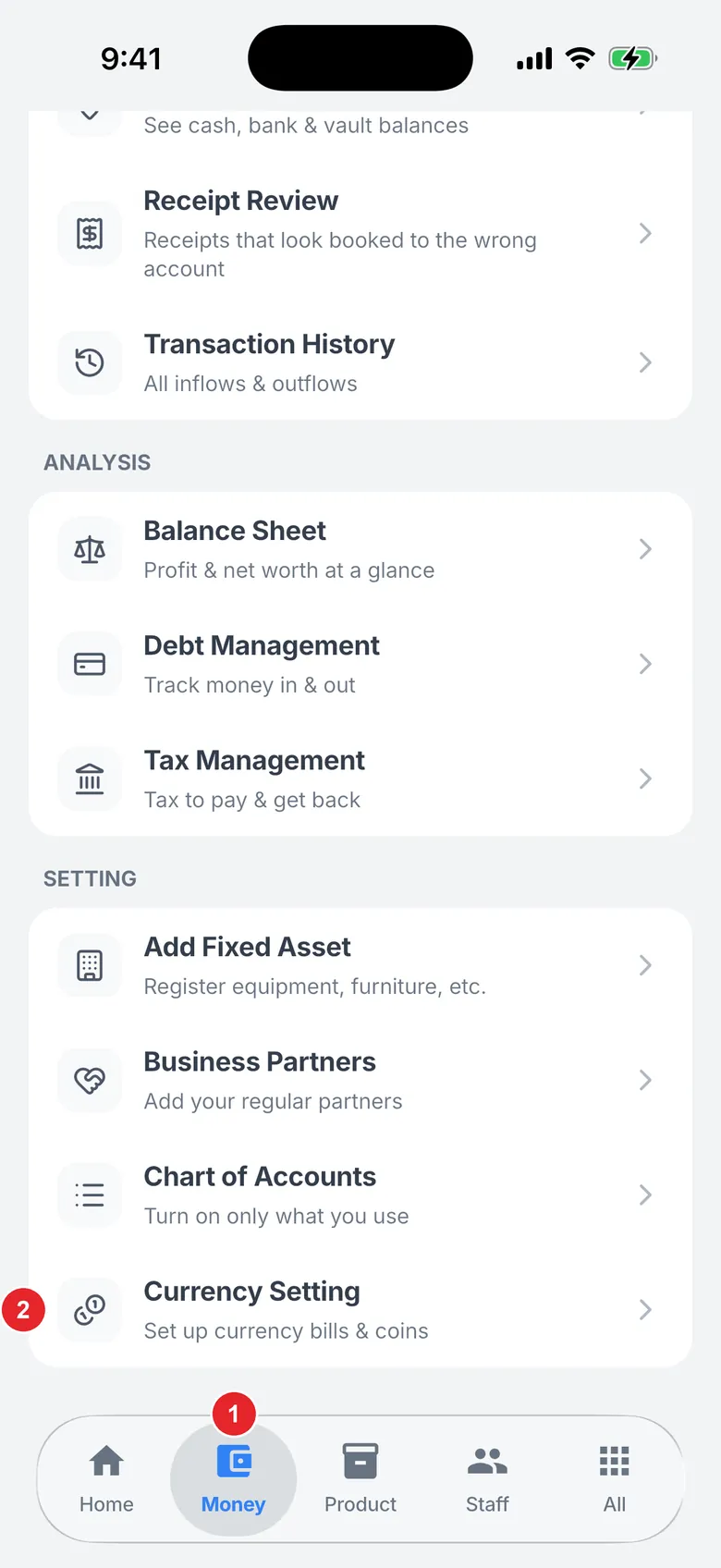
- Tap «Money» at the bottom of the app.
- At the very bottom of the screen, under «SETTING», tap «Currency Setting».
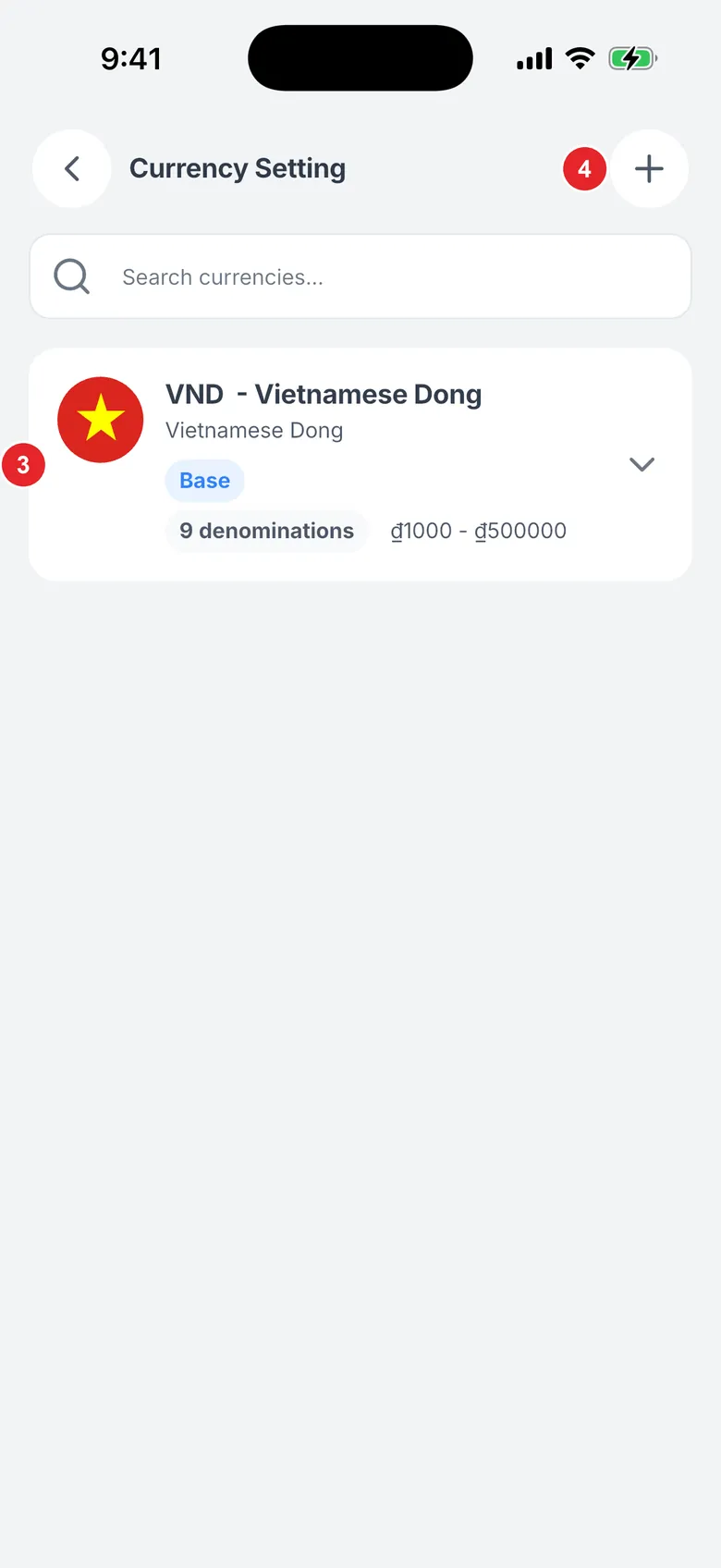
- The currencies you use now are shown. The one marked «Base» is the base currency.
- Tap «+» at the top right.
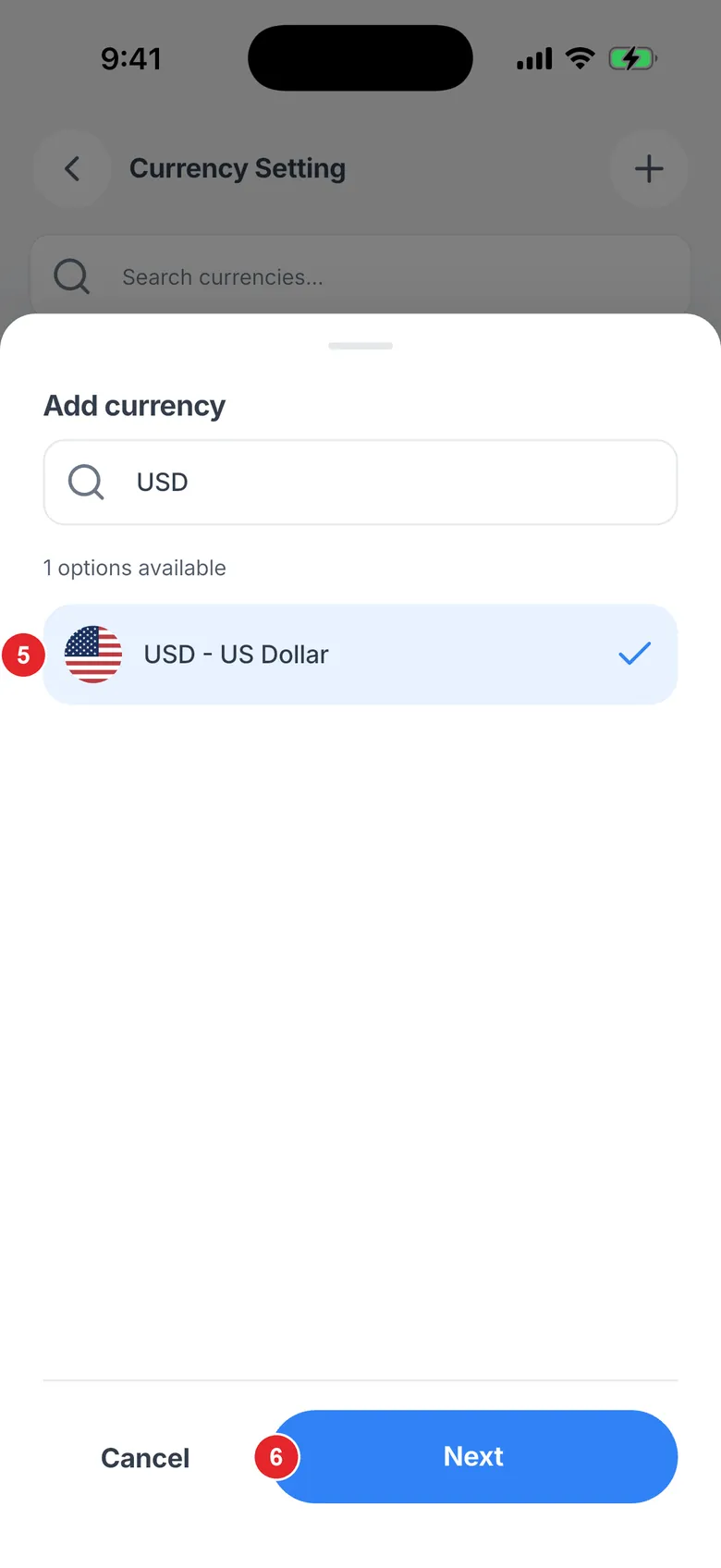
- Search for the currency name or code (e.g. USD) and choose it.
- Tap «Next». On the «Set exchange rate» step that follows, the «Exchange rate» box fills in with today's rate by itself (1.0 if it can't be fetched). Correct it if needed and tap «Add currency».
The base currency's notes and coins are added automatically when the company is created. Add a currency only when you take another one, like dollars.
Remember
- The base currency can't be changed later.