
Show contents
F&B menu & sales › Take orders & get paid
Take a takeout order
- Who
- Staff
- When
- When guests take the food away
- Where
- App · Web
What you get
- Even taken without a table, it shows separately as «Takeout» on the kitchen screen, so the kitchen doesn't mix it up with dining room orders.
- Takeout orders in progress are gathered in the «Takeout» tab, so when guests come to pick up, you find theirs right away.
- Payment works the same as for table orders, so there is nothing new to learn.
What it solves
- If you take takeout on paper or on an empty table, it mixes with dining room orders, and the empty table looks taken.
Why this way
- It leaves the list only after it's paid and all the food has gone out. Takeout not paid yet, or with food still to go out, stays on the list.
- What if table guests decide to take it away? Don't take a new order; press «Switch to takeout» in «Move order» («I want to change tables»).
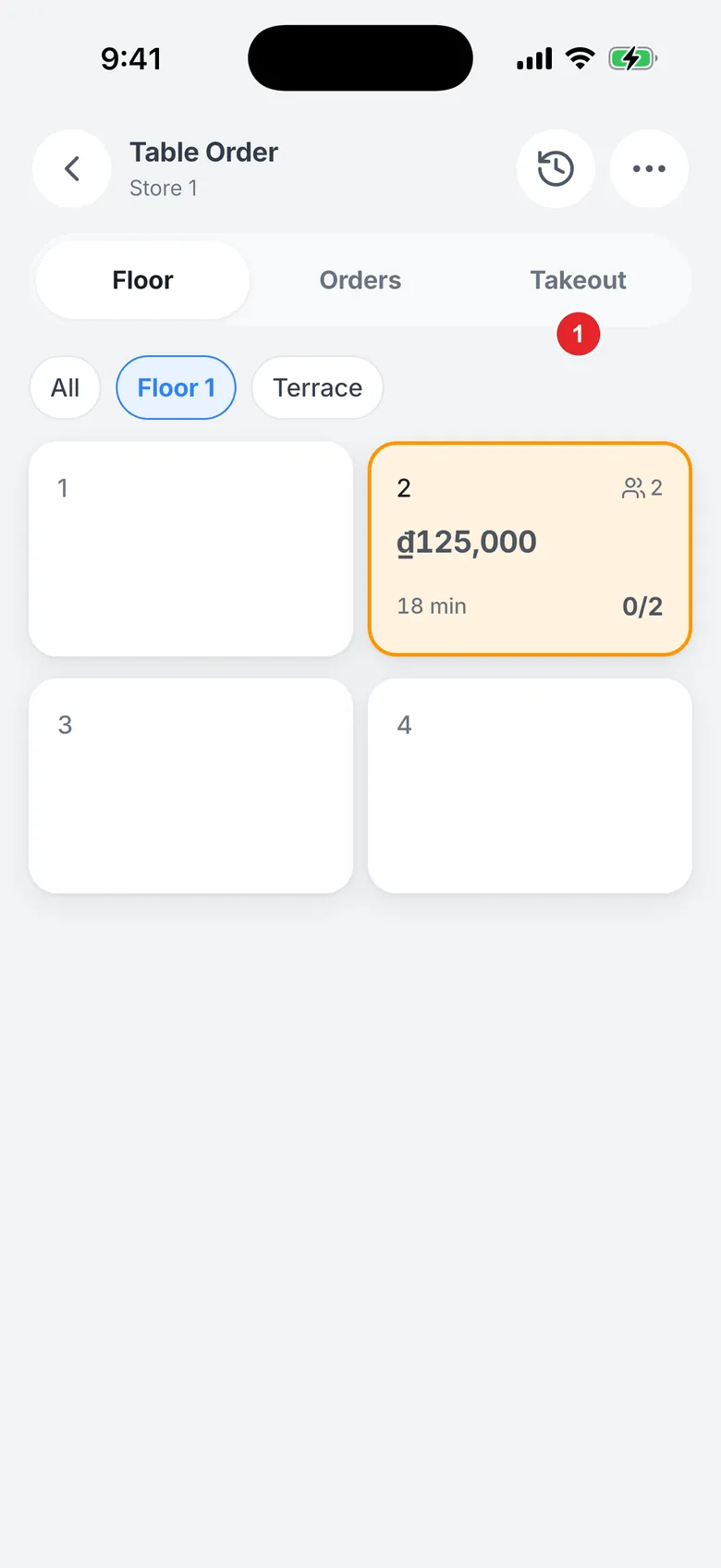
- In «F&B» › «Table», tap the «Takeout» tab at the top.
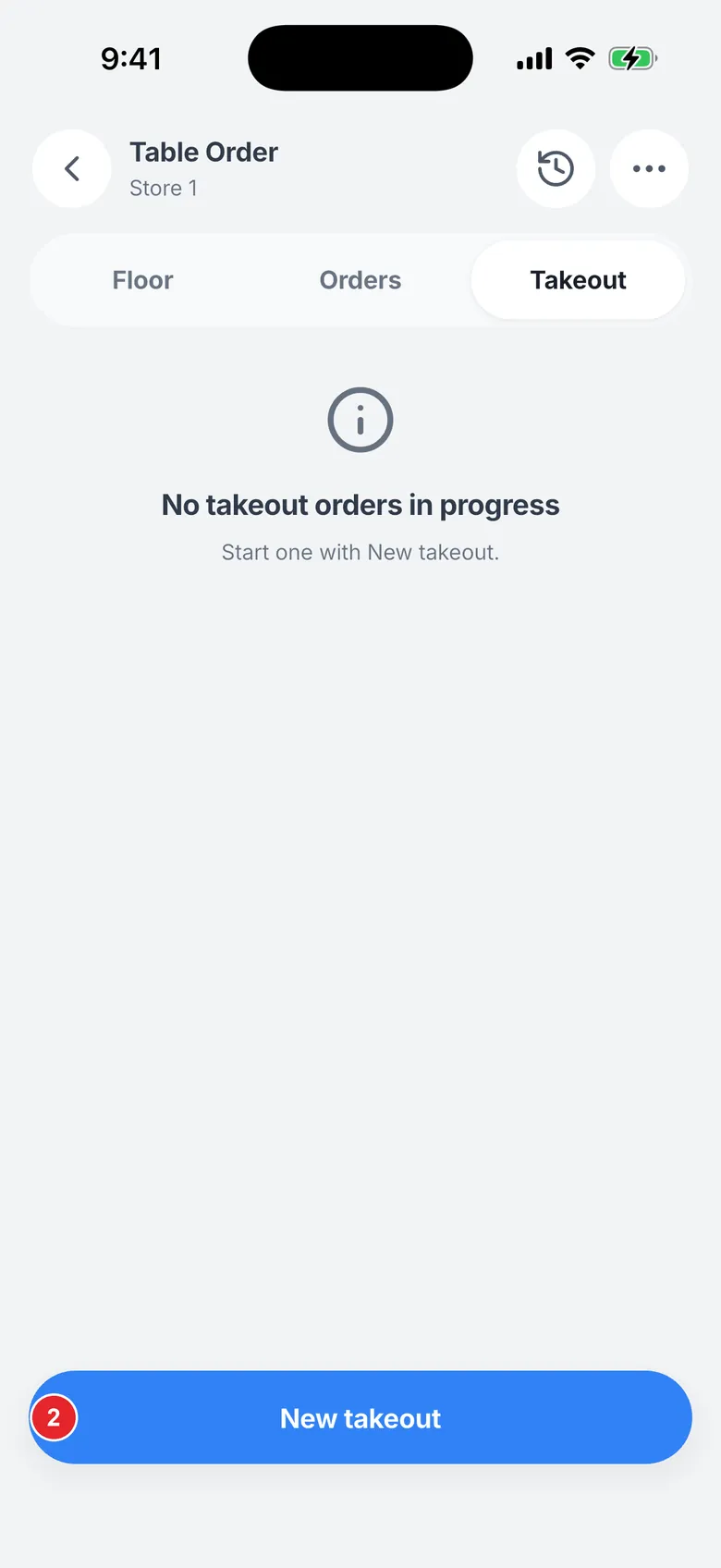
- Tap «New takeout». Takeout orders in progress, if any, show in this list (here there are none yet).
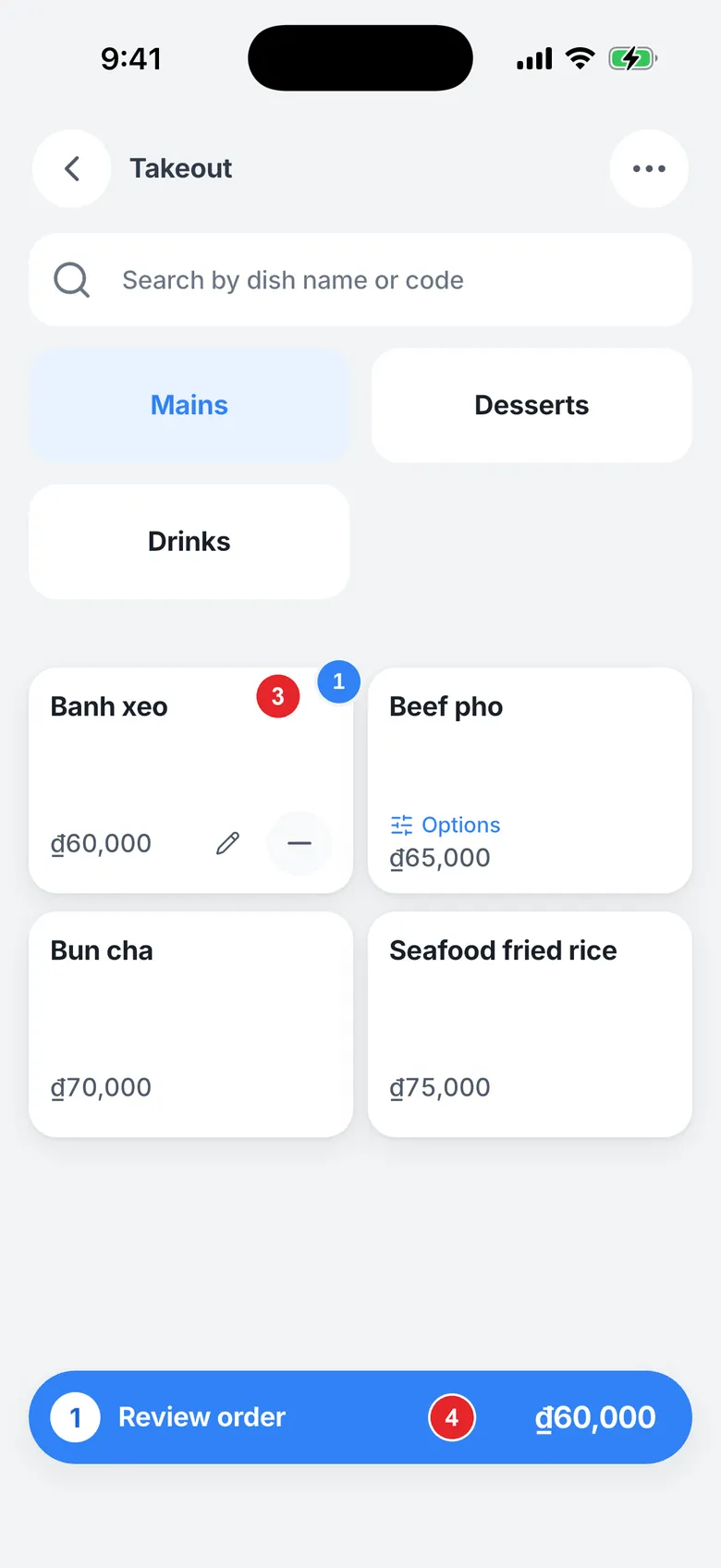
- Tap a menu item to add it. Choosing works the same as for a table order.
- Tap «Review order» at the bottom.
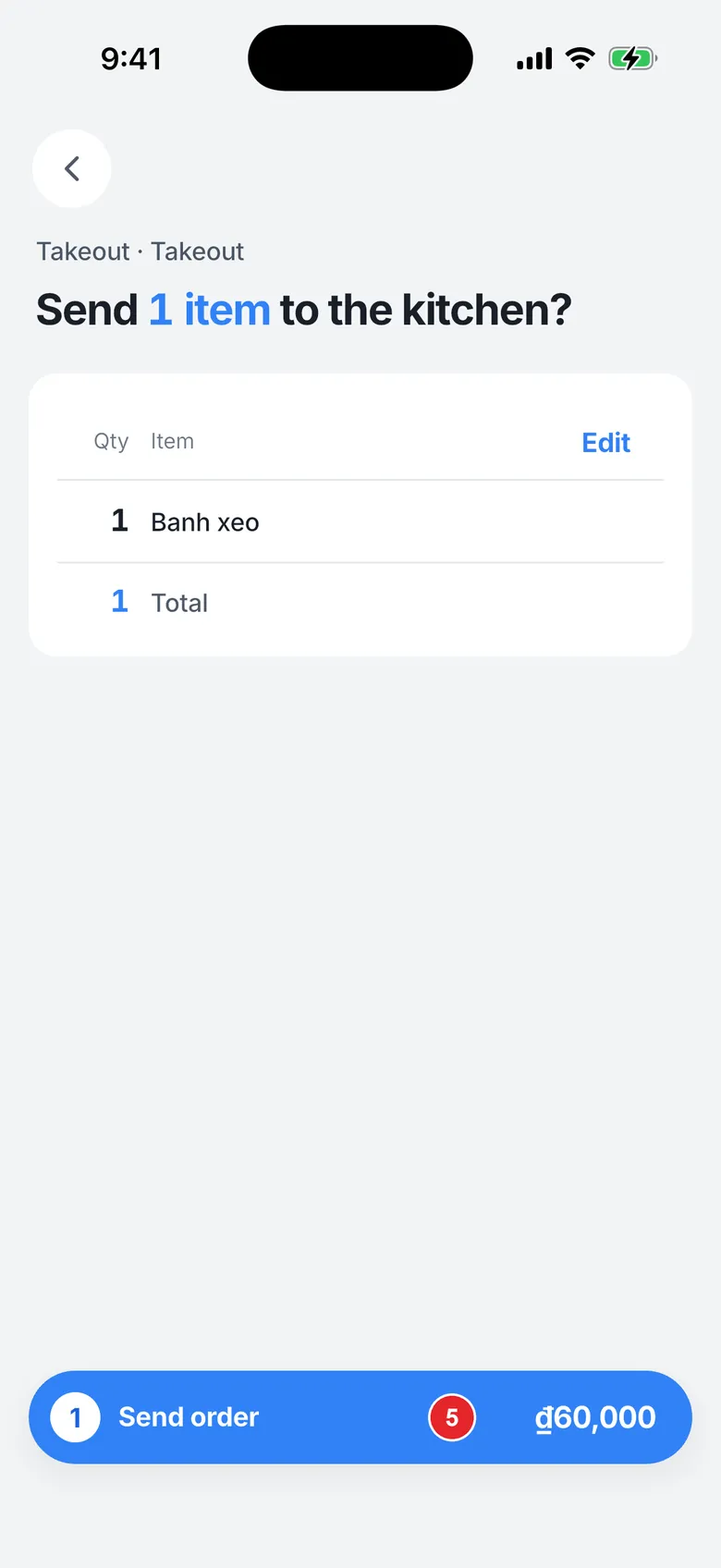
- Check that it shows «Takeout · Takeout», then tap «Send order» at the bottom. It goes to the kitchen.
Takeout is taken in the «Takeout» tab, without a table. Add menu items and press «Send order», and it goes to the kitchen; payment works the same as for table orders.
Remember
- Takeout orders in progress stay in the «Takeout» tab. Once they are paid and all the food has gone out, they leave the list.