
Show contents
Daily cash & closing › Count money at closing
The cash closing table doesn't show
- Who
- Staff · Manager
- When
- When something goes wrong
- Where
- Web · App
What you get
- Choose one store in the store box, and that store's table shows right away.
- Each store is counted separately, so the money of two stores doesn't mix.
What it solves
- The website's «Cash Closing» shows only «Please select a specific store from the top bar to begin» instead of the table. That is because the store box at the top is set to «All Stores».
Why this way
- Each store has its own «Counter cash», vault and bank account, so cash closing counts one store at a time.
- Is it broken? No. Choose the store to count in the store box, and the table shows.
- Is it the same in the app? No. The app always opens with one store chosen, so this message doesn't show.
- What if I want to see all the stores together? After counting everything, choose «All stores» in the website's «Cash Management», and they show in one table.
The app always opens «Cash Closing» with one store chosen, so this problem happens only on the website. When you count another store, you switch it here.
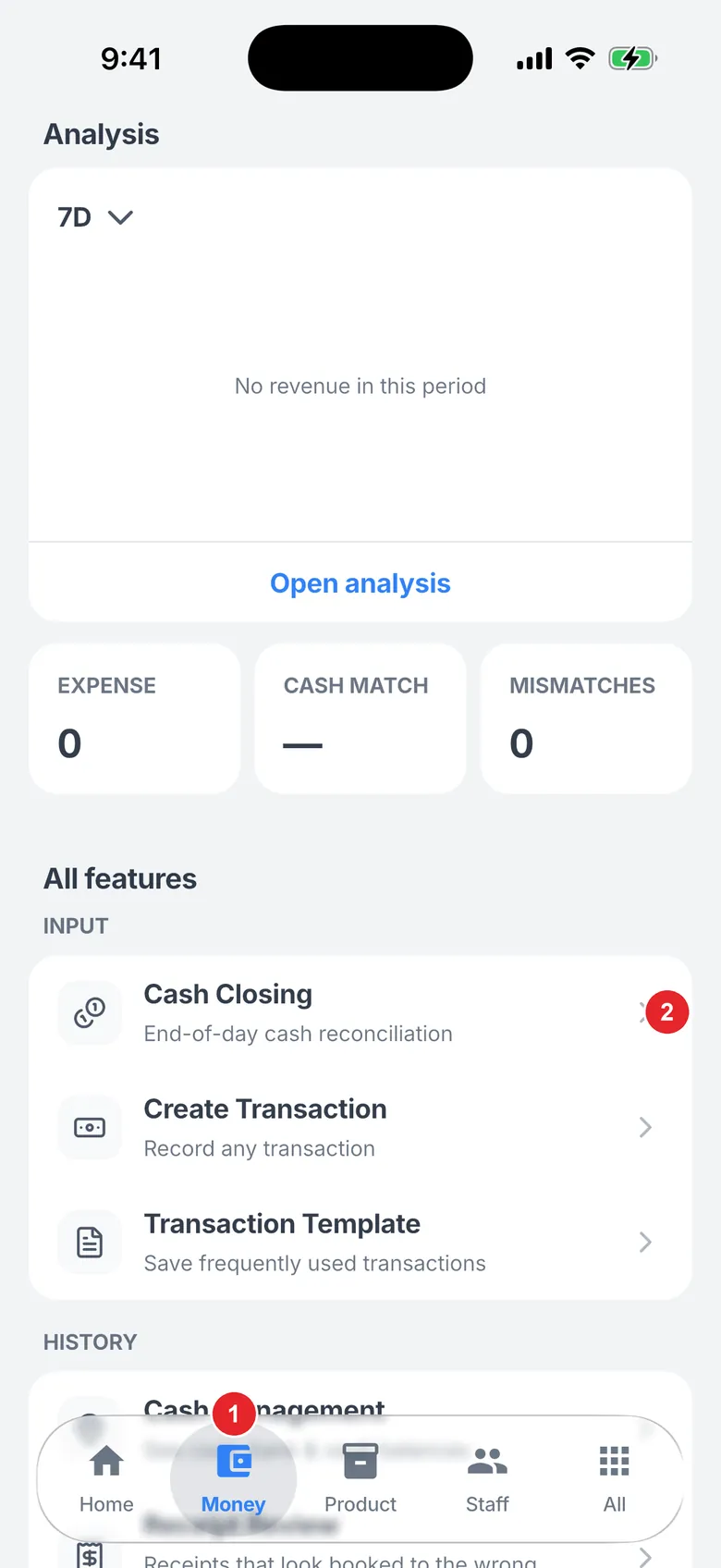
- Tap «Money» at the bottom of the app.
- Scroll down and, in «All features», tap «Cash Closing».
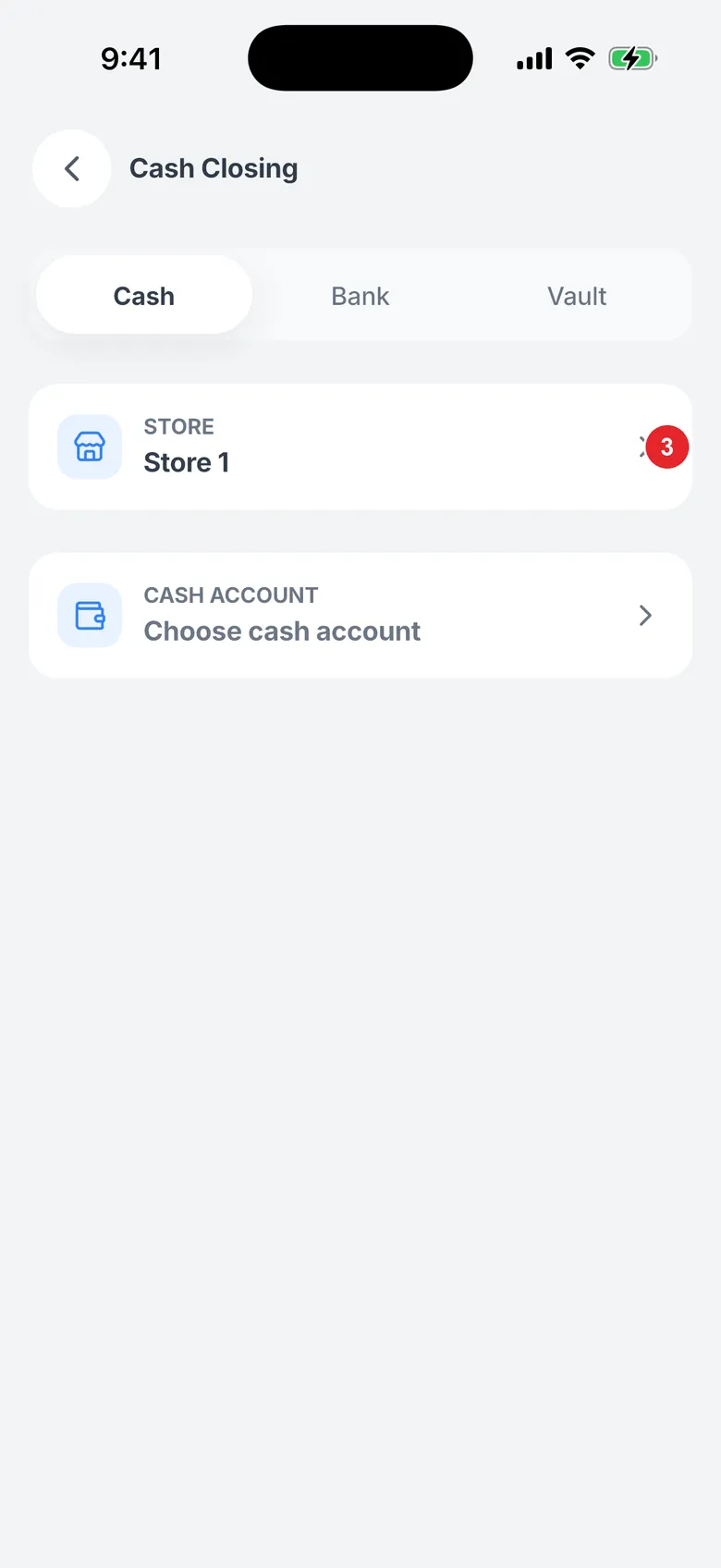
- «STORE» shows the store chosen now. Tap it to change it.
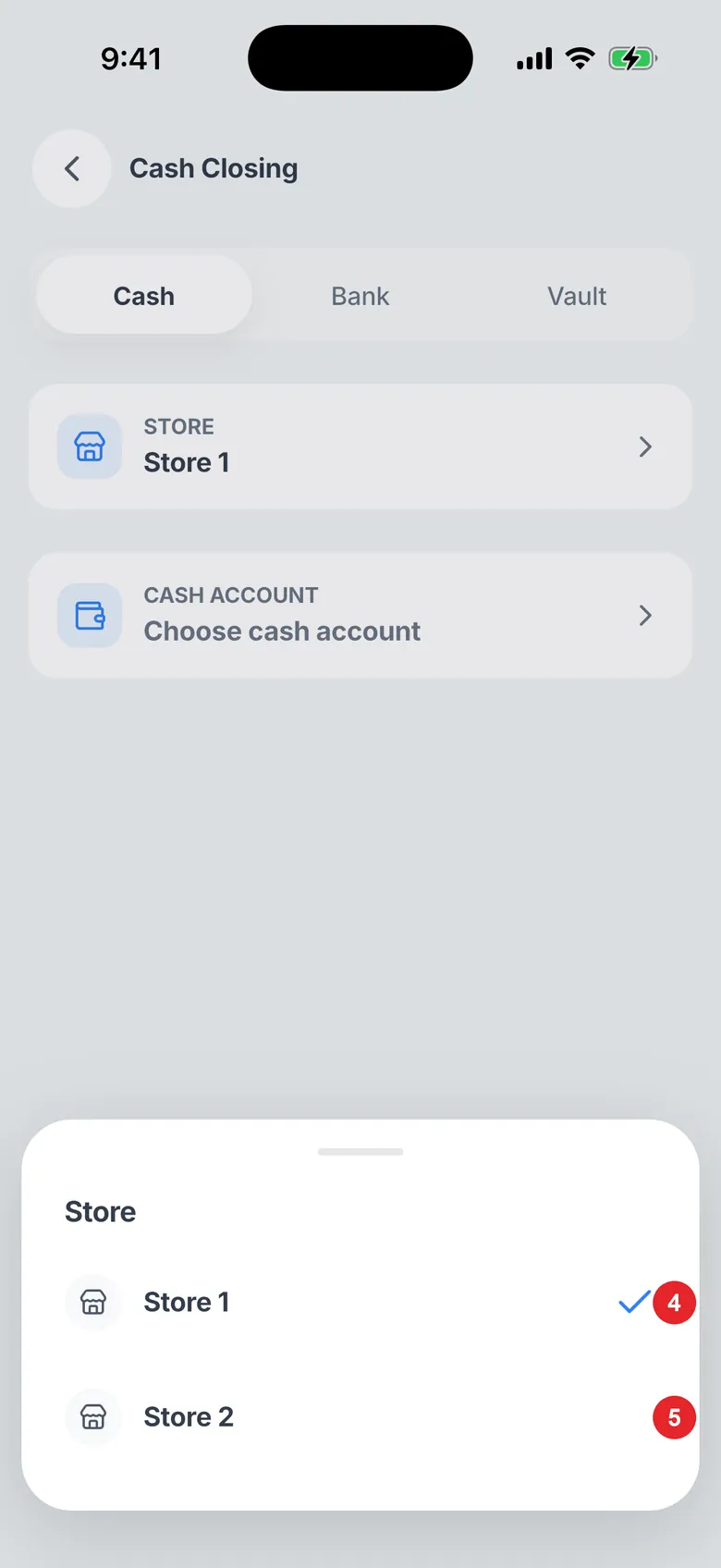
- Tap the store to count. The store with the check mark is the one chosen now.
- Choose another store the same way after that store is fully counted.
Why it works this way
Cash closing counts one store at a time. If the store box at the top is «All Stores», «Please select a specific store from the top bar to begin» shows instead of the table.
The app always opens with one store chosen, so this message doesn't show.